Unblur Image Online FreeMake Blurry Images Clear with AI
Free HD is unlimited, with no sign-in or credits required.

What You Can Do with AI Unblur Image
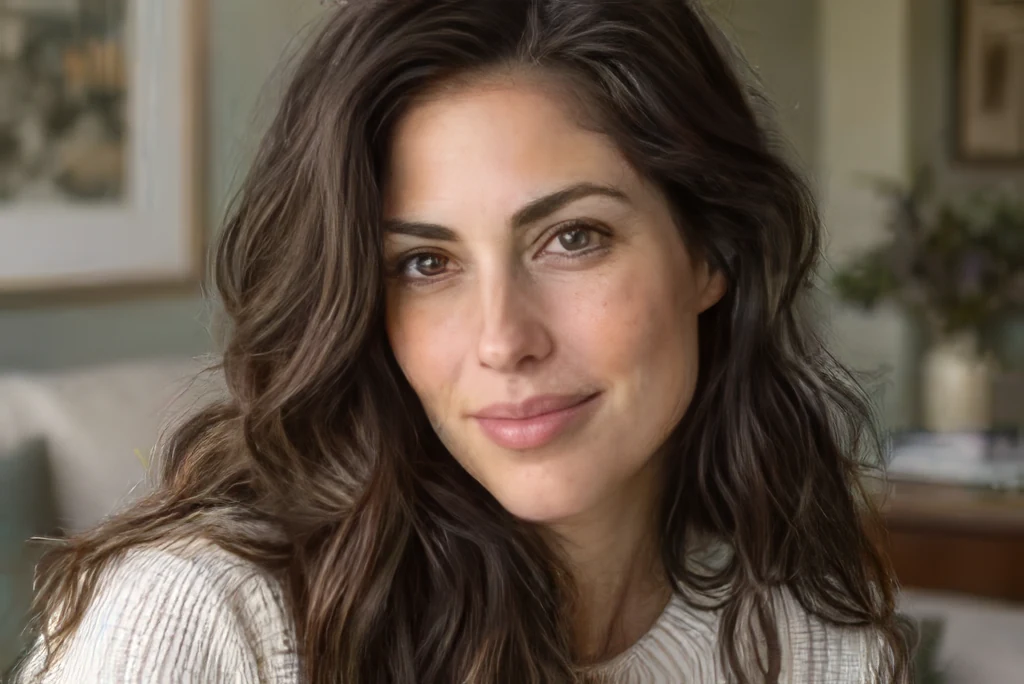
Our AI unblur image tool deblurs, sharpens, and enhances your photos in one click — no editing skills needed. Improve motion blur, recover facial detail, upscale resolution, and more.
AI Unblur & Deblur Images Instantly
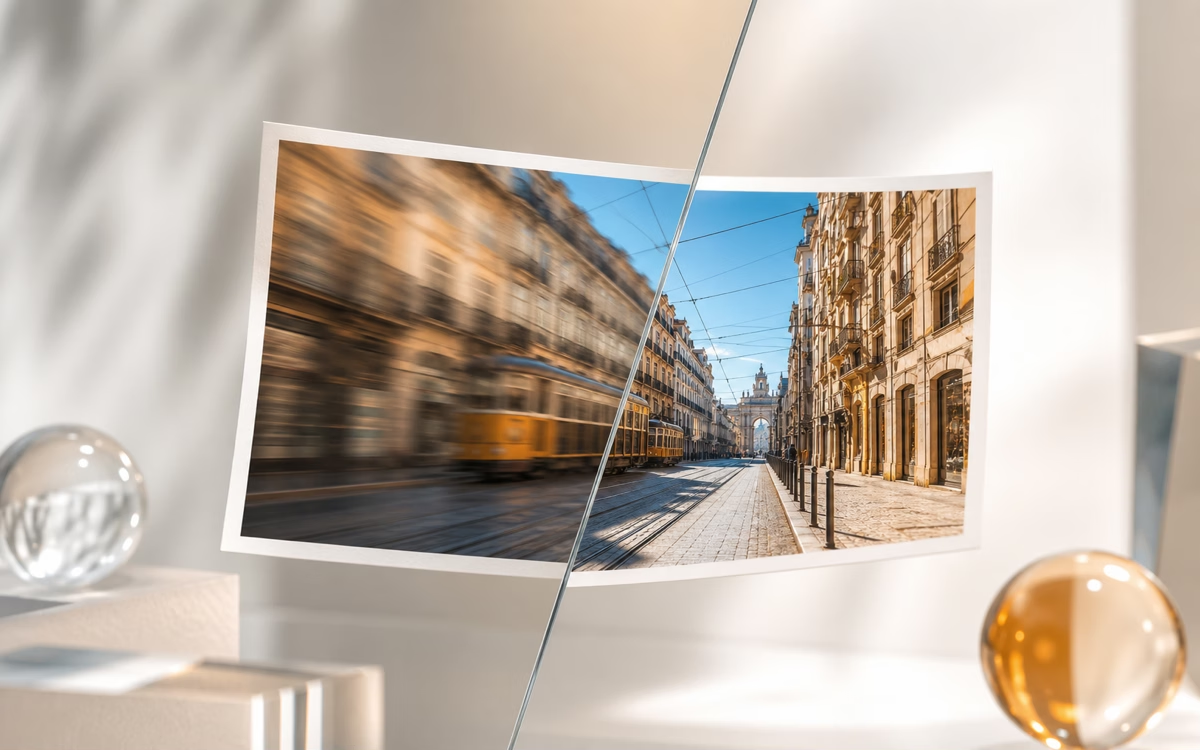
Unblur images in one click. Our AI helps improve motion blur, lens blur, and soft focus — no manual editing required. Turn blurry shots into clearer images in seconds.
Face Recovery & Portrait Sharpening
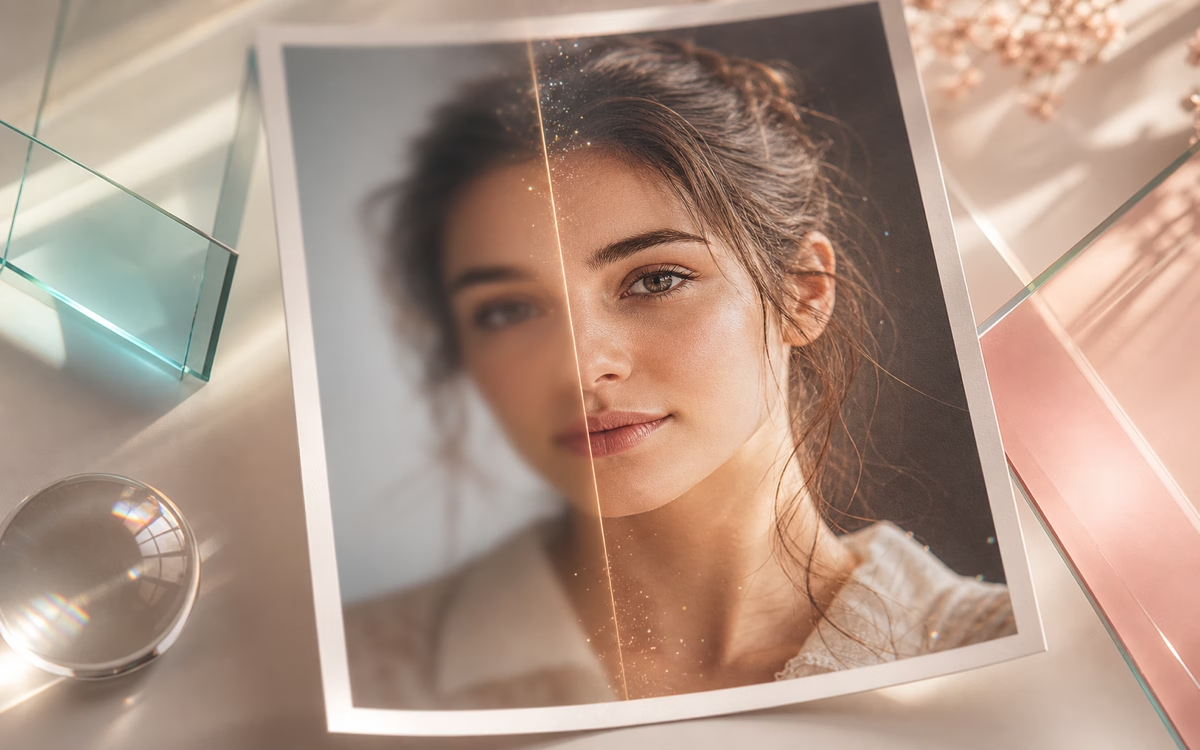
Recover facial details lost to blur when you unblur portrait images. Eyes, hair, and portrait edges can look clearer while the photo stays natural, not over-processed. Perfect for selfies, profile photos, and group shots.
Upscale to Higher Resolution (2x / 4x)
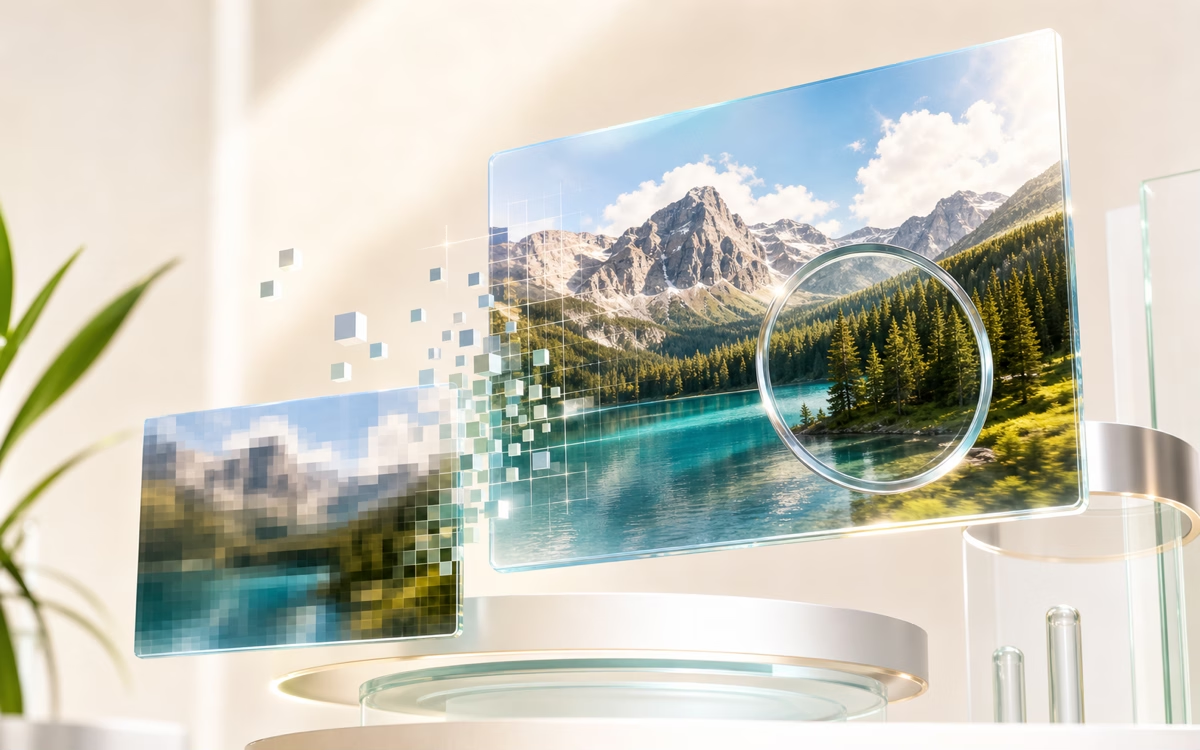
Sharpen and enlarge your unblurred image at the same time. Upscale up to 4x while preserving and enhancing visible detail, so your unblurred photo is easier to use on larger screens and layouts.
Unblur Text & Documents
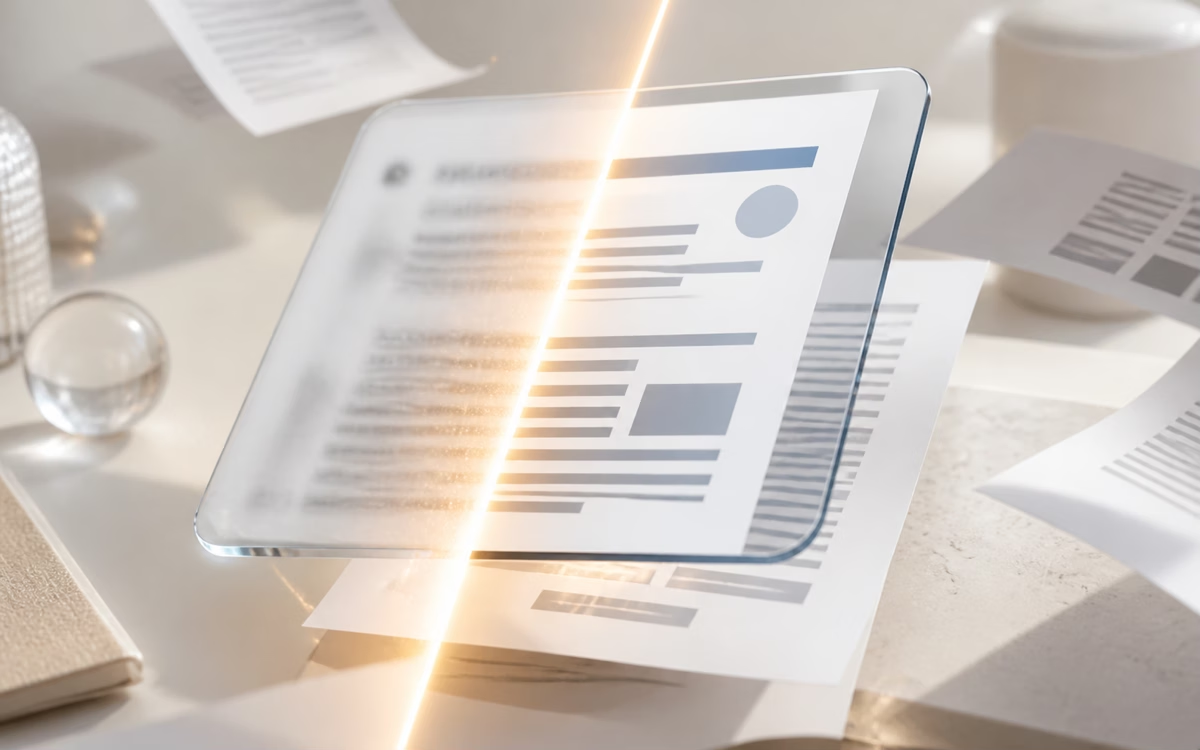
Make blurry text easier to read. Unblur text images — screenshots, scanned documents, or photos of whiteboards — and get sharper results without opening desktop editing software.
Noise Reduction & Clarity Enhancement
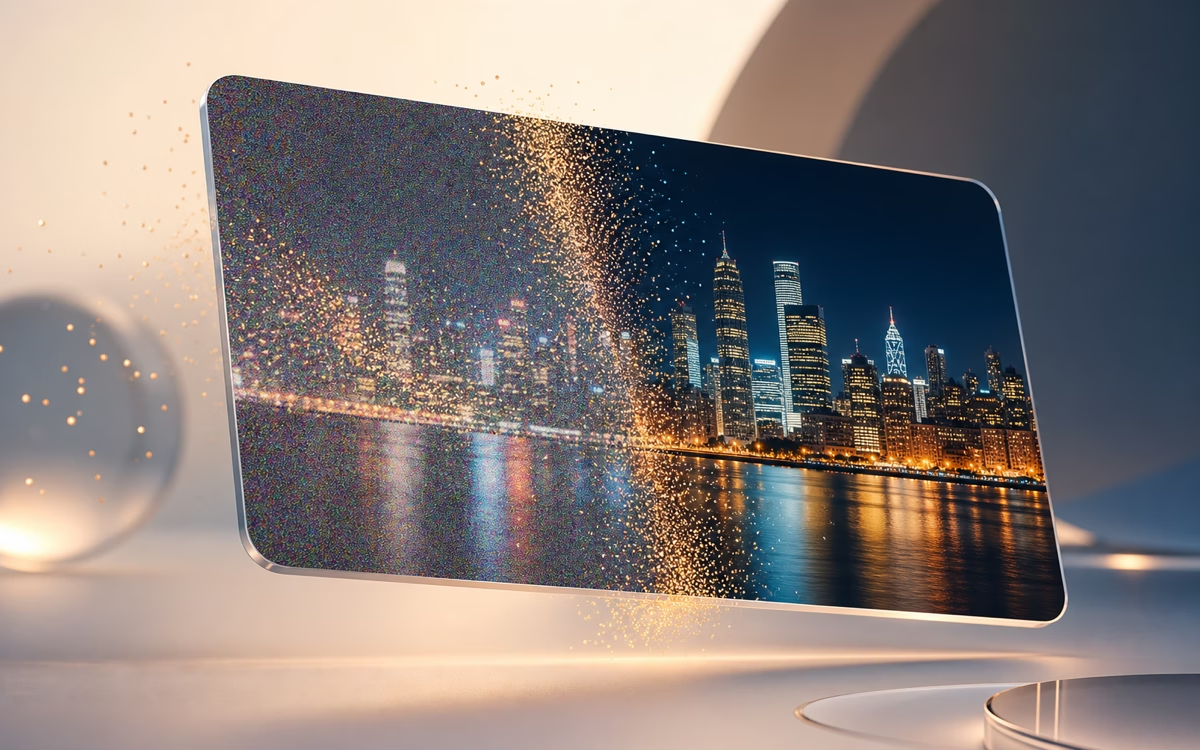
Reduce grain, compression artifacts, and scan noise where possible while preserving the main subject. Use it when the blurry image you want to unblur also needs a cleaner finish.
How to Unblur an Image Online
Three simple steps to unblur an image online — turn any blurry photo into a sharp, clear result, no skills required.
1. Upload Your Blurry Image
Drag and drop your photo onto the upload area, or click to browse to unblur an image. The tool accepts common browser image formats such as PNG, JPEG, JPG, and WebP.
2. AI Unblurs It Automatically
Our AI analyzes your image and applies unblur enhancements in seconds. Choose an upscale level and enable face enhancement for portraits, then compare the result with the before/after preview.
3. Download Your Crystal-Clear Image
Once you're happy with the result, download your unblurred image in high quality. No sign-up is required, and you can upscale your unblurred image to 2x or 4x before downloading.
Who Uses an AI Unblur Image Tool
From online sellers to family archivists — anyone with a blurry photo can unblur image online and get a clearer result in seconds.
E-commerce Sellers
Blurry product photos can make listings harder to trust. Unblur product images and upscale them with AI so details are easier to inspect before you publish.
Portrait & Selfie Enthusiasts
Turn a slightly out-of-focus selfie into a clearer portrait when you unblur an image. Face enhancement can improve the sharpness your camera missed — ideal for profiles and social posts.
Old Photo Restoration
Breathe new life into faded or blurry family photos. Unblur images from scanned albums, vintage prints, and older snapshots — AI enhancement makes them easier to view and share.
Content Creators & Designers
Sharpen screenshots, enhance design assets, and unblur images for quick reuse — from thumbnails to social posts and presentation images.
Why Choose Our AI Unblur Image Tool
We built a focused way to unblur and upscale images online — and made it free to use.
100% Free, No Strings Attached
Unblur as many images as you need. No credit card, no trial period, no pricing gate — just upload and get results.
No Sign-Up Required
You can unblur images from the public page without creating an account, logging in, or moving through a workspace first.
AI Upscale and Face Enhancement
Use AI sharpening, up to 4x scaling, and optional face enhancement to unblur images and make blurry photos clearer for everyday use.
Built for Fast, Simple Image Enhancement
Every design choice keeps the workflow direct: no account gate, no desktop software, no pricing step.
Scale and Face Controls
Choose an upscale level and turn face enhancement on when a portrait needs extra clarity after you unblur an image.
Real-Time Before/After Preview
Slide to compare your original blurry image against the AI unblur result before you download. See the difference instantly.
Works on Desktop & Mobile
Use the full unblur image tool from any modern browser — desktop, tablet, or phone. No app install, no plugin required.
Everything You Need in a Free Unblur Image Tool
No fixed usage limits, no account gate, no software to install. Just upload and unblur image online — get a clearer result in seconds.
Supports Common Image Formats
Upload common image formats such as PNG, JPEG, JPG, and WebP when you unblur images from your browser.
Output Up to 4x Scale
Upscale your unblurred images up to 4x for clearer previews, presentations, and larger layouts.
Often Ready in Seconds
Most unblur image runs are designed to complete quickly, with timing depending on image size and service load.
No Account Required
Use the public unblur image tool without creating an account or signing into a workspace first.
What Is Image Unblurring?
Image unblurring is the process of using AI to reduce blur and improve perceived sharpness in photos. Unlike basic editing, where you manually push contrast and sharpness sliders, AI image enhancement analyzes the picture and applies targeted improvements for soft focus, motion blur, and low-resolution detail. When you unblur an image online with AI, you do not need photography skills or expensive software — upload a blurry image, choose an enhancement level, preview the result, and download a clearer version.
Frequently Asked Questions
Is this unblur image tool really free?
Do I need to sign up or create an account?
Will my unblurred image have a watermark?
How does AI unblurring actually work?
What happens to my uploaded photos? Are they private?
Can it fix all types of blur?
What image formats and sizes are supported?
How long does it take to unblur a photo?
Can I unblur text in an image?
Can I use the unblurred images for commercial purposes?
Ready to Unblur Your Images?
Unblur image online — turn blurry photos into clearer images, free with no sign-up or usage limits. Upload your first image now.