AI Image Denoiser for Cleaner, Clearer Photos
Bring your favorite photos into focus with our AI Image Denoiser. Smooth away distracting grain, enhance clarity, and give everyday images a cleaner finish—all in your browser.
Start with Free HD in your browser, with no sign-in or credits. Choose High Fidelity for cloud enhancement with account credits.
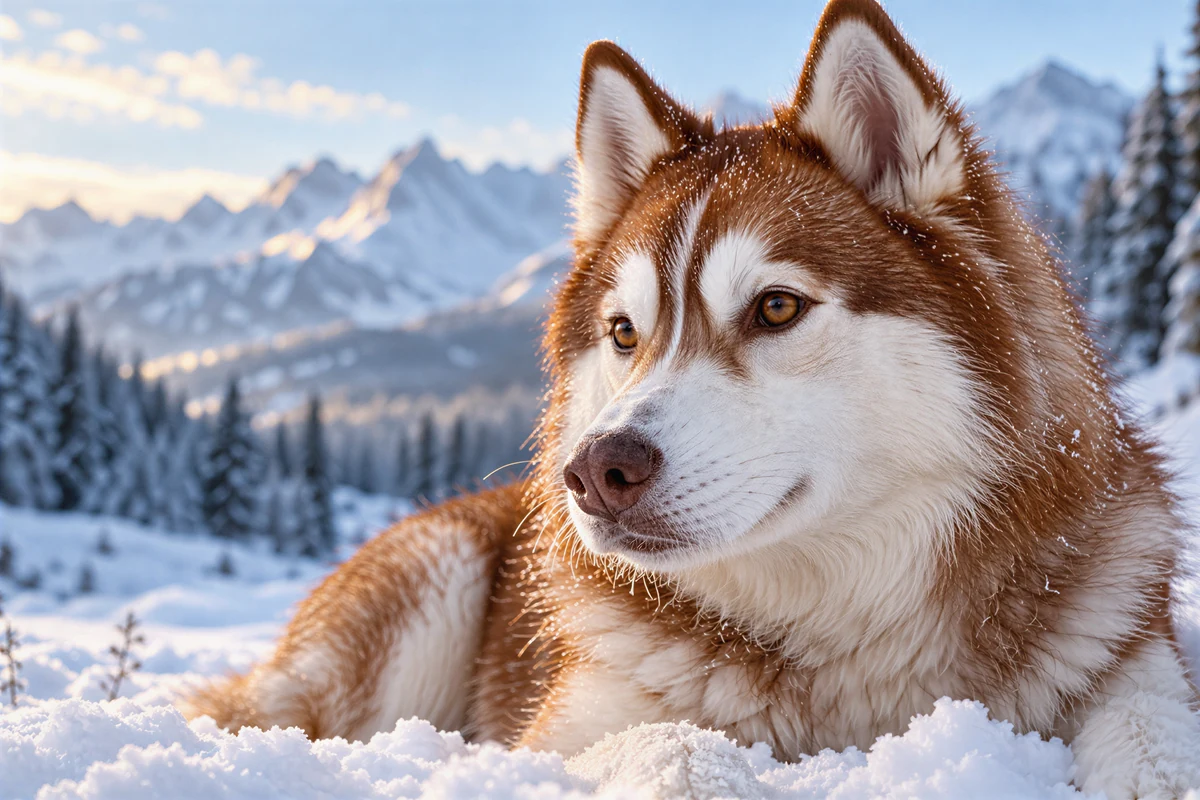
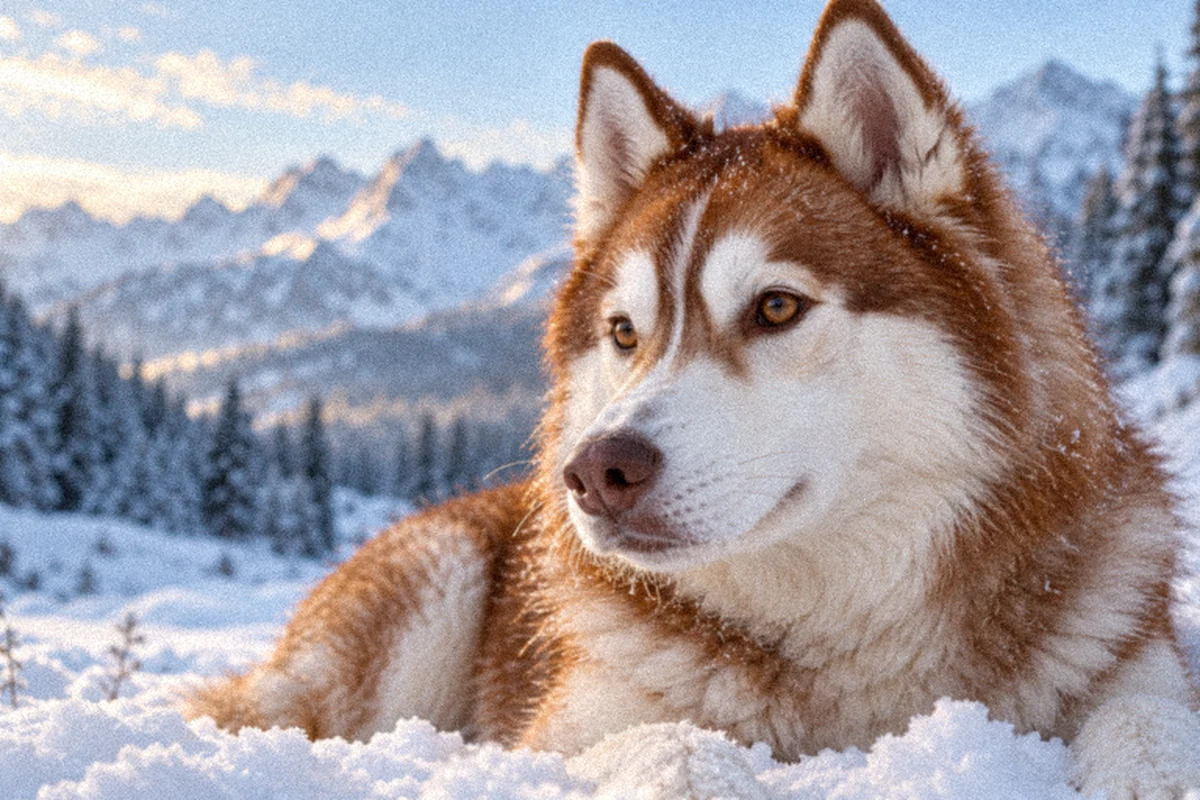
LESS DISTRACTION. MORE OF YOUR PHOTO.
AI Image Denoiser features that bring photos to life
From evening snapshots to product photography, our AI Image Denoiser brings cleaner textures and clearer subjects to the photos you want to share.
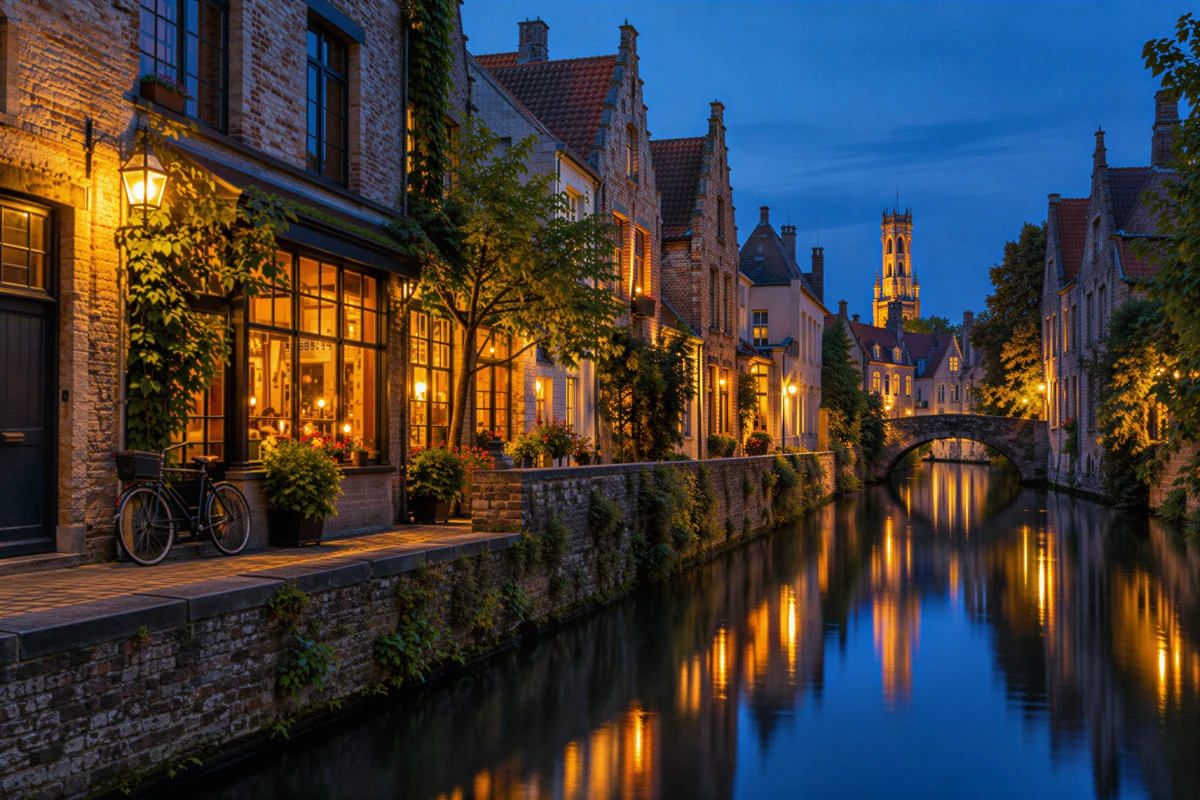
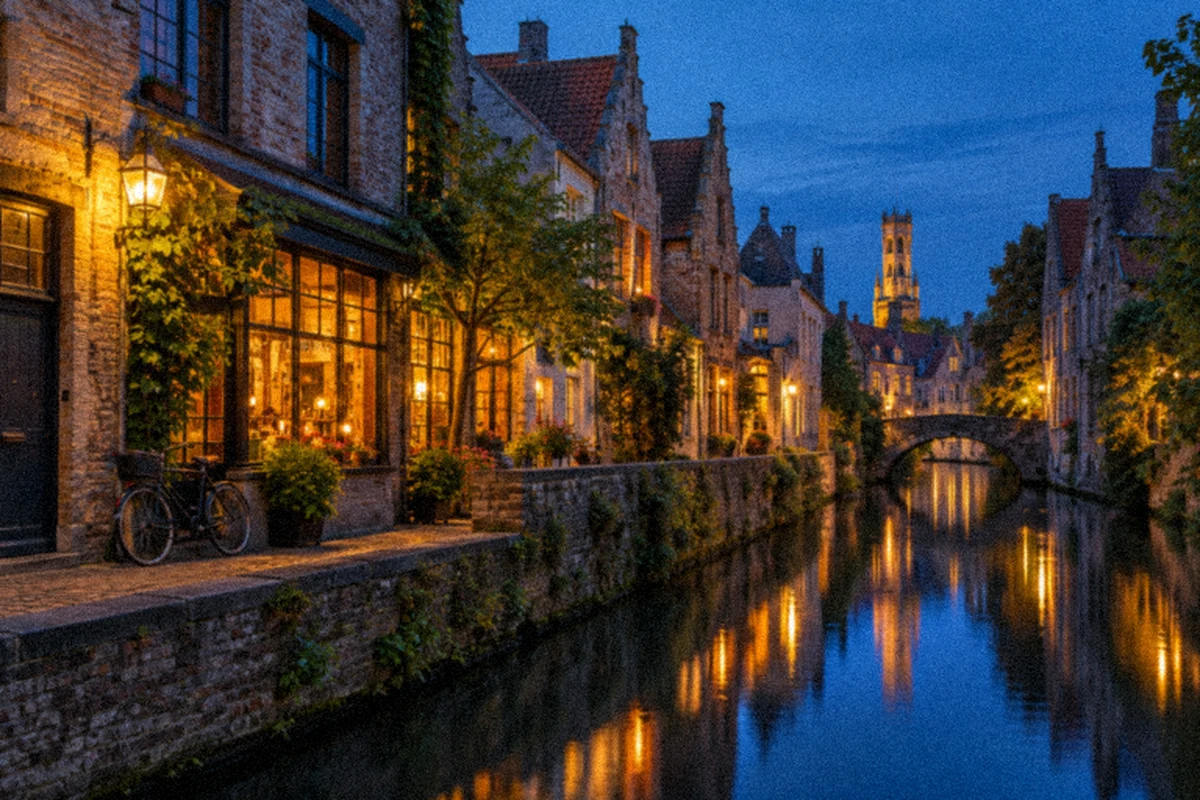
Reduce noise in low-light photos
Keep the atmosphere of an evening scene while making your subject stand out. Our AI Image Denoiser reduces distracting grain in shadows and backgrounds, giving city lights, indoor celebrations, and travel memories a cleaner look for albums and social posts.
Try the AI Image Denoiser

Clean up grain with attention to texture
Give portraits a polished finish with attention to faces, hair, and fabric. The AI Image Denoiser offers High Fidelity enhancement to balance noise reduction with a natural appearance, plus an interactive before-and-after view that puts the transformation at your fingertips.
Try the AI Image Denoiser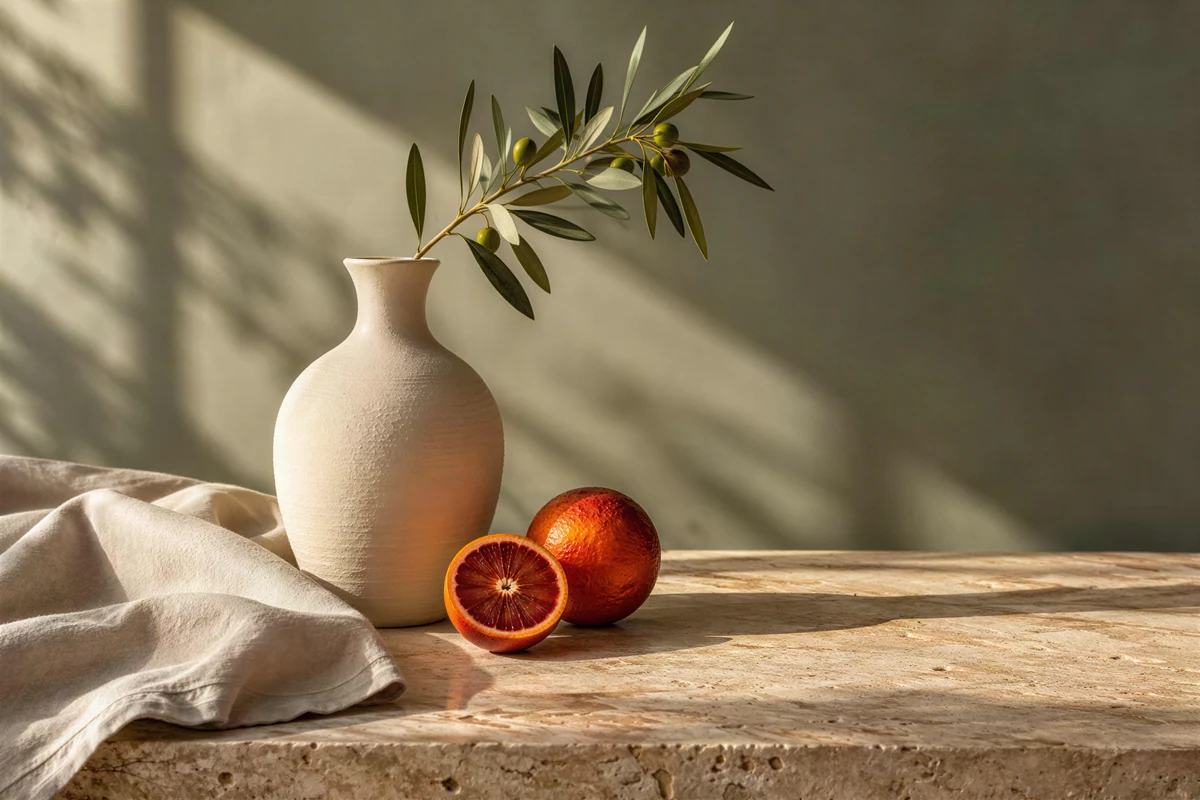
Improve noisy, compressed JPEGs
Refresh product shots, older digital photos, and shared JPEGs for your website or shop. Our AI Image Denoiser brings noise reduction and compression repair together through High Fidelity enhancement, helping smooth rough edges and uneven gradients for a cleaner finish.
Try the AI Image Denoiser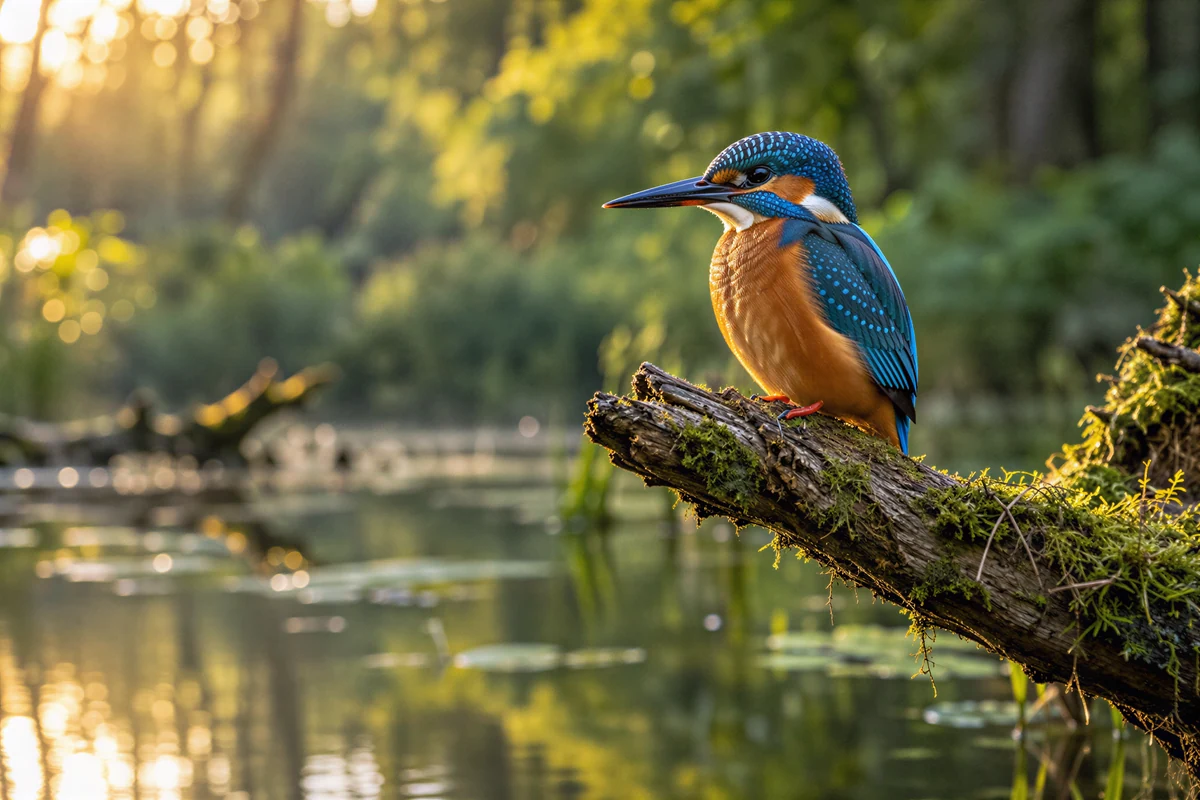
Denoise and upscale in one workflow
Clean up your photo and prepare a larger version in one workspace. The AI Image Denoiser combines enhancement with High Fidelity output options in 1K, 2K, and 4K. Choose a size for your display, product page, or photo project.
Try the AI Image Denoiser
Give a whole set of photos a cleaner finish
Add up to 20 photos to the AI Image Denoiser and choose a shared enhancement level. Browse individual results, then download finished images together as a ZIP. One convenient workflow for travel collections, family albums, and product catalogs.
Try the AI Image DenoiserHow to use the AI Image Denoiser
- 1
Add your photos
Drag your JPG, PNG, or WebP photos into the AI Image Denoiser. Add one favorite or a whole batch.
- 2
Choose and process
Choose an AI Image Denoiser enhancement level and size. High Fidelity combines noise reduction, compression repair, and upscaling.
- 3
Compare and download
Explore the transformation with the comparison slider. Download an enhanced photo or collect your finished batch in a ZIP.
An AI Image Denoiser for your everyday favorites
Travel after sunset
Bring night-time streets and holiday memories into clearer view with the AI Image Denoiser, ready for your next album or post.
Indoor moments
Give celebrations, family snapshots, and indoor portraits a cleaner finish that puts the people you love at the center.
Product listings
Refresh product shots with the AI Image Denoiser for a more polished shop, catalog, or sales presentation.
Personal archives
Give older digital photos and scanned memories a fresh look for family collections, photo books, and sharing.
Why choose our AI Image Denoiser?
Use your browser
Open the AI Image Denoiser and start in your browser. Your uploads, enhancement settings, and results stay together in one workspace.
Choose your ideal finish
Move from Free HD to High Fidelity with easy-to-use controls for enhancement level and image size.
See the transformation
The AI Image Denoiser makes before-and-after viewing effortless. Slide across your photo and download your enhanced result.
AI Image Denoiser: your questions answered
What does an AI Image Denoiser do?
An AI Image Denoiser reduces visible noise and grain for a smoother, clearer appearance. Refresh low-light shots, older JPEGs, and everyday snapshots with photo enhancement, upscaling, and batch downloads in one convenient workspace.
Is this AI Image Denoiser free, and do I need an account?
Start with Free HD, with no sign-in or credits. For cloud enhancement with denoise and compression-repair settings, choose High Fidelity using account credits. The AI Image Denoiser displays the total alongside your settings.
Can I reduce grain in low-light and high-ISO photos?
Yes. The AI Image Denoiser helps clean up photos taken after sunset, indoors, or at high ISO. Choose High Fidelity to bring a cleaner finish to grainy shadows and backgrounds.
Which AI Image Denoiser setting gives a natural look?
High Fidelity balances enhancement with the original appearance, with settings for noise reduction and compression repair. Enjoy a cleaner finish and explore the transformation with the original and enhanced photo side by side.
What photo formats does the AI Image Denoiser support?
Work with JPG/JPEG, PNG, and WebP photos, with uploads up to 12 MB each and batches of 20 images. Download individual results or collect completed photos in one ZIP for easy organization and sharing.
Can the AI Image Denoiser also upscale photos?
Yes. High Fidelity brings denoising and upscaling together with 1K, 2K, and 4K output options. The size selector shows the choices and estimated dimensions for your photo, ready for a larger display or layout.
How does batch processing save time?
Upload your collection once, choose an enhancement level, and let the AI Image Denoiser work through the photos. Individual previews and ZIP downloads help you prepare albums, product listings, and photo projects in one place.
How can I use the AI Image Denoiser in my browser?
Add your photos directly on this page. Free HD processes images locally in your browser; paid modes upload them for cloud enhancement. Both offer easy uploading, before-and-after viewing, and downloads in the same workspace.
Bring out your best photos with the AI Image Denoiser
Turn everyday shots into cleaner, clearer images for your albums, shop, and social posts. Start with your favorite photo today.