LogoUnblur Image
  • Pricing

Image Upscaler for PrintingSmall photos. Bigger possibilities.

Give your favorite images a place beyond the screen. Our Image Upscaler for Printing brings details into focus and shows how large your result can print. Start with free 2× or 4× enlargement, or choose advanced restoration for a polished finish.

Output mode
Upscaled
Original
OriginalStrong Restore · 4K

FROM YOUR SCREEN TO YOUR WALL

More detail for the prints you have in mind

A favorite photo deserves more than a tiny preview. Our Image Upscaler for Printing helps you prepare a larger image, explore the details, and choose a print size with confidence.

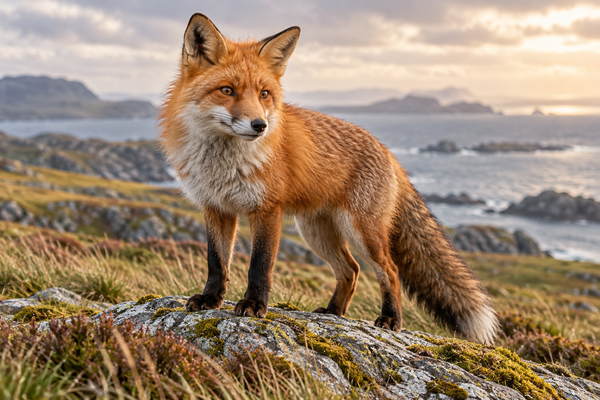
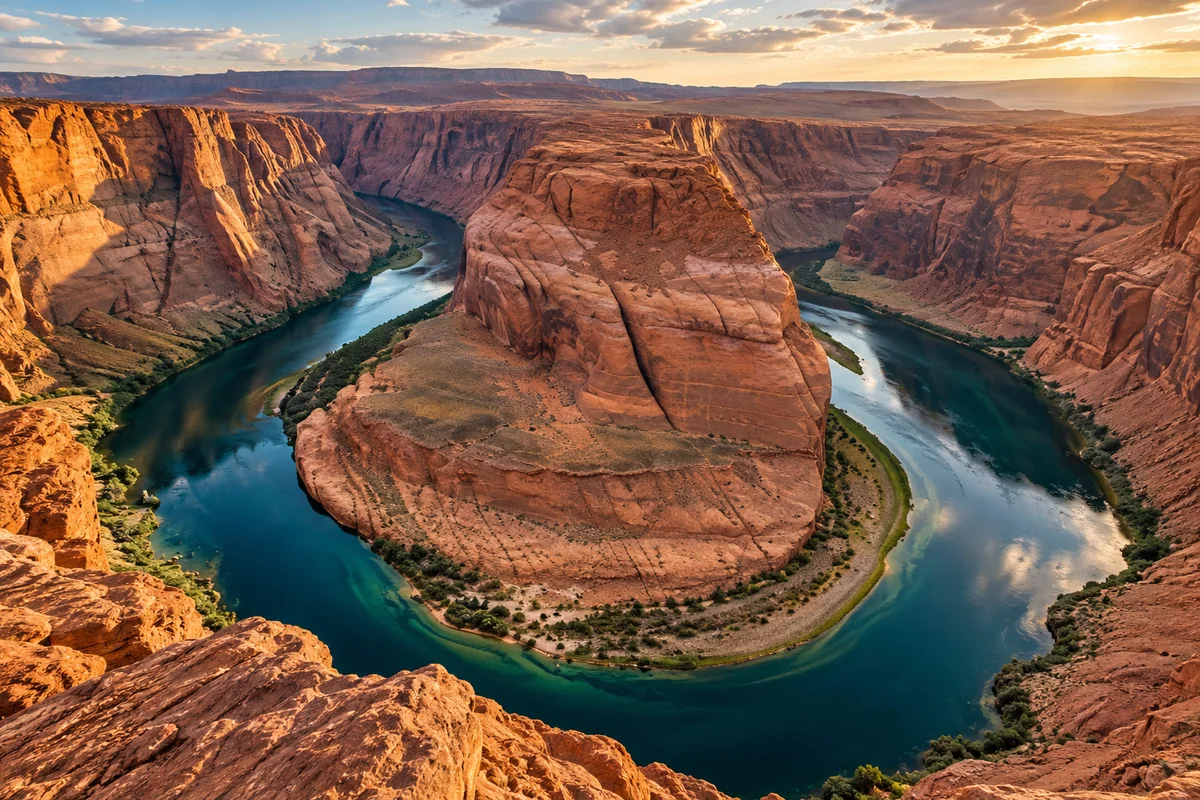
Fine-art photograph of a turquoise river winding through terracotta sandstone canyons

2× or 4× image dimensions

Give small photos room to grow

Turn that saved travel photo into something worth framing. Choose 2× or 4× to increase both image dimensions, giving your photo more pixels for a larger print. Our Image Upscaler for Printing helps you move from a small digital file to a more generous canvas for your memories. Start with Free HD, then compare your original and enlarged image before downloading.

Try your own image
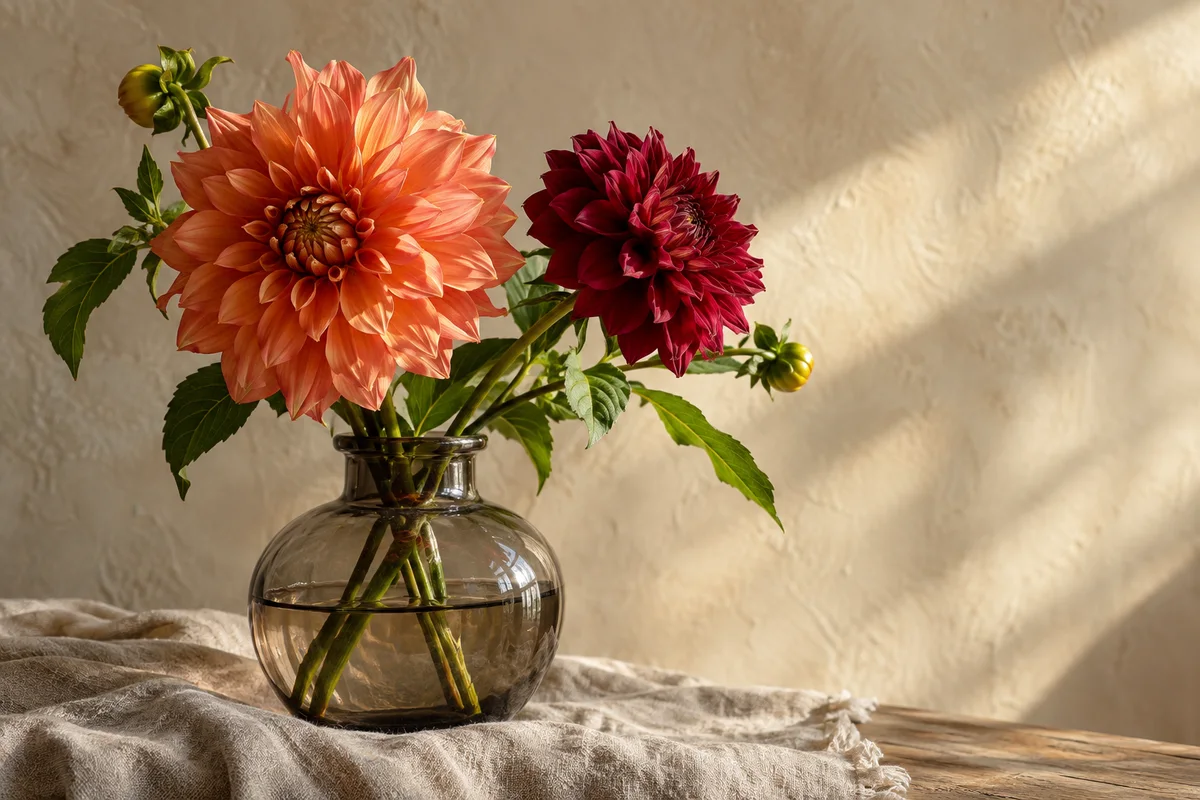

Coral and burgundy dahlias in a smoky glass vase with delicate petal detail

High Fidelity enhancement available

Let the little details make the print

Petal edges, delicate textures, and soft gradients give a photograph its character. High Fidelity enhancement combines upscaling with noise reduction and compression repair to help your images look cleaner at a larger size. Use the Image Upscaler for Printing to prepare detailed still lifes, older JPEGs, or favorite photos, with 1K, 2K, and 4K cloud output options and a clear credit cost before processing.

Try your own image
Three walnut frames with distinct abstract art prints above a travertine bench

Actual pixels → inches or centimeters

Know how big your picture can print

Make the jump from pixels to paper feel simple. After processing, the Image Upscaler for Printing shows a reference print size calculated from your actual output dimensions. Switch between inches and centimeters, with 300 PPI for close-up photo prints or 150 PPI as a reference for wall displays. An 8 × 10 inch image at 300 PPI needs 2400 × 3000 pixels—an easy starting point for choosing your frame.

4 × 6 in

1200 × 1800 px

8 × 10 in

2400 × 3000 px

At 300 PPI · before cropping or bleed

Try your own image
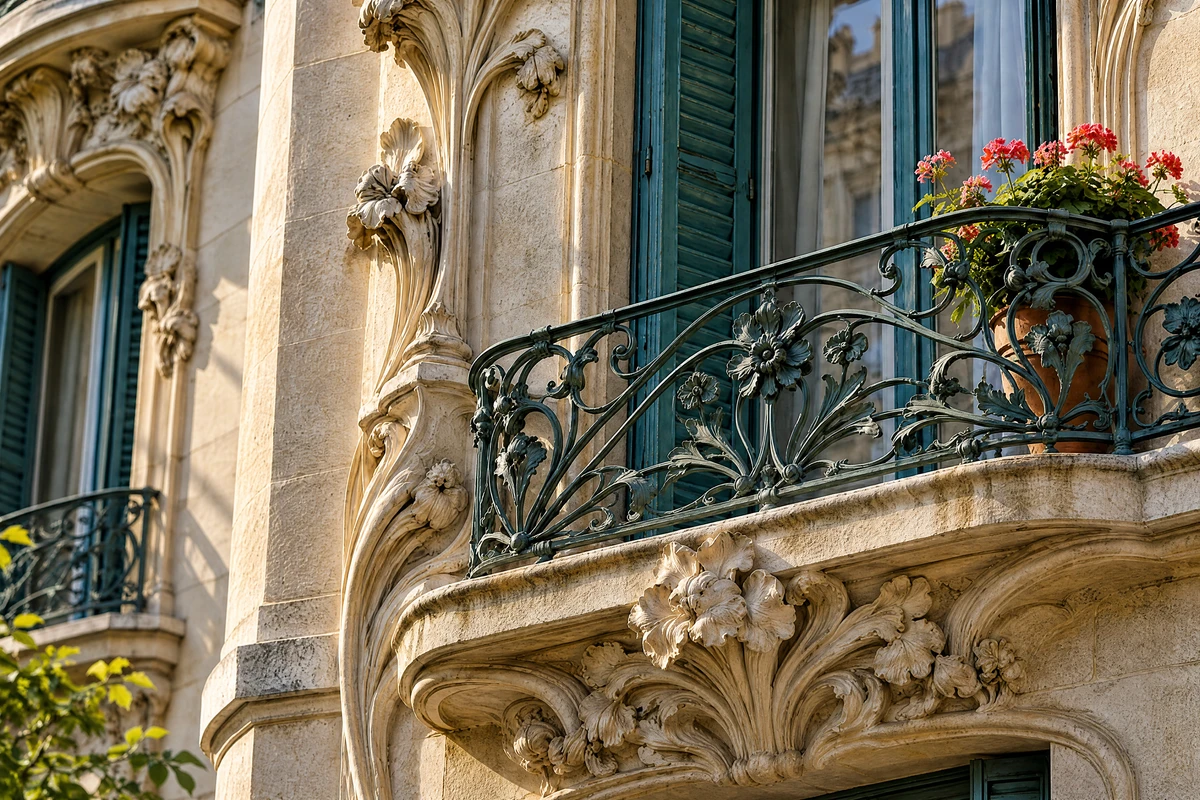
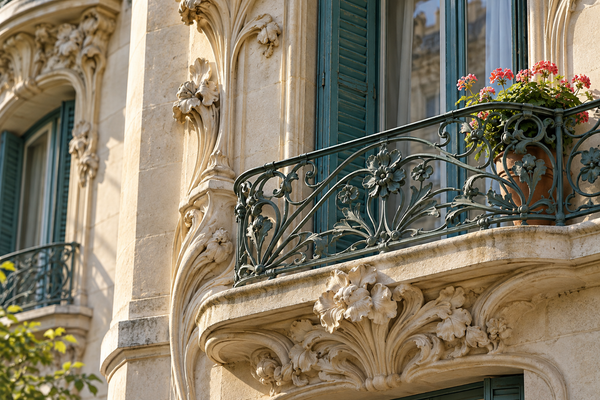
Original and enhanced limestone architecture with an ornate balcony and teal shutter
Original
OriginalStrong Restore · 4K

Interactive before-and-after comparison

See the difference before it reaches paper

Look closely at the details that matter to your photograph. Slide between the original and enhanced image to inspect edges, patterns, and texture before you save. This Image Upscaler for Printing keeps the comparison beside your controls, so you can choose a result you enjoy looking at. Download the finished image when you are happy with it, ready for your photo book, frame, or print layout.

Try your own image
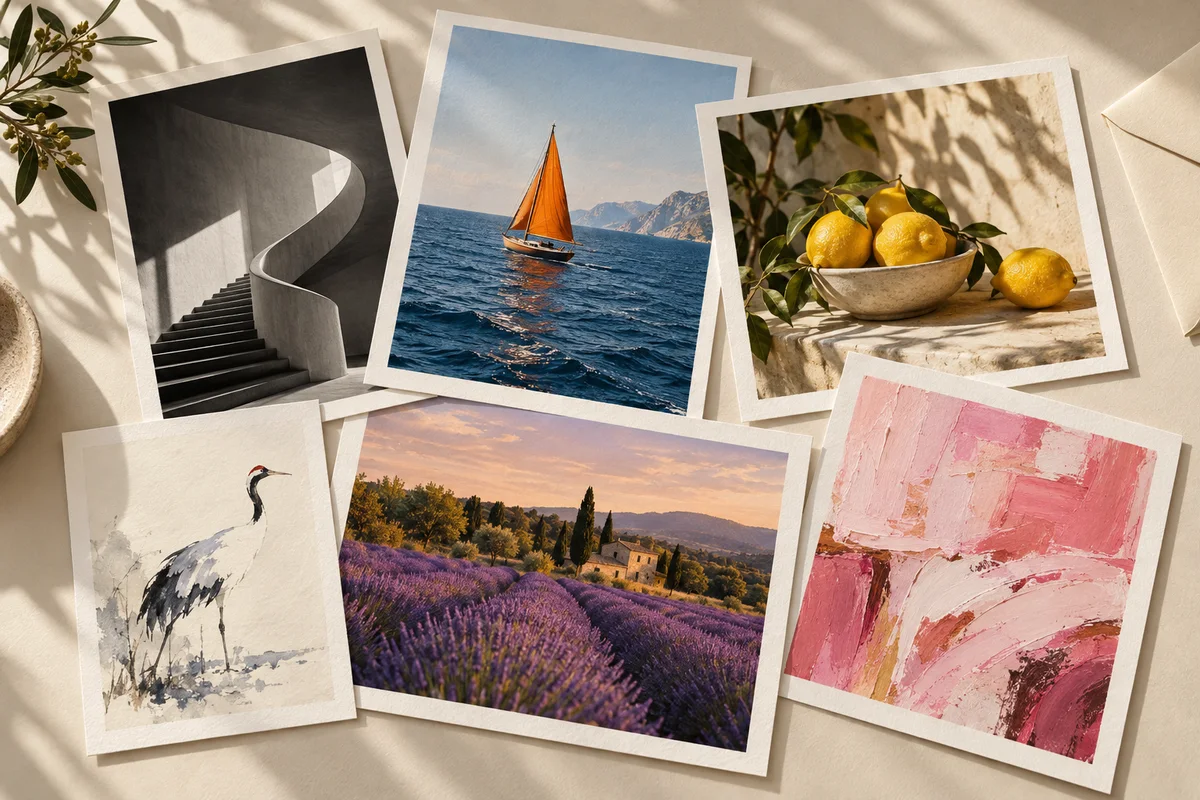
Six different photographic and illustrated art prints arranged on a cream desk

Up to 20 images · one ZIP download

Get a whole collection ready together

A gallery wall or photo book rarely starts with just one picture. Add up to 20 images, choose a shared enhancement setting, and work through the collection in one place. The Image Upscaler for Printing lets you review individual results and download completed images together as a ZIP. Keep a series of travel photos, artwork reproductions, or family favorites organized as you prepare your next print project.

Try your own image

How to use the Image Upscaler for Printing

  1. 1

    Add your images

    Drop a photo or a collection into the Image Upscaler for Printing. Choose JPG, PNG, or WebP files.

  2. 2

    Choose your finish

    Start with free 2× or 4× enlargement, or select a cloud enhancement level and output size.

  3. 3

    Compare, save, print

    Check the before-and-after view, see your reference print size, and download a photo or the completed batch.

What will you print next?

A frame full of memories

Give a family snapshot or a favorite pet photo a place on your desk.

Your travels, on the wall

Prepare a landscape or city photograph for a poster that brings the trip home.

Art that feels like you

Enlarge digital illustrations and artwork for a personal gallery wall or thoughtful gift.

A story worth keeping

Gather a coordinated set of photos for albums, photo books, and keepsake collections.

A clearer path from image to print

Free to start—and download

The Image Upscaler for Printing offers free 2× and 4× enlargement without an account or credits. Try your own photo, compare the detail, and keep your result.

Your choices, clearly priced

Choose cloud enhancement when you want it. See the credit total before processing your image or batch.

A workflow that fits

Free HD processes locally in your browser. Optional paid modes bring cloud enhancement into the same workspace.

Image Upscaler for Printing: questions answered

Is this image upscaler free, including downloads?

Yes. Free HD offers 2× and 4× upscaling and downloads without signing in or spending credits. Optional cloud enhancement uses account credits, with the price shown before you begin.

How do I make a photo higher resolution for printing?

Add your photo to the Image Upscaler for Printing, choose an enlargement setting, and process it. Compare the result, check the reference print size, and download the larger image for your print layout.

Does upscaling make my image 300 DPI?

Upscaling adds pixels; the print size determines their density. For example, 2400 × 3000 pixels gives 8 × 10 inches at 300 PPI, often called 300 DPI in print workflows. Our size reference calculates this relationship; it does not change the file’s DPI metadata.

What resolution do I need for a photo print or poster?

At 300 PPI, a 4 × 6 inch print needs 1200 × 1800 pixels and an 8 × 10 needs 2400 × 3000. Posters viewed from farther away may suit 150 PPI. Match your print shop’s requirements, including cropping and bleed.

Should I choose 2×, 4×, High Fidelity, or Strong Restore?

Choose 2× or 4× for free enlargement. High Fidelity preserves texture while reducing noise and compression artifacts. Strong Restore uses advanced AI reconstruction for more demanding images, with output options up to 4K. Compare details before printing, especially faces and text that reconstruction may change.

Which files can I use, and can I process a batch?

Upload JPG/JPEG, PNG, or WebP files up to 12 MB each, with up to 20 images in a batch. Free HD downloads are PNG; cloud results retain their supplied format. Download individually or collect completed results in a ZIP.

Are my photos uploaded for processing?

Free HD processes image pixels locally on your device. Paid enhancement modes upload images for cloud processing. Choose the mode that suits your project; the tool shows the selected level and any credit cost before you start.

Can I use the tool on my phone?

Yes, you can upload, compare, and download in a supported mobile browser. Free processing speed and image capacity depend on your device. For a large image, try 2×, a smaller source, or an optional cloud enhancement mode.

Give your favorite image a bigger future

Start with one photo. Our Image Upscaler for Printing helps you turn a small file into your next print project.

Upscale your image free
LogoUnblur Image

Enhance blurry images online for free

Tools
  • Image Upscaler for Printing
  • Pixelated Image Fixer
  • Compressed Image Repair
  • AI Image Denoiser
Resources
  • Changelog
Company
  • About
  • Contact
Legal
  • Acceptable Use Policy
  • Cookie Policy
  • Privacy Policy
  • Terms of Service
© 2026 Unblur Image. All Rights Reserved.