LogoUnblur Image
  • Pricing
EnglishDeutschFrançais

AI Image Upscaler for Bigger, Clearer Photos

Turn small photos into bigger, clearer images. Our AI Image Upscaler brings out soft details in portraits, products and artwork. Upload a photo, choose your output, and download a sharper image.

Output mode
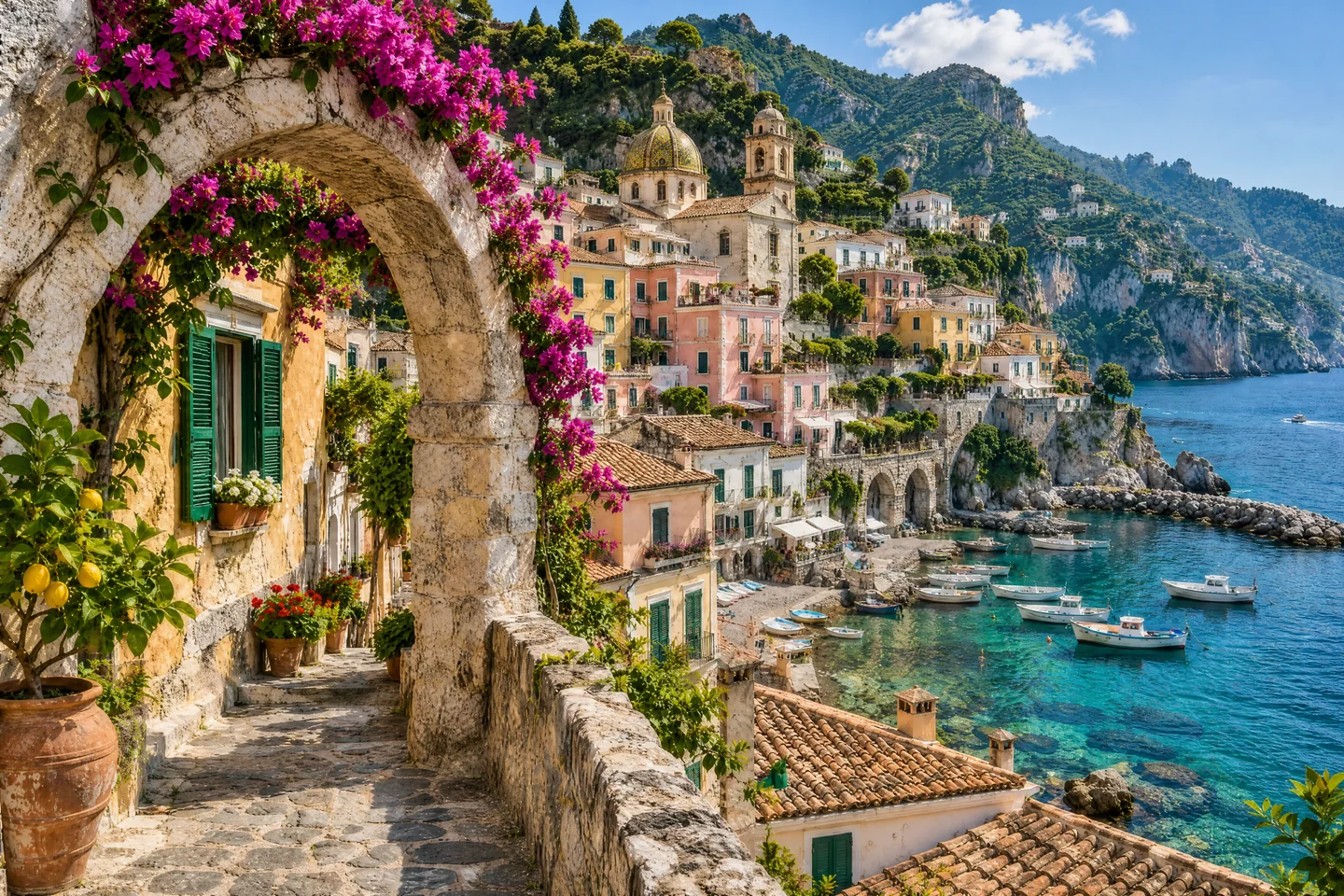
Sunlit coastal town with pastel buildings, limestone arches and a turquoise harbor
Original
OriginalStrong Restore · 4K

Make more of the images you already have

Give favorite photos, product shots and artwork a fresh purpose. The AI Image Upscaler combines larger dimensions with clearer edges and richer-looking texture.

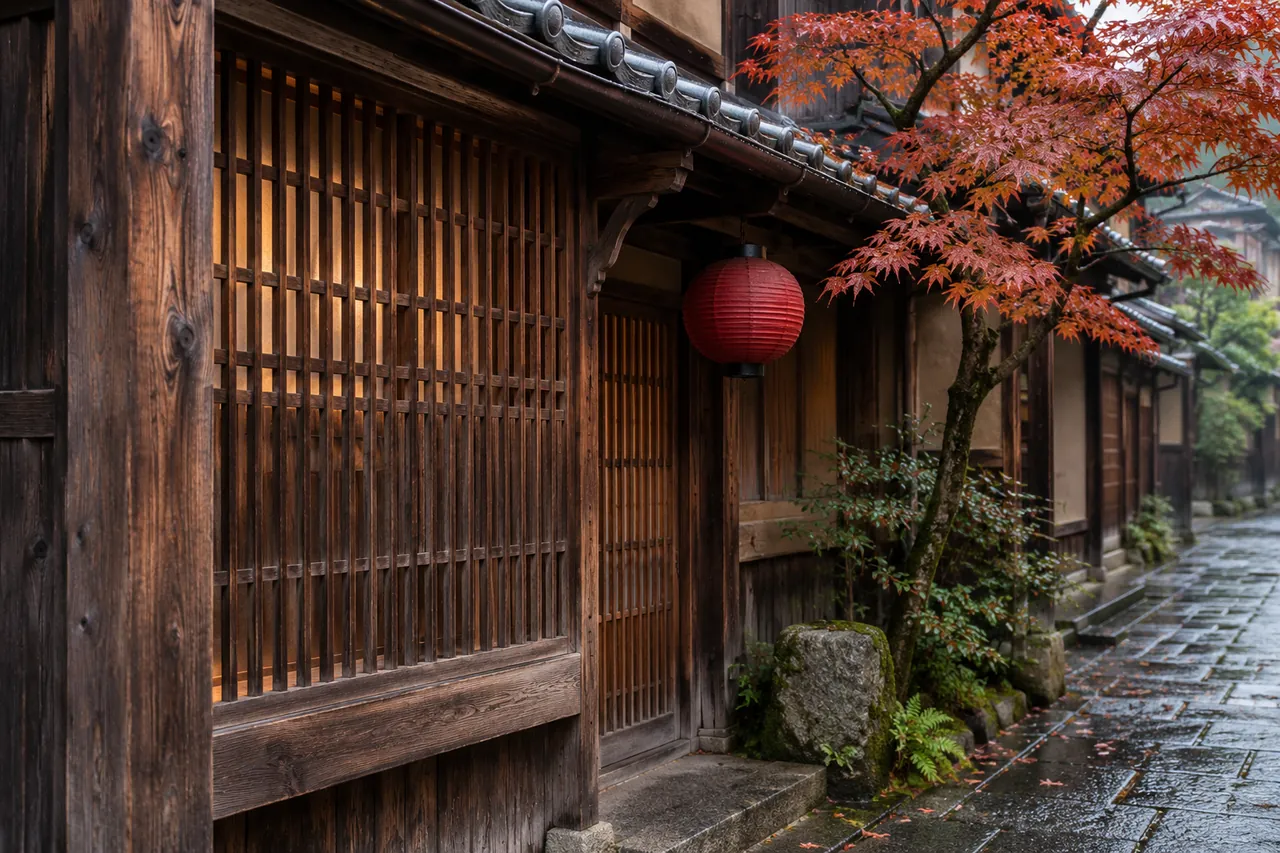
Wooden lattice windows, detailed timber grain and autumn leaves on a Kyoto townhouse

An AI Image Upscaler for small photos

Let a favorite picture fill the space it deserves. The AI Image Upscaler adds resolution while refining edges, building surfaces and fine textures. Turn a small travel photo into a larger visual for a cover, slide or album page. Choose 2× enlargement or an available HD output to give your composition more room and a clearer focal point.
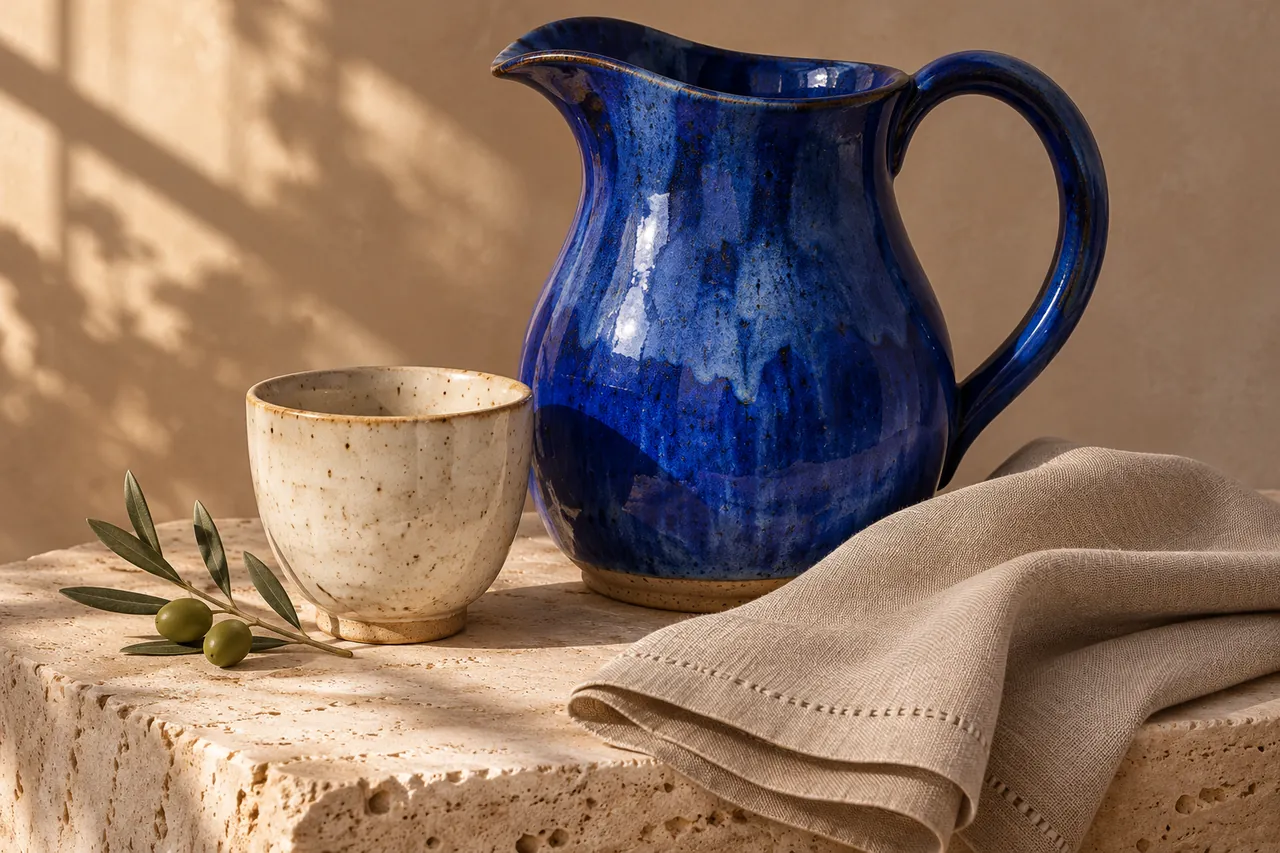
Cobalt ceramic pitcher, speckled ivory cup and textured linen on a travertine plinth

Give product details room to stand out

Bring fabric weave, ceramic surfaces and product shapes into clearer view. Our AI Image Upscaler for product photos prepares small catalog images for larger storefront placements. Give a listing, seasonal collection or promotional banner a more polished visual. The AI Image Upscaler keeps product preparation simple, so you can spend more time arranging the images that tell your story.

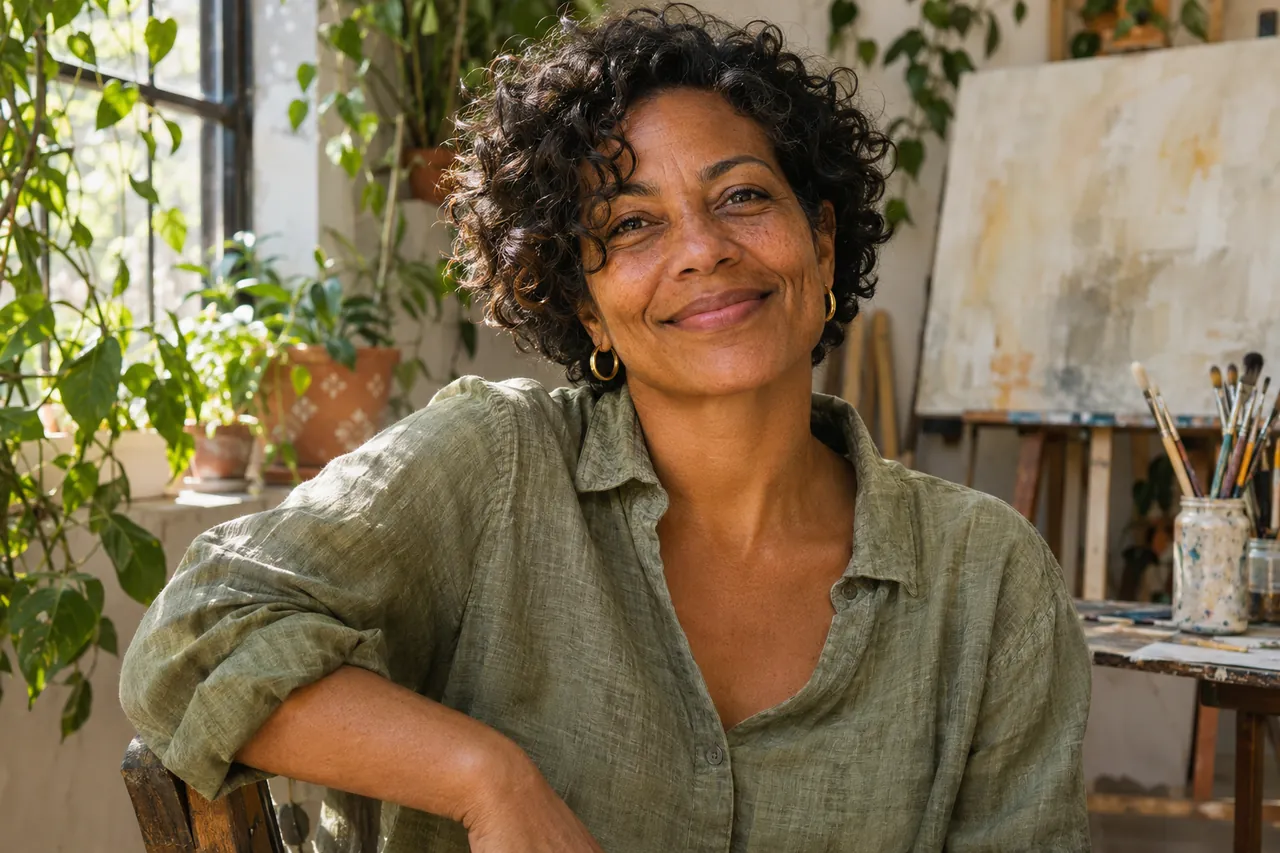
Natural-light portrait of a smiling woman with curly hair in a plant-filled art studio

Bring portraits into closer view

Give a small portrait a larger place in your family album or personal project. The AI Image Upscaler improves the appearance of hair, facial contours and soft edges as a picture grows. Bring a smile into focus for a photo book, celebration collage or framed keepsake. Use the AI Image Upscaler to make those familiar expressions easier to enjoy.

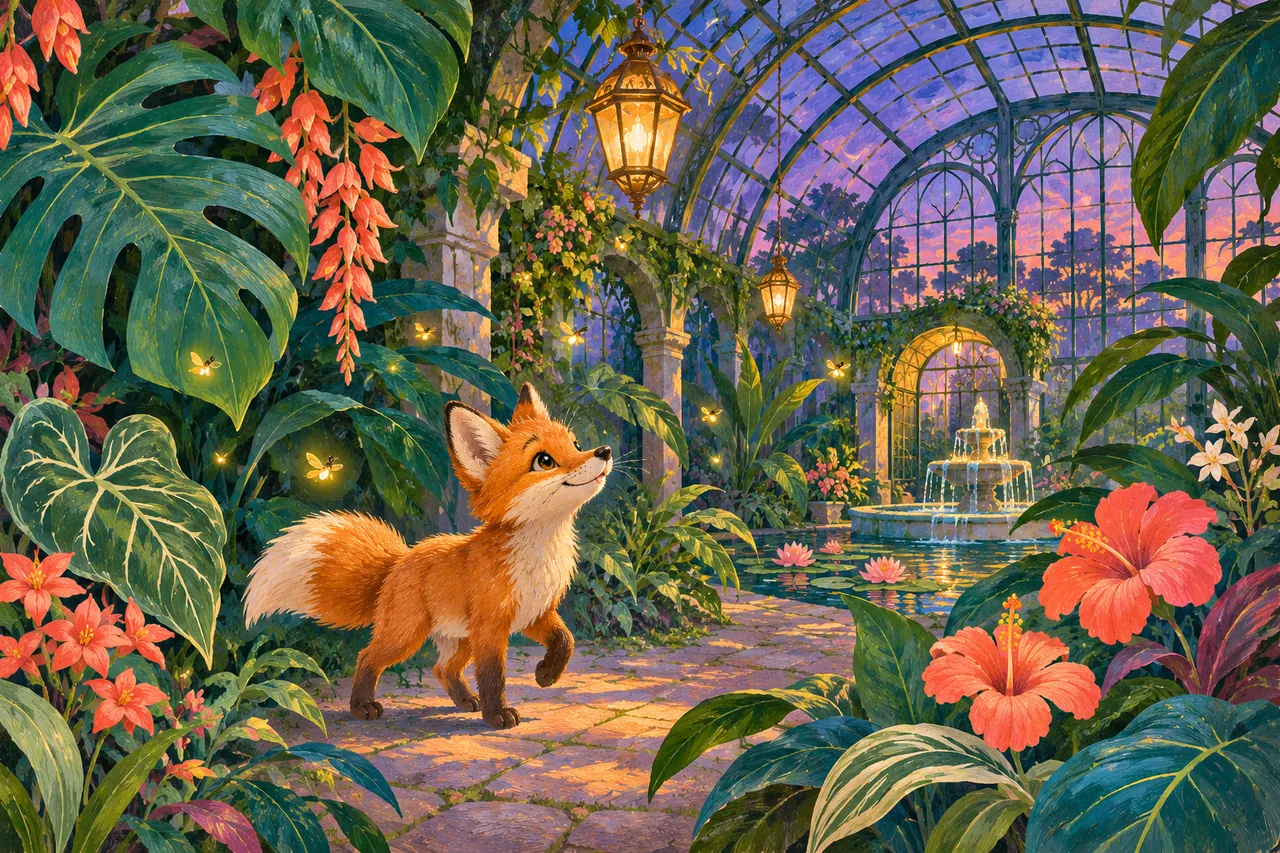
Gouache illustration of an orange fox exploring a lush botanical conservatory at twilight

Give artwork a larger canvas

Let illustrations, anime and digital paintings reach a larger canvas. Try the AI Image Upscaler for artwork to give outlines, brushwork and decorative textures more presence. Reuse a small illustration in a presentation, mood board or display graphic. Your AI Image Upscaler output adds pixels for new layouts and personal art prints.

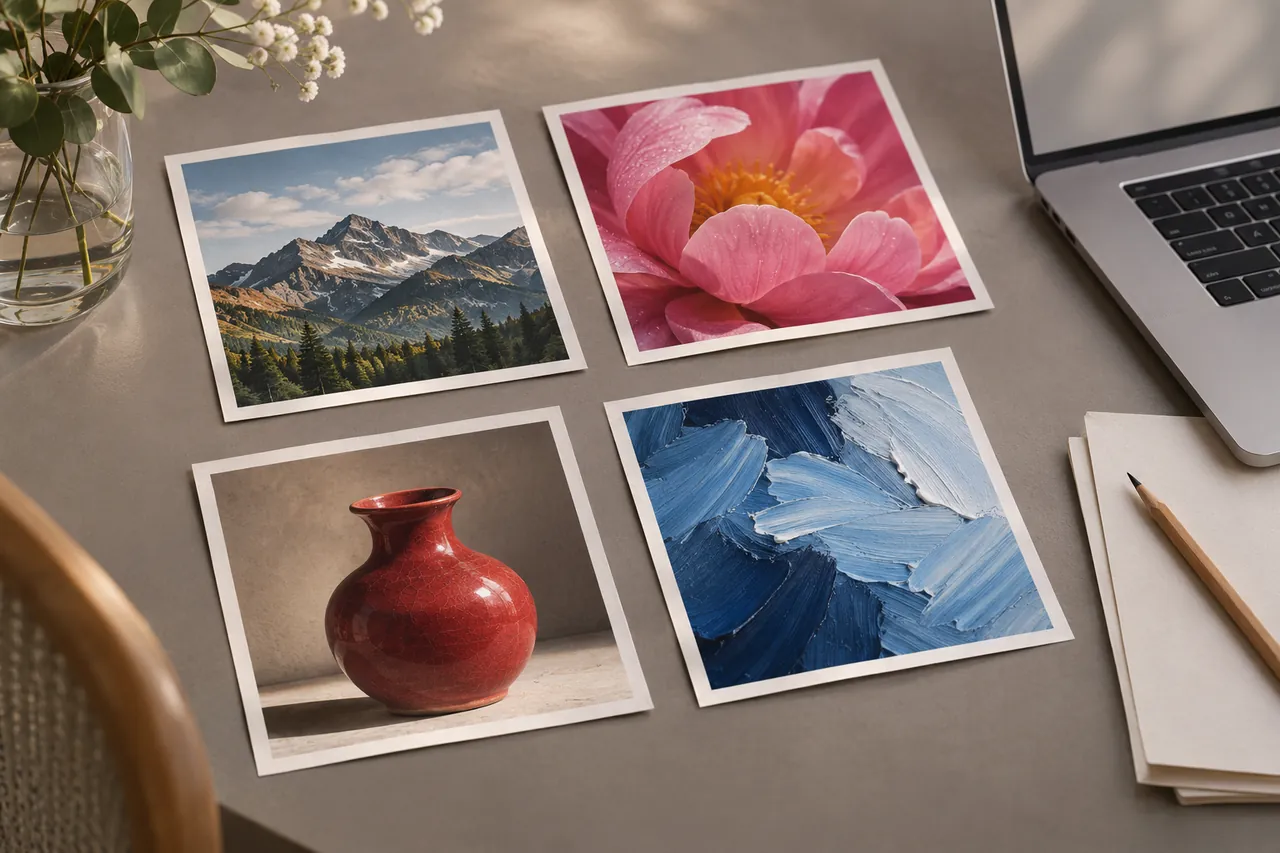
Creative studio desk with four distinct photographic prints and a laptop

Prepare several images in one session

Keep a whole collection moving with the batch AI Image Upscaler. Add up to 20 images, apply your chosen settings, and follow each result in one workspace. Download completed pictures together as a ZIP for a convenient handoff. The AI Image Upscaler helps you prepare catalog updates, client selections and creative assets with fewer repeated uploads and individual downloads.

How to use the AI Image Upscaler

  1. 1

    Add your image

    Upload a JPG, PNG or WebP, or try the sample in the tool.

  2. 2

    Choose your output

    Choose your AI Image Upscaler mode and an available output size, then start processing.

  3. 3

    Compare and download

    See the difference, then save your larger image or download completed results together.

Where a larger image helps

Storefront updates

Use the AI Image Upscaler when older product photos need larger listing placements.

Presentations and social posts

Use the AI Image Upscaler to give small visuals more room on slides and covers.

Albums and personal prints

Use the AI Image Upscaler for family photo books, celebration collages and personal keepsakes.

Why choose this AI Image Upscaler?

See the improvement

Move between your original and processed image in the same workspace.

Choose your finish

Start with free processing or choose paid enhancement for available HD outputs.

Keep your work together

The AI Image Upscaler supports multiple uploads and a ZIP of completed results.

AI Image Upscaler FAQ

Is the AI Image Upscaler free?

Free 2× enlargement is available after sign-in on supported devices. The separate Unblur only option can be tried without an account. Paid enhancement modes use credits, with the cost shown before processing.

Can the AI Image Upscaler output 4K images?

Paid modes offer supported outputs up to 4K. Availability depends on source dimensions, aspect ratio and enhancement mode. The tool shows compatible sizes for your image. Free enlargement uses 2× on supported devices.

Does an AI Image Upscaler fix every blurry photo?

It can improve mild softness, pixelation and low-resolution images. Heavy motion blur or very little visible detail can limit results. Strong Restore can reconstruct plausible detail, which may differ from the original scene.

Which files can I upload?

The AI Image Upscaler accepts JPG, PNG and WebP images up to 12 MB each. Add up to 20 images to the selection. Supported output sizes are checked against the source and chosen mode.

Can I use the AI Image Upscaler on my phone?

Yes, the tool works in a mobile browser. Free 2× depends on device support. On iPhone and iPad, free processing uses Unblur only. Device processing limits can affect the final image dimensions.

Can I enlarge portraits and artwork?

Yes. The AI Image Upscaler works with portraits, illustrations, anime and product photos. Choose an available mode and output size for your image. Strong Restore offers more reconstruction for soft or low-resolution source material.

How do I download multiple results?

After processing several images, use the batch download to save completed results as a ZIP. You can also inspect and download individual pictures. The archive contains your processed images in their available output formats.

Will upscaling make my photo suitable for printing?

A larger pixel count gives you more flexibility for printing. The best print size depends on the source detail, output dimensions and viewing distance. Your print service's resolution requirements can help you choose a suitable size.

Give your next image more room

Create a bigger, clearer photo with the AI Image Upscaler. Upload your image to get started.

Try the AI Image Upscaler

Explore related image tools

Unblur Image Bulk

Prepare a collection of soft photos together.

Pixelated Image Fixer

Turn blocky images into clearer visuals.

Image Upscaler for Printing

Prepare a larger image for your next print.

LogoUnblur Image

Enhance blurry images online for free

Tools
  • AI Image Upscaler
  • Product Photo Enhancer
  • Unblur Image Bulk
  • Unblur Blurry Face in Photo
  • Unblur Text
  • Low Light Photo Enhancer
  • Old Photo Restoration
  • Image Upscaler for Printing
  • Pixelated Image Fixer
  • Compressed Image Repair
  • AI Image Denoiser
Resources
  • Changelog
Company
  • About
  • Contact
Legal
  • Acceptable Use Policy
  • Cookie Policy
  • Privacy Policy
  • Terms of Service
© 2026 Unblur Image. All Rights Reserved.