Low Light Photo Enhancer to Brighten Dark Photos Naturally
Use our Low Light Photo Enhancer to lift shadow detail automatically. Enhance a dim photo and compare it with the original before downloading.
Automatic lighting is on for every enhancement level.
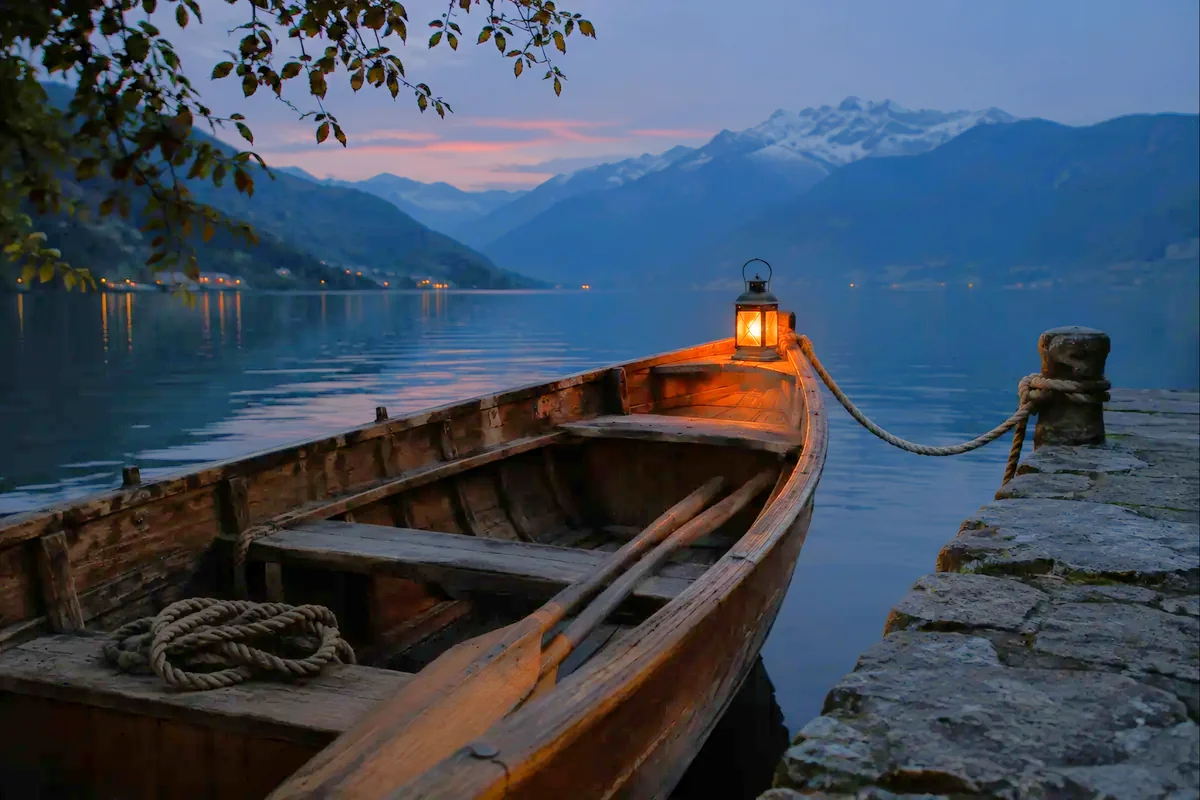
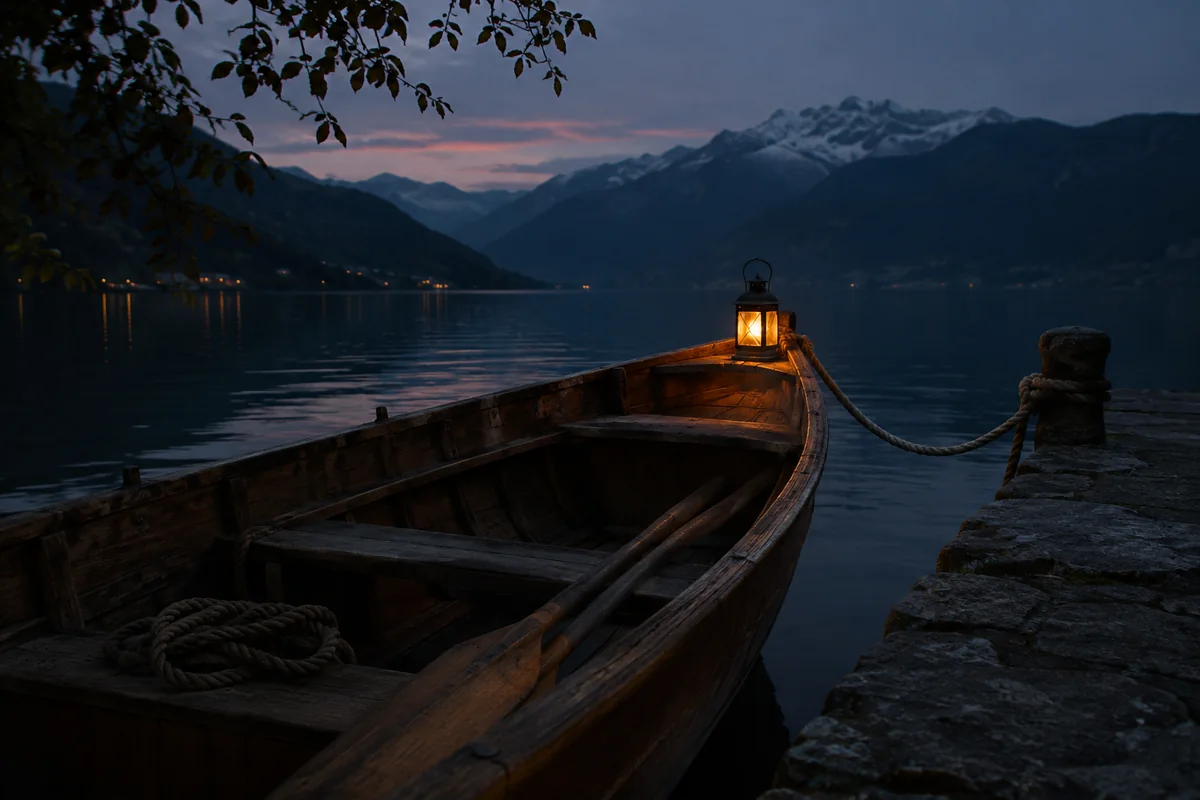
See what a Low Light Photo Enhancer can bring out
Bring evening, indoor, and underexposed photos into clearer view with our Low Light Photo Enhancer.
Examples use automatic lighting and High Fidelity. Free HD uses local enhancement. Results depend on your source and selected mode.
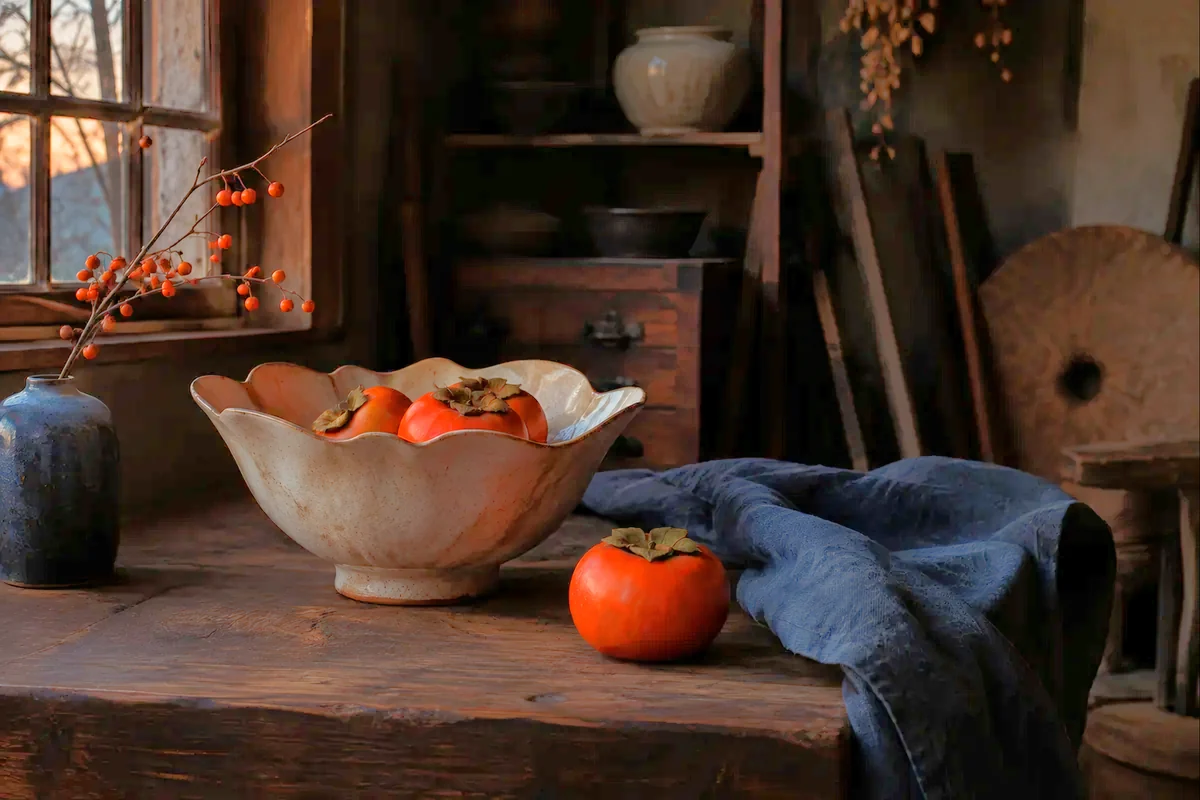
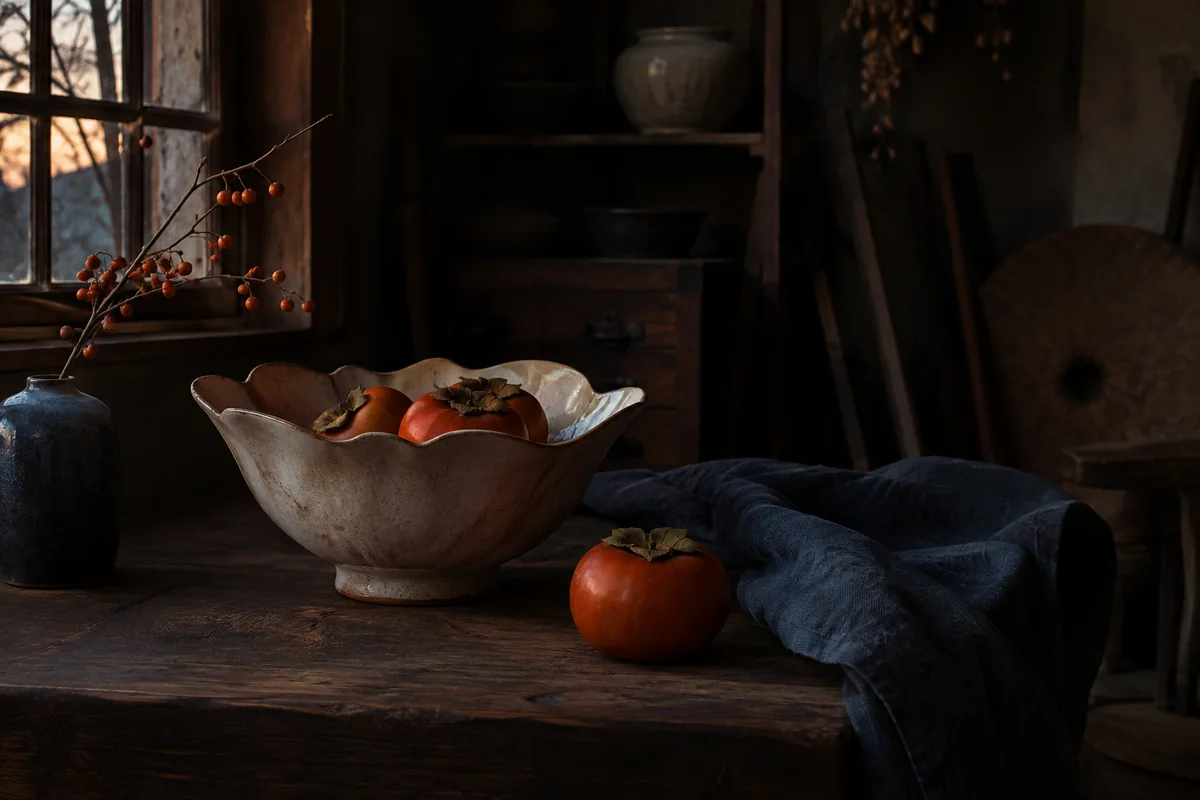
Low Light Photo Enhancer for underexposed photos
Use our Low Light Photo Enhancer to lift shadows and midtones in dim still lifes and indoor snapshots. Automatic exposure adjustment makes objects, fabrics, and backgrounds easier to see while keeping the composition intact. Upload the original file for more useful detail.
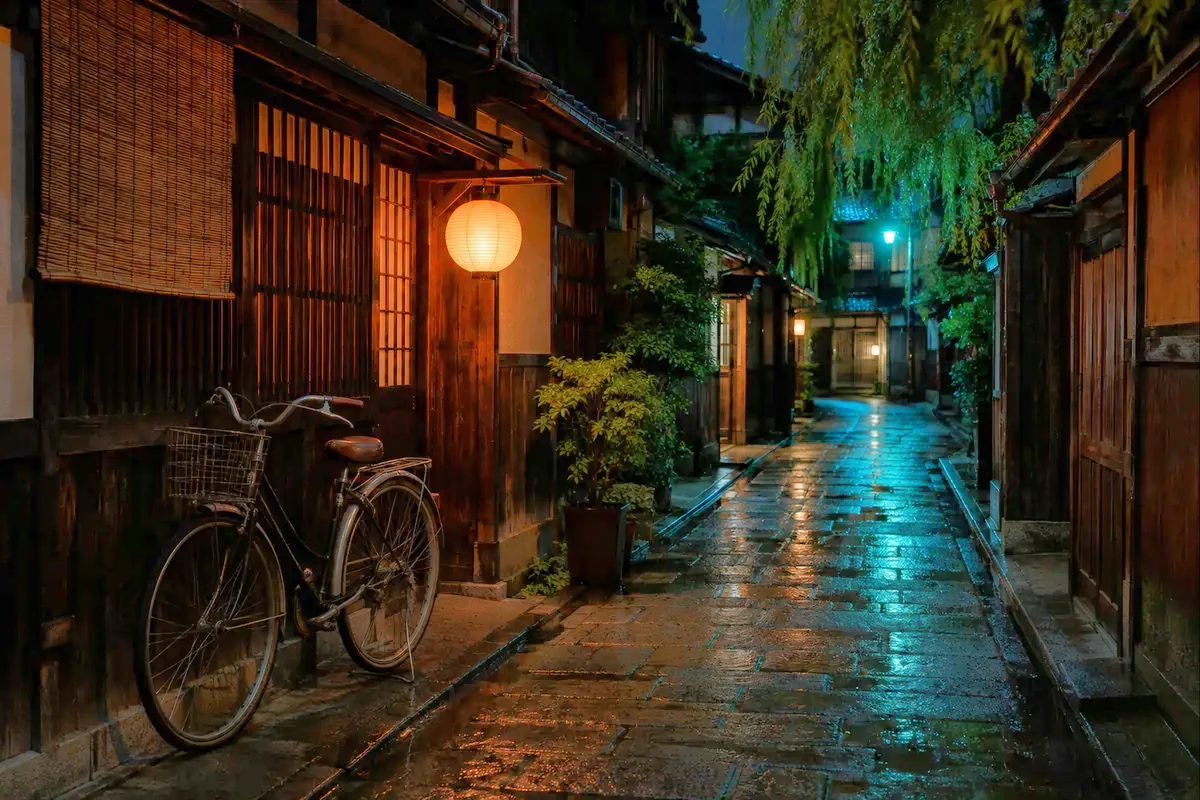
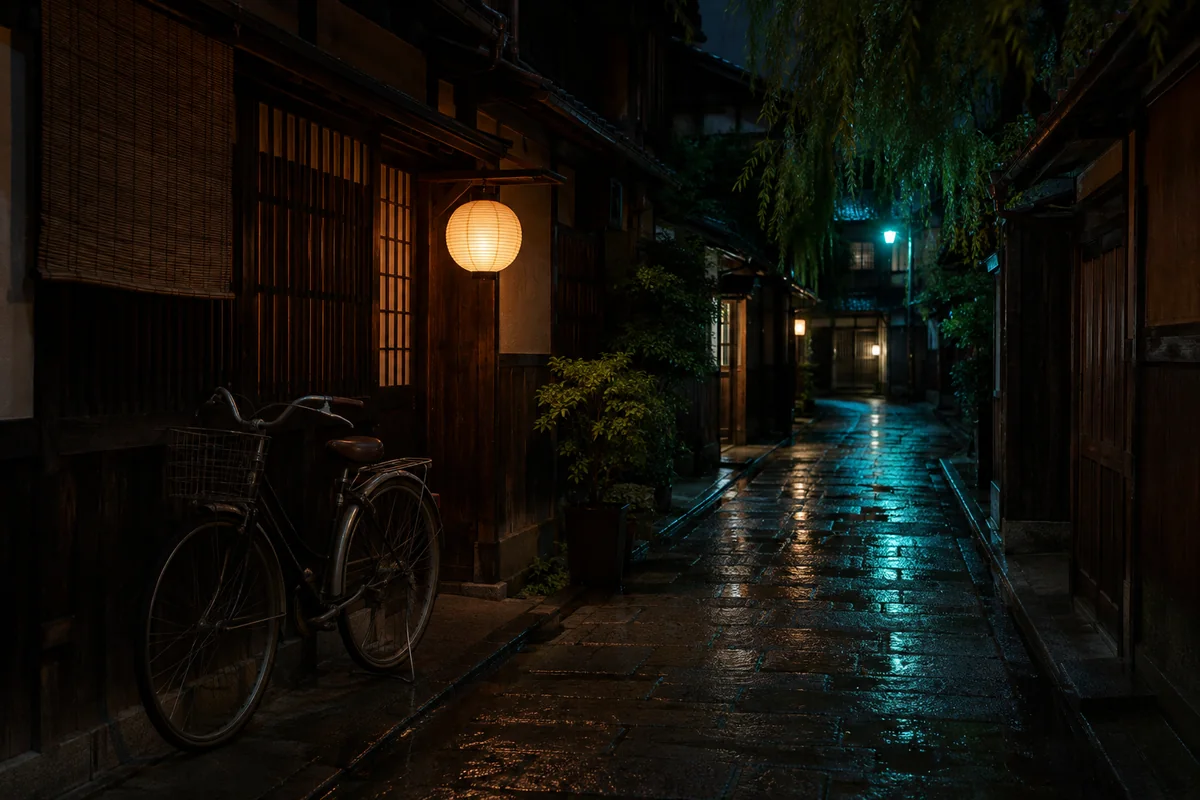
Low Light Photo Enhancer for night scenes
The Low Light Photo Enhancer opens up dark streets and foregrounds while limiting adjustment in bright areas. Keep the depth of an evening scene as details become more visible. Compare lamps, reflections, and deep shadows together to check the result.
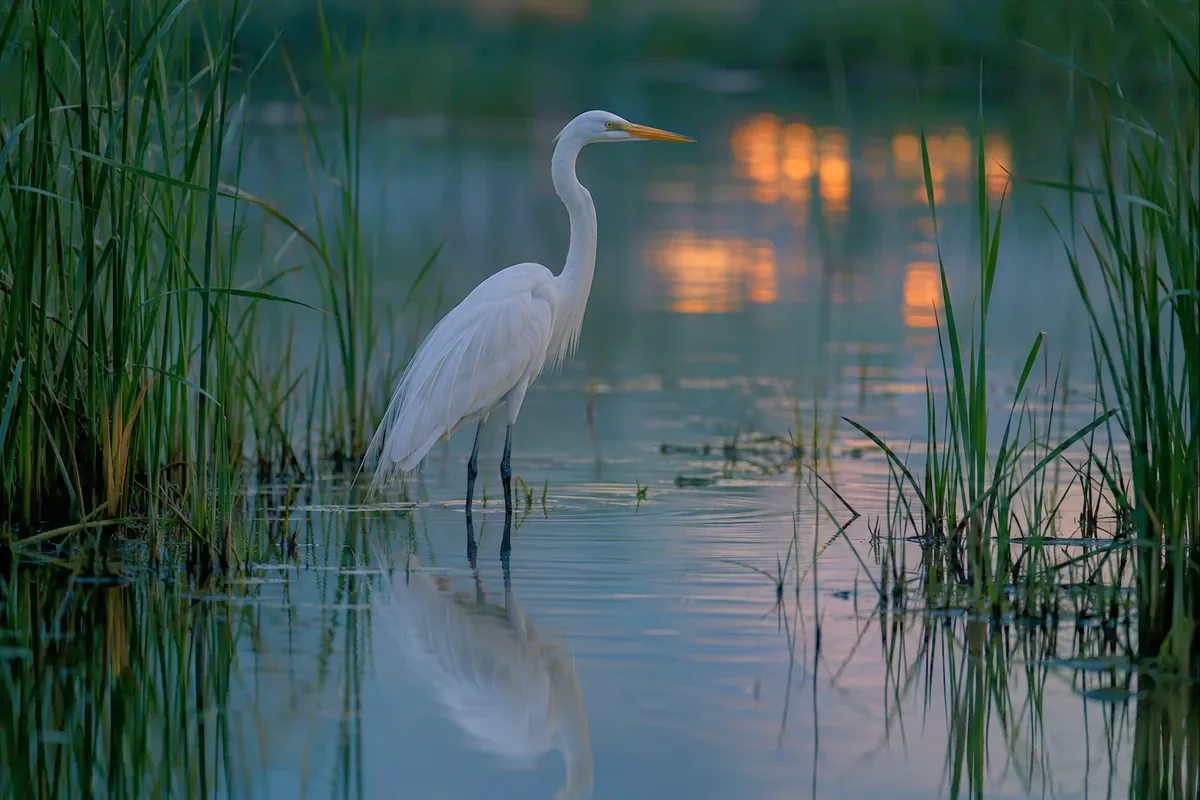
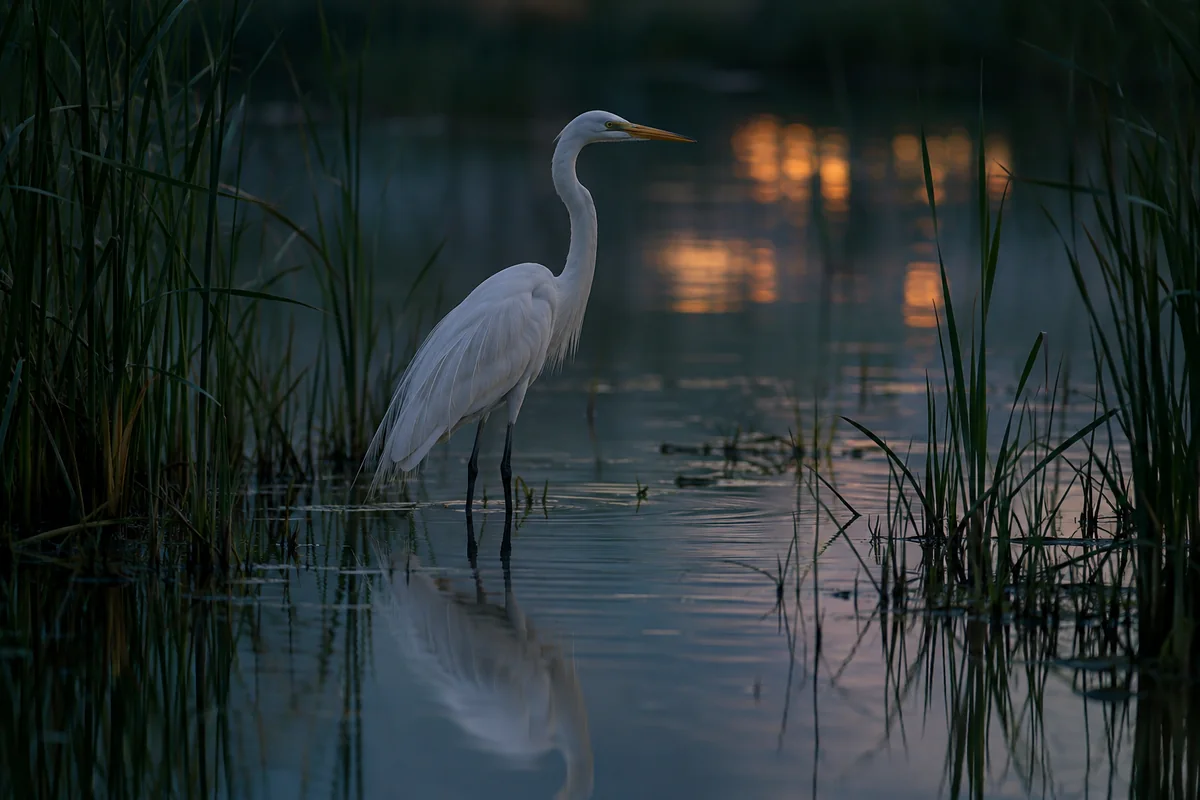
Reduce grain with the Low Light Photo Enhancer
Our Low Light Photo Enhancer combines automatic lighting with your selected enhancement level. Free HD offers local processing. High Fidelity adds cloud processing with denoise and compression-repair settings. Inspect fine textures at full size, especially in high-ISO images where some grain may remain.

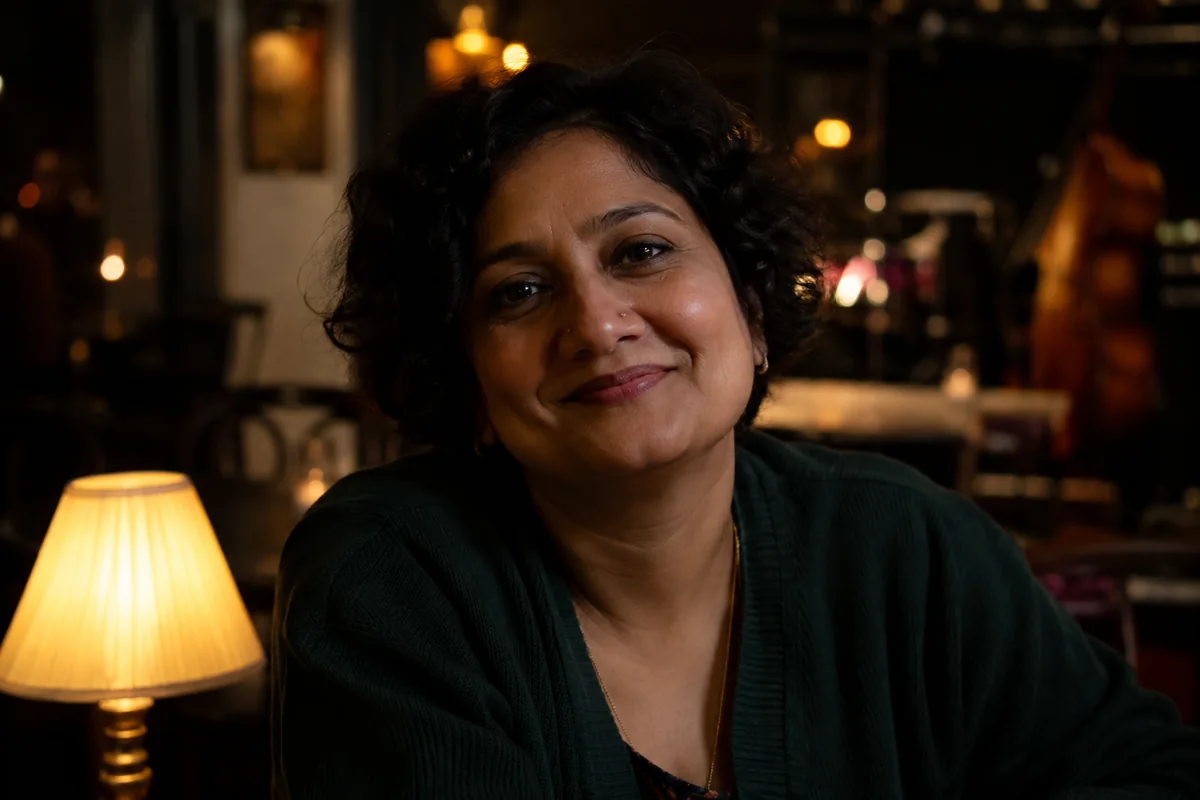
Low Light Photo Enhancer for dim portraits
Use the Low Light Photo Enhancer for cafe portraits, evening selfies, and indoor family photos. Exposure adjustment keeps the original pose and framing in place. Choose High Fidelity for attention to natural detail, then compare skin tones and facial features, particularly with small faces or mixed lighting.
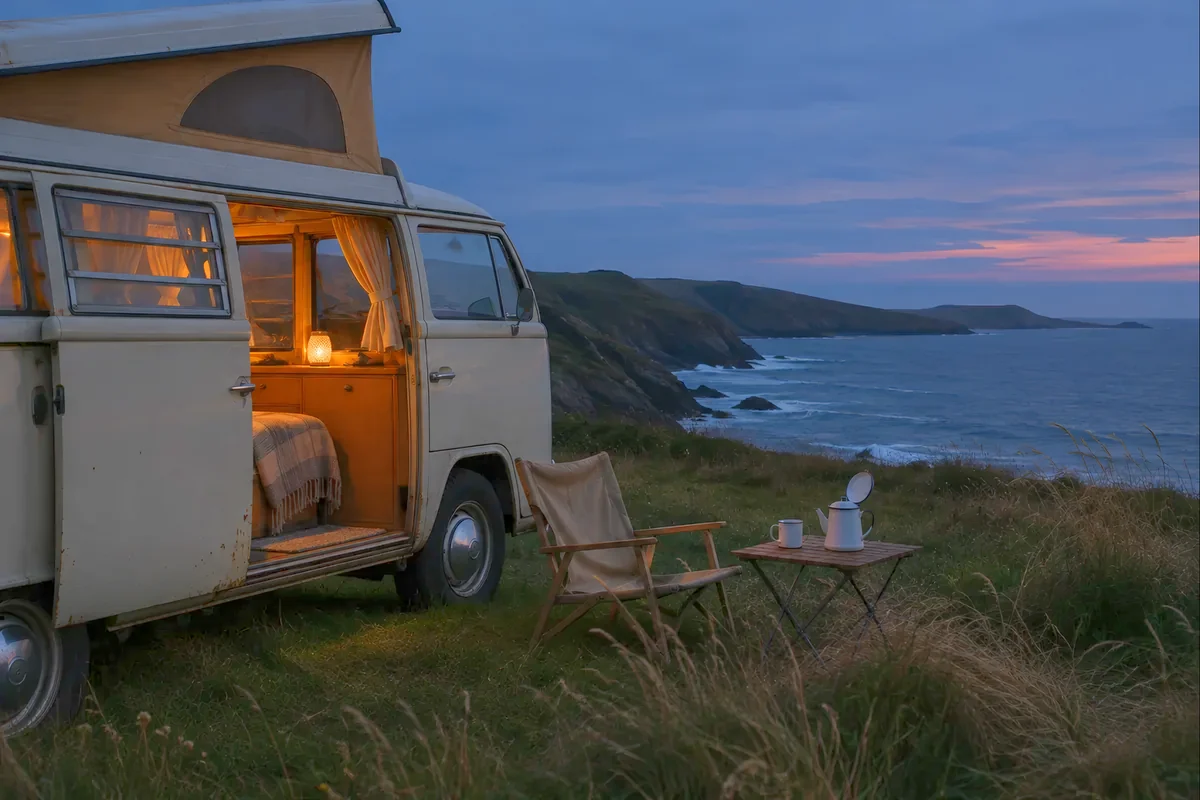
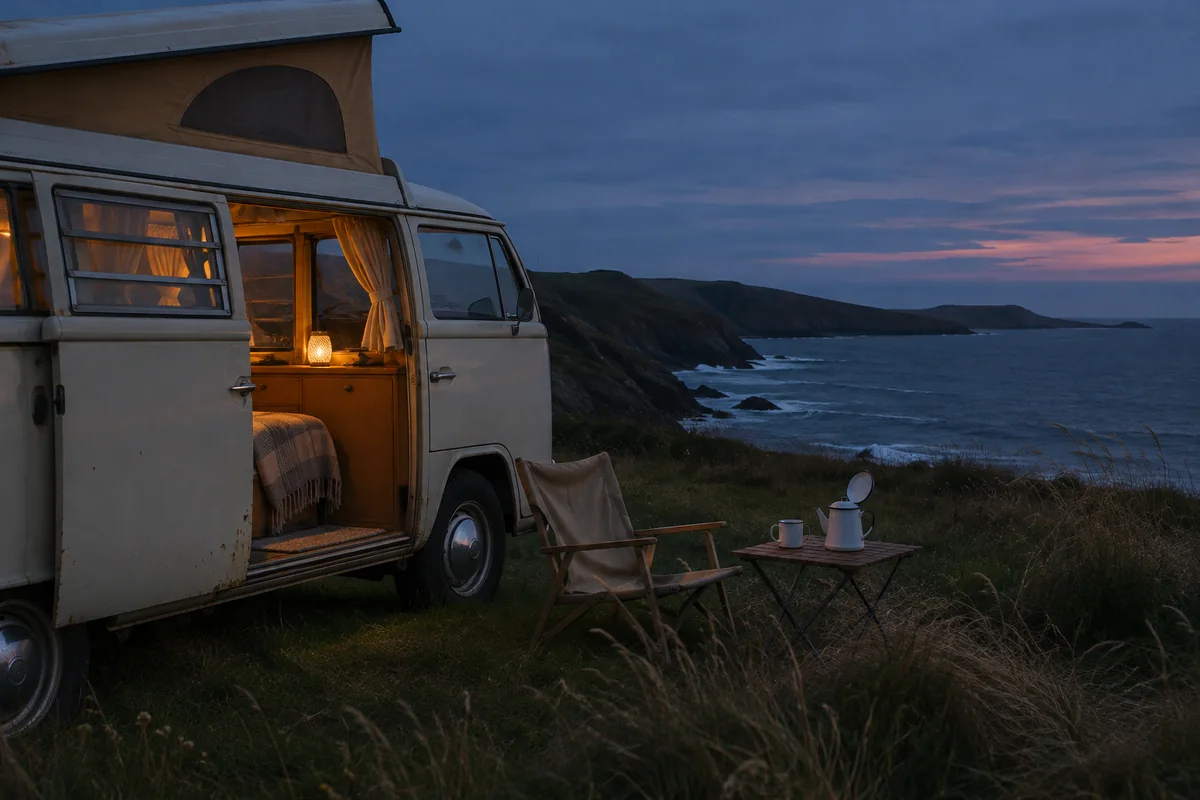
Prepare a whole evening's photos together
Add up to 20 photos to the Low Light Photo Enhancer and apply one enhancement level to your evening collection. Compare each result before downloading completed images as a ZIP. Supported cloud modes offer 1K, 2K, and 4K choices, with availability based on each photo's dimensions and aspect ratio.
How to use the Low Light Photo Enhancer
- 1
Add a dark photo
Upload JPG, PNG, or WebP images to the Low Light Photo Enhancer, or try the sample.
- 2
Choose and enhance
Select a level and output size. Automatic lighting adjustment is already enabled.
- 3
Compare and download
Slide between the original and result, then save your photo or completed batch.
Low Light Photo Enhancer for everyday moments
After-sunset travel
Refresh evening streets, campsites, and holiday memories for albums and sharing.
Indoor celebrations
Give dim dinner parties, cafe portraits, and family gatherings another look.
Everyday creative work
Prepare softly lit food, handmade products, and lifestyle photos for your next post.
Why choose our Low Light Photo Enhancer?
Start in your browser
Try the Low Light Photo Enhancer with local Free HD at the original size, without signing in.
See the cost first
Cloud modes show their credit total alongside your settings before processing.
Keep the original in view
Check each enhanced photo against its source in the same workspace.
Low Light Photo Enhancer FAQs
Can the Low Light Photo Enhancer brighten an underexposed photo?
Automatic exposure adjustment lifts dark areas that still contain visible detail. Completely black regions hold little information to recover, so results depend on the source photo.
Is the Low Light Photo Enhancer free?
Free HD at the original size needs no account or credits. Free 2× needs sign-in and device support. Cloud modes use credits, with the total displayed before processing.
Does the Low Light Photo Enhancer reduce photo noise?
Brightening can reveal existing grain. High Fidelity includes denoise settings, though very dark or high-ISO sources may retain noise. Check fine textures against the original before downloading.
Which files does the Low Light Photo Enhancer support?
Upload JPG/JPEG, PNG, or WebP files up to 12 MB each and 20 photos per batch. Convert HEIC or RAW to a supported format first.
Can I use the Low Light Photo Enhancer on my phone?
Open the tool in your mobile browser. Local processing depends on device and browser support. iOS has additional free-output limits, shown in the size selector.
What output sizes does the Low Light Photo Enhancer offer?
Choose original size or supported 2× enlargement in Free HD. Cloud modes offer 1K, 2K, and 4K, subject to source dimensions, aspect ratio, and mode.
Does the Low Light Photo Enhancer process photos locally?
Free HD processes photos in your browser. Paid modes upload them for cloud enhancement. Your original remains available for comparison, and results download as separate images.
Give dark photos another chance
Try the Low Light Photo Enhancer with a favorite evening shot and see what comes into view.
Brighten your photo