LogoUnblur Image
  • Pricing

Unblur Image Bulk for Clearer Photos in One Batch

Turn a folder of soft photos into a clearer collection. Unblur Image Bulk enhances up to 20 pictures with shared settings and brings completed images together in a single ZIP. Add your photos and give your next project a sharper finish.

Output mode
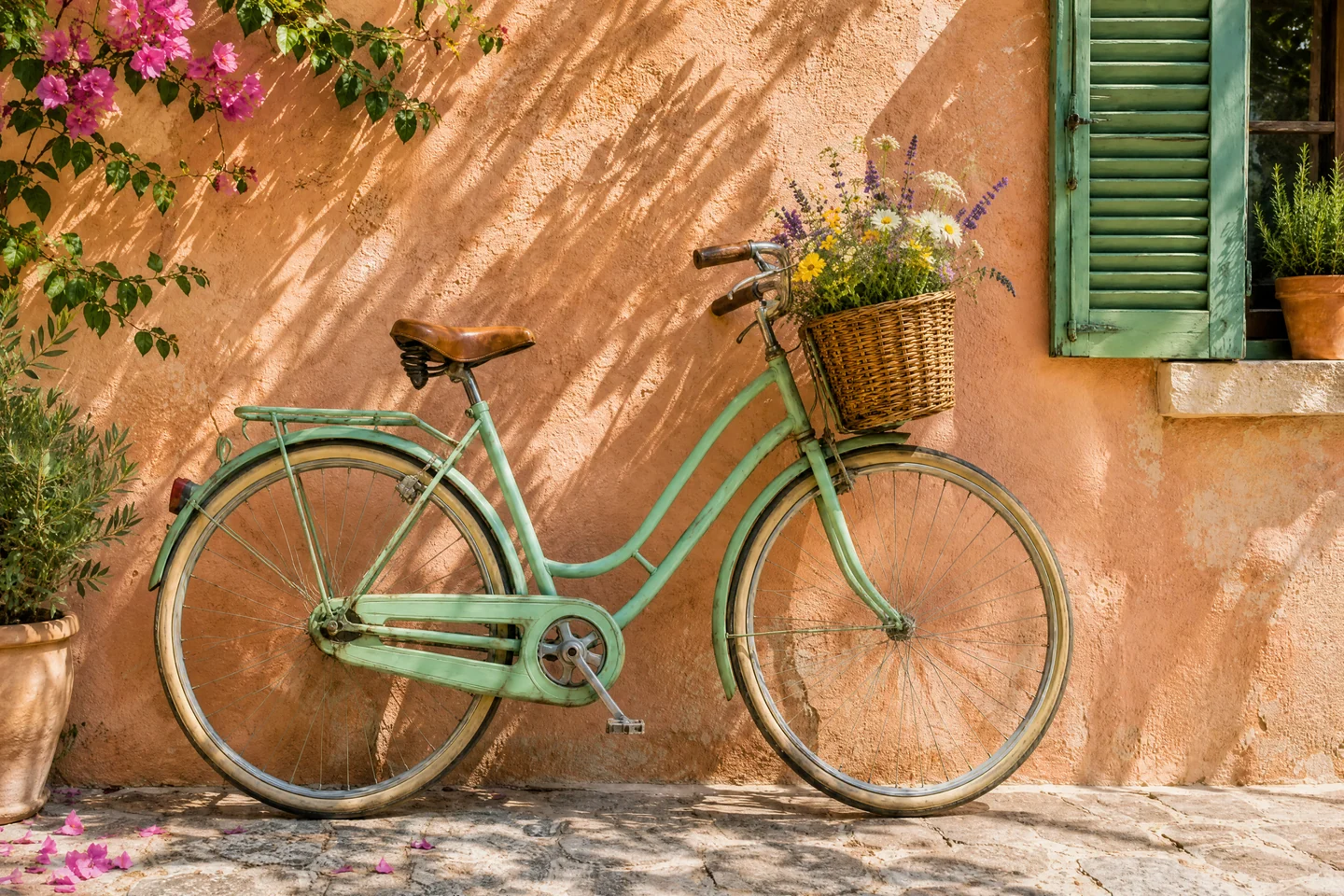
Mint-green bicycle with a basket of wildflowers against a peach wall
Original
OriginalStrong Restore · 4K

Clearer images from first selection to final download

Move a whole photo collection forward with Unblur Image Bulk. Spend less time reopening files, repeating settings, and saving individual downloads.

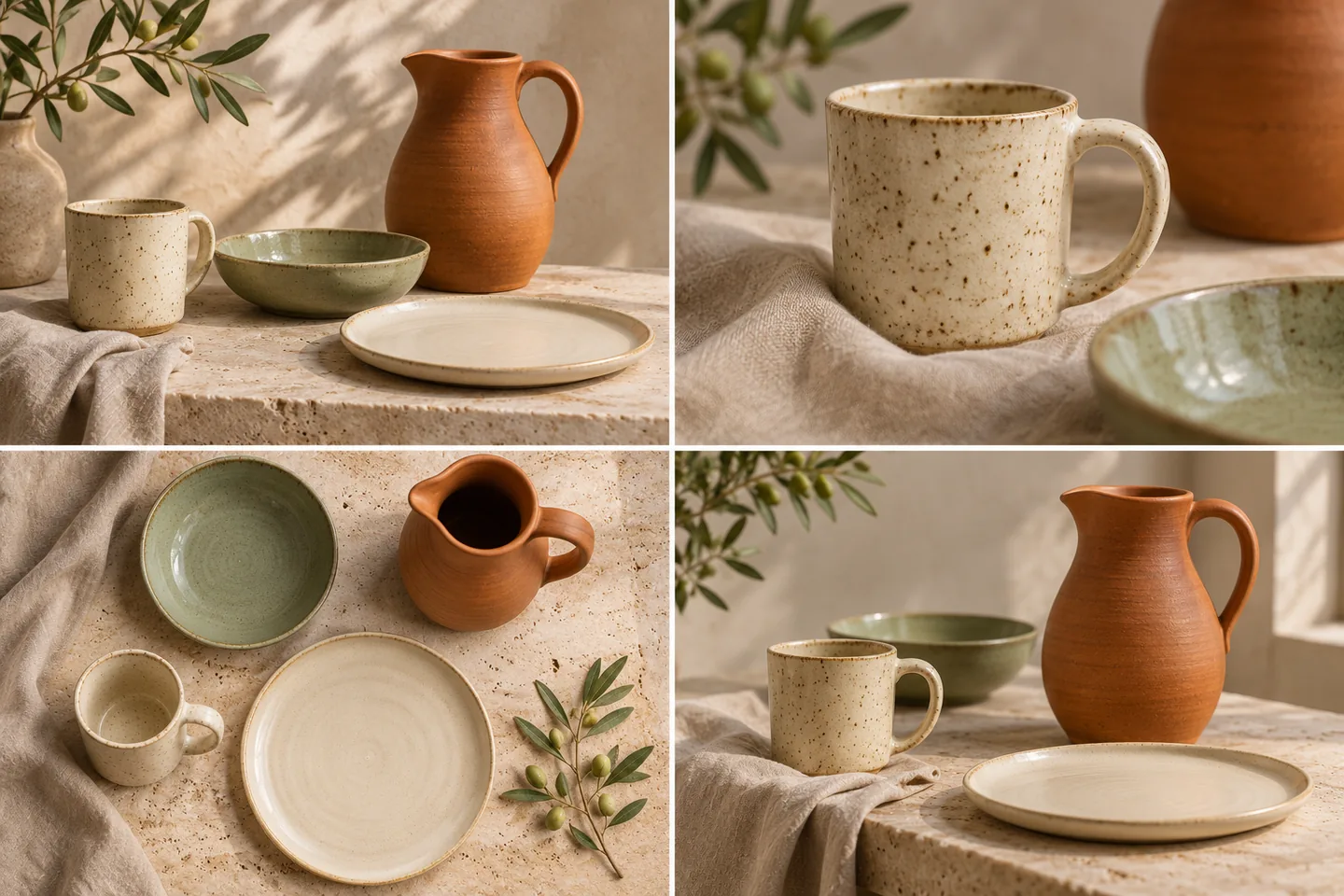
Four editorial product photographs of coordinated handmade ceramic tableware

Add up to 20 photos to Unblur Image Bulk

Select multiple pictures or drag a group into Unblur Image Bulk to start a complete collection in one workspace. Bring together every angle of a product, a campaign's supporting assets, or your favorite holiday pictures. Follow the whole collection through one organized queue.
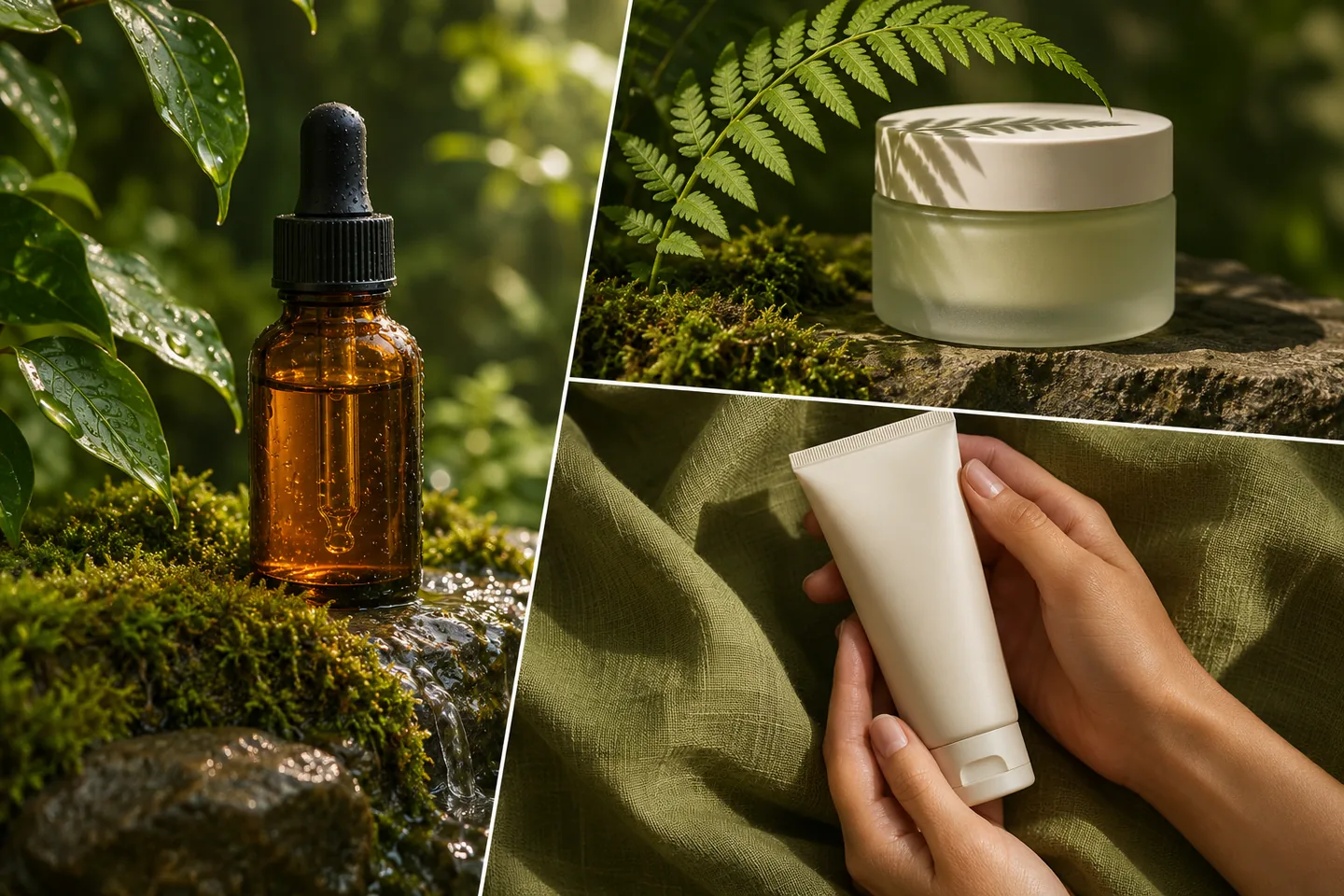
Coordinated botanical skincare campaign photographs with amber glass and green textures

Choose your settings once for the batch

Choose an enhancement level and output size once, then apply them across your selected photos. Unblur Image Bulk takes care of the repeated setup between files, helping you process coordinated content with fewer clicks. Use the same approach for a series of product shots, a presentation image set, or a weekend's worth of travel pictures.

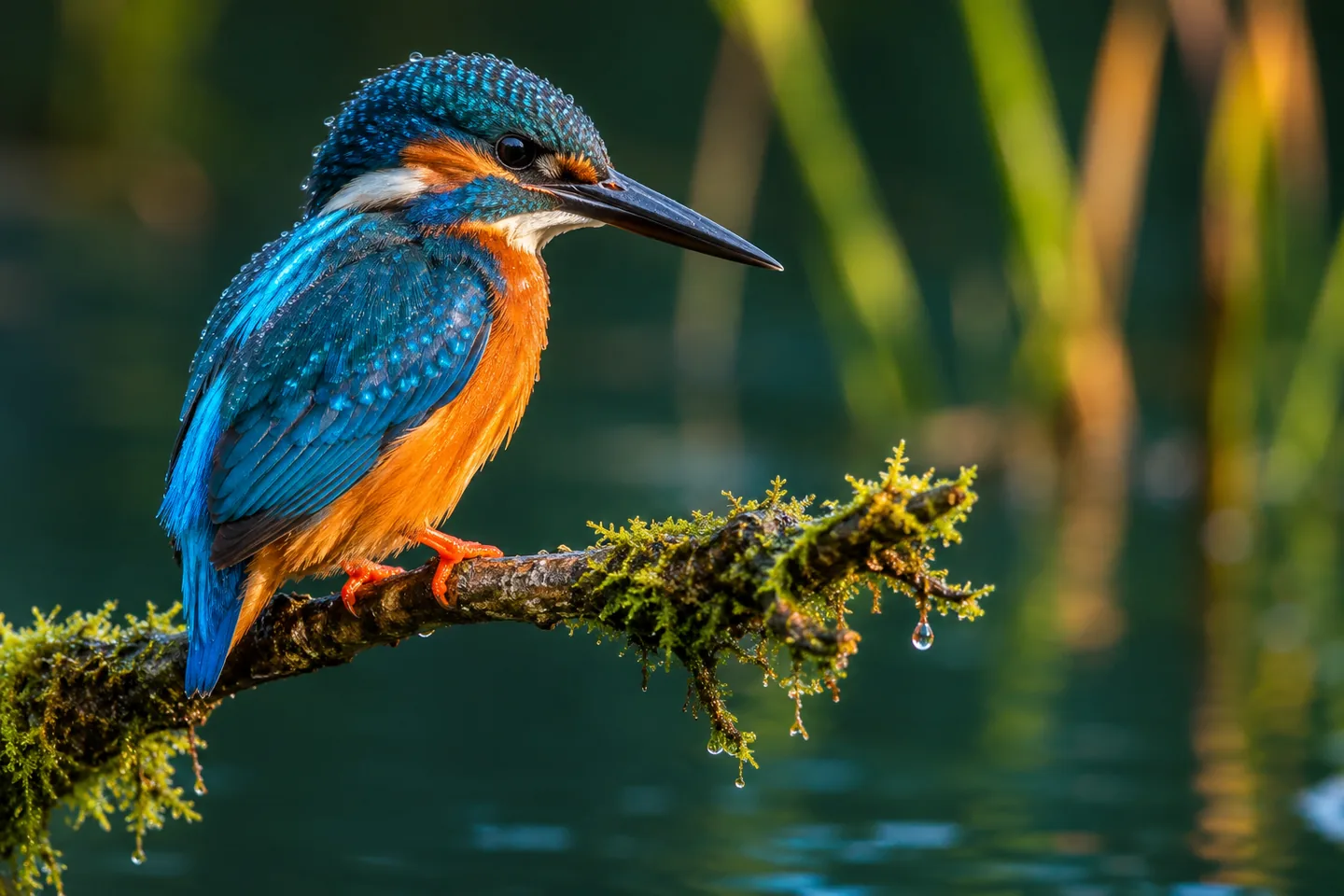
Kingfisher with fine blue and orange feather detail beside dark teal water

Bring textures, edges, and small details into focus

Give feathers, fabrics, foliage, and other fine details a clearer appearance. Unblur Image Bulk pairs each processed image with its original in a built-in comparison, so you can see what changed as you move through the collection. Switch between thumbnails to explore the result of each photo while keeping the rest of your batch close at hand.

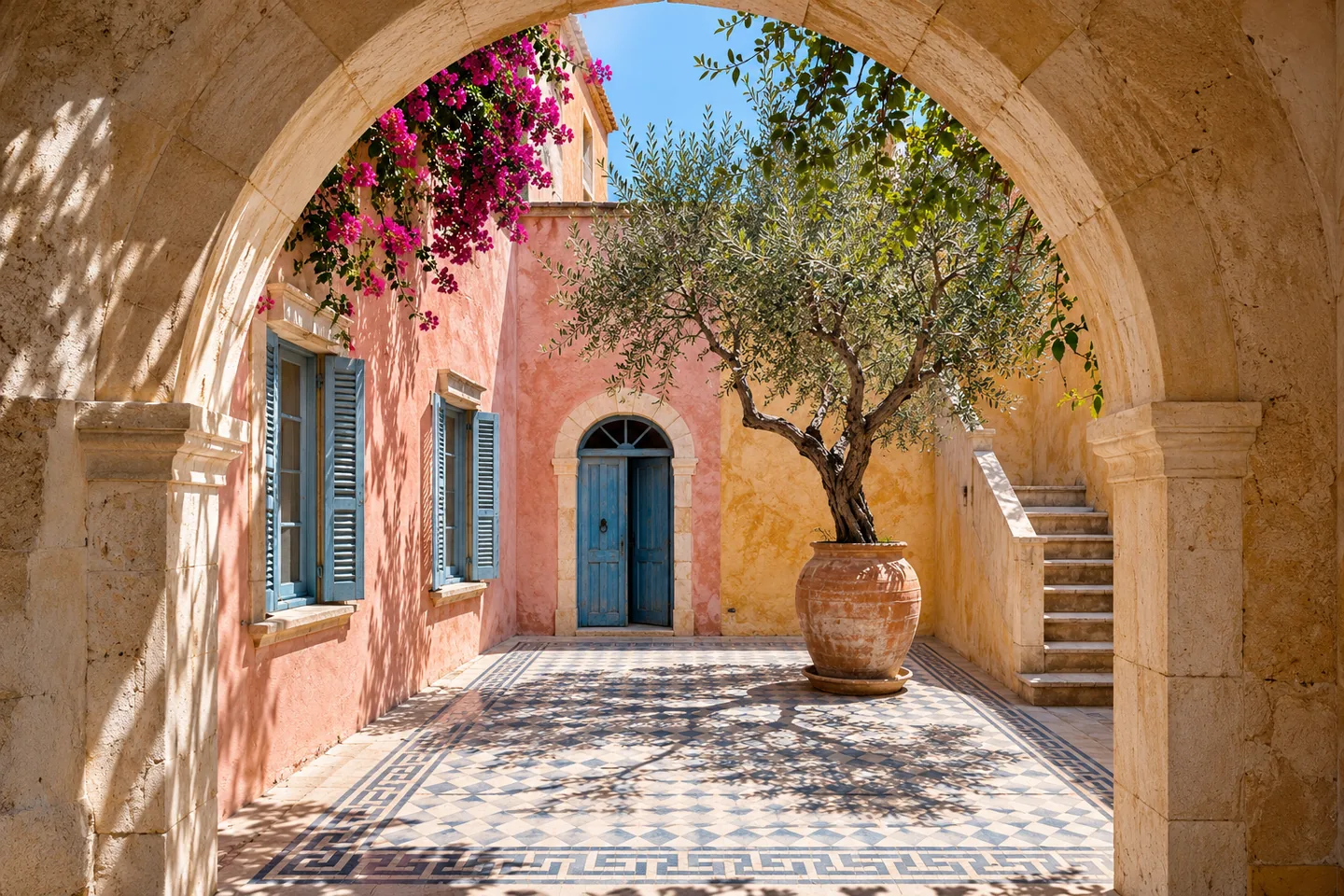
Mediterranean courtyard with detailed stone arches, patterned tiles, and an olive tree

Create larger images for your next project

Take small images further across shop listings, social posts, and larger design layouts. Unblur Image Bulk combines sharpening with enlargement options, including 2× free output and cloud enhancement choices up to 4K. Choose the mode and available size that fit your project, then let the batch prepare a collection with more room for the details to show.

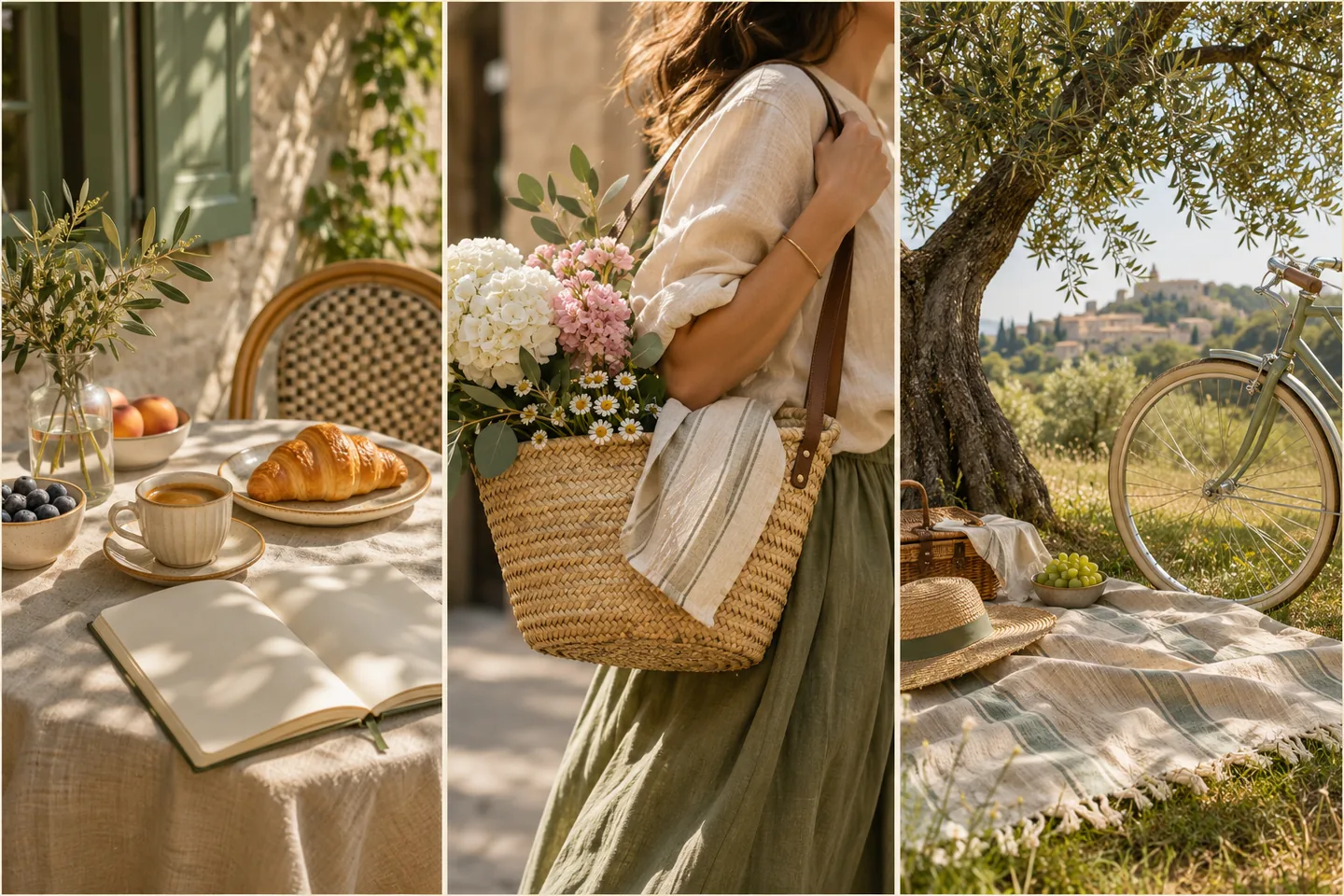
Three warm lifestyle photographs showing breakfast, market flowers, and a relaxed picnic

Collect completed images in one ZIP

Bring your finished pictures together with a ZIP download, ready for a content folder, shop update, or shared project. Unblur Image Bulk also offers individual downloads when you need just one image. Exported filenames include the source name and processing choice, making it easier to match each enhanced picture with the original collection and keep your deliverables organized.

A clearer photo collection in three steps

  1. 1

    Add your images

    Drop up to 20 JPG, PNG, or WebP files into Unblur Image Bulk.

  2. 2

    Choose and start

    Choose the enhancement level and output you want, then start Unblur Image Bulk.

  3. 3

    Download your collection

    Compare your results in Unblur Image Bulk and save the completed set as one ZIP.

Put your enhanced photos to work

Product catalog updates

Prepare multiple product angles for a shop update with Unblur Image Bulk, giving customers a clearer view of textures, finishes, and details.

Campaign asset folders

Use Unblur Image Bulk to sharpen a set of social posts, presentation visuals, or campaign images and keep the collection ready for your team.

Personal photo collections

Give travel pictures and family snapshots a clearer finish with Unblur Image Bulk, then gather your favorites for a shared album.

Built for everyday photo batches

See the cost before starting

Unblur Image Bulk shows the credit total for cloud processing before you start, making the cost of a collection easy to understand.

Start right in your browser

Open Unblur Image Bulk on your computer or phone and add your photos directly. Everything starts in the same browser workspace.

Keep originals and outputs connected

Unblur Image Bulk pairs source images with their enhanced results, so your original collection stays easy to recognize throughout the workflow.

Questions about batch photo enhancement

How many photos can I unblur at once?

Unblur Image Bulk accepts up to 20 photos and processes them in order. Each image has its own progress state and result.

Which file formats and sizes can I use?

Unblur Image Bulk accepts JPG, JPEG, PNG, and WebP, up to 12 MB each. Output choices depend on source dimensions and mode.

Is Unblur Image Bulk free to use?

Unblur Image Bulk offers free unblurring without an account. Free 2× requires sign-in on supported devices. Cloud modes require an account and credits, shown before starting.

Will every image keep its original dimensions?

Unblur Image Bulk provides unblurring, 2×, and cloud outputs up to 4K. Large free inputs may be resized to fit device limits.

Can I download all the results together?

Yes. Unblur Image Bulk offers ZIP and individual downloads. Exported filenames include the source name and processing choice, helping you organize the collection.

What happens if one image fails?

Unblur Image Bulk shows the affected image's status and message. Completed pictures remain downloadable while you retry that item or change its settings.

Does the tool work on phones and iPhones?

Unblur Image Bulk works in mobile browsers. Free options depend on device support, with Unblur only on iOS. Cloud options are available after sign-in.

Which enhancement level should I choose?

Choose Unblur Image Bulk Free for browser enhancement, Standard for general sharpening, Fidelity for detail preservation, or Strong for reconstruction. Strong may generate fine details that differ from the source.

Start your next collection with Unblur Image Bulk

Add your pictures to Unblur Image Bulk, choose your enhancement, and turn the completed batch into one easy download.

Add your photos

More ways to improve your pictures

AI Image Upscaler

Explore enlargement options for small images.

Unblur Blurry Face in Photo

Focus on clarity in portraits and faces.

AI Image Denoiser

Reduce grain and noise in your photographs.

LogoUnblur Image

Enhance blurry images online for free

Tools
  • AI Image Upscaler
  • Product Photo Enhancer
  • Unblur Image Bulk
  • Unblur Blurry Face in Photo
  • Unblur Text
  • Low Light Photo Enhancer
  • Old Photo Restoration
  • Image Upscaler for Printing
  • Pixelated Image Fixer
  • Compressed Image Repair
  • AI Image Denoiser
Resources
  • Changelog
Company
  • About
  • Contact
Legal
  • Acceptable Use Policy
  • Cookie Policy
  • Privacy Policy
  • Terms of Service
© 2026 Unblur Image. All Rights Reserved.