Old Photo Restoration That Brings Your Memories Into Focus
Give family portraits and vintage scans a clearer finish with Old Photo Restoration. Compare the details, then save a copy for your next album.
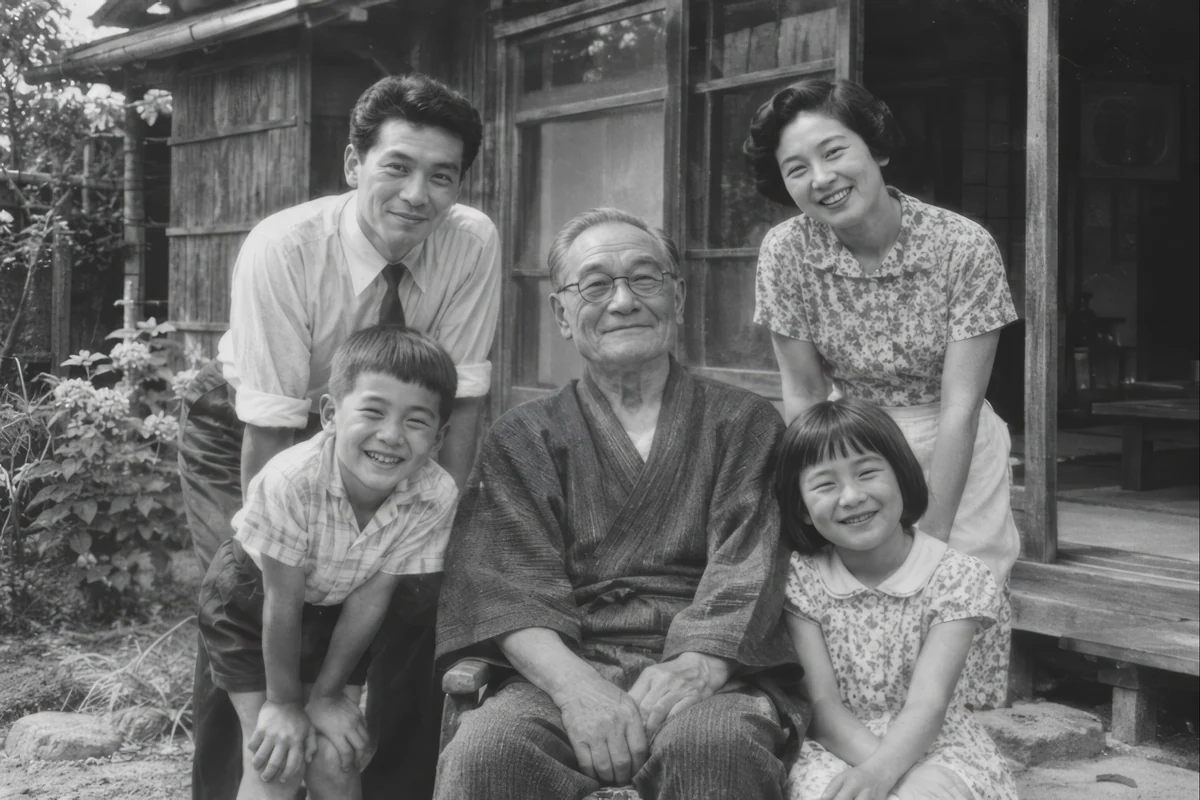
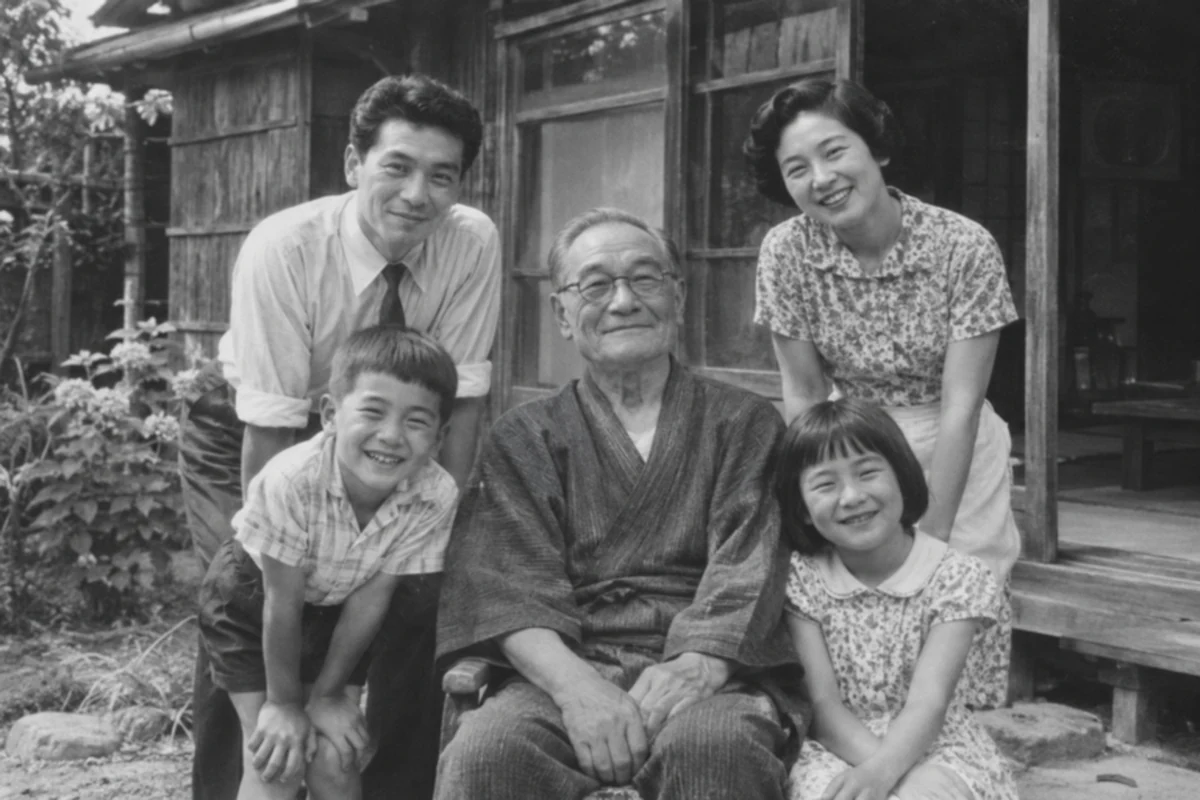
Old Photo Restoration for the moments you keep
Old Photo Restoration brings gentle enhancement, larger output options, and an easy album workflow together. Choose the finish that suits each memory.
Comparisons show generated vintage-style samples processed with High Fidelity enhancement. The album collection is illustrative.
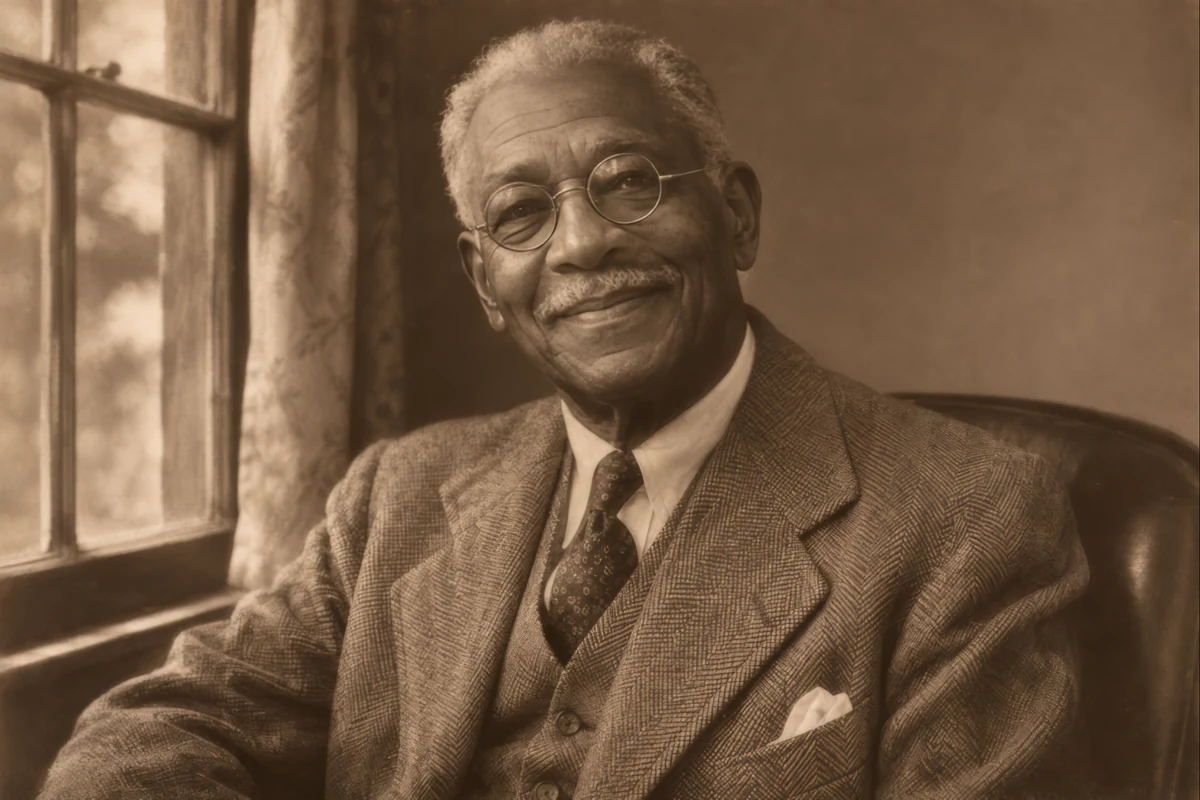
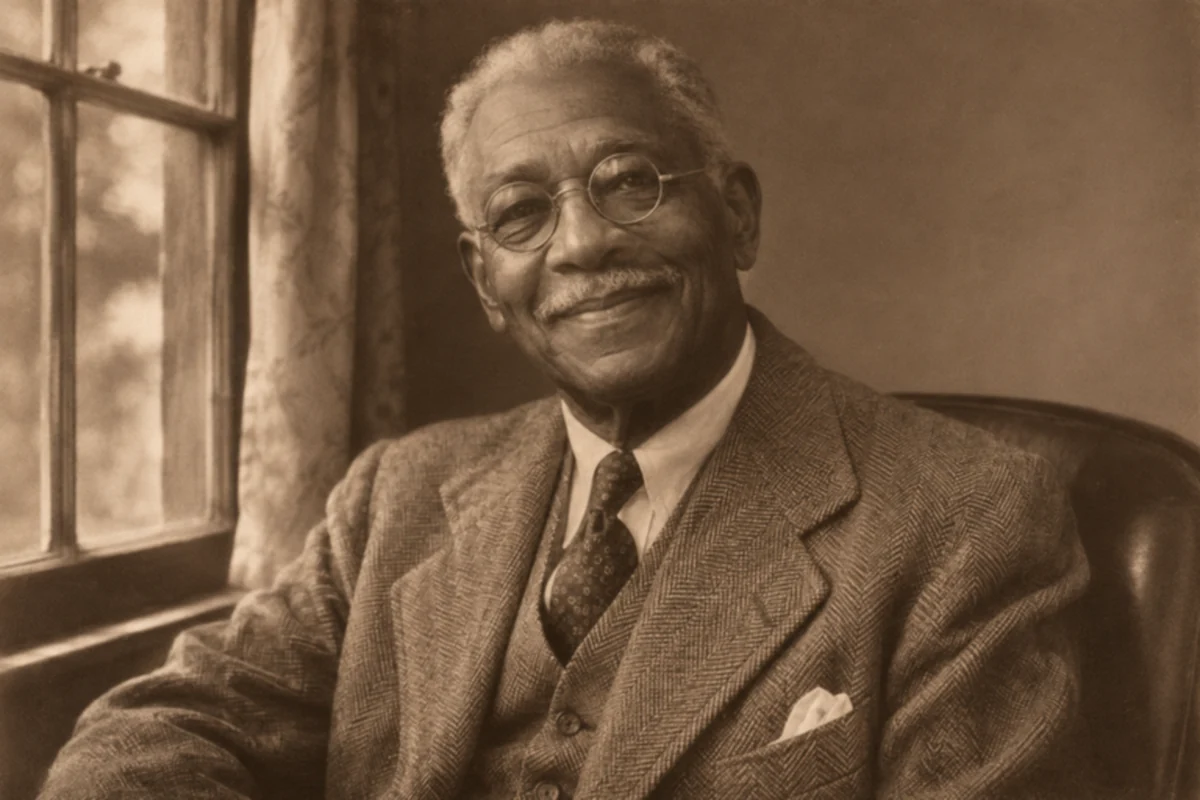
Gentle Old Photo Restoration for familiar faces
With Old Photo Restoration, bring soft portraits into focus with attention to eyes, hair, and clothing. High Fidelity offers conservative detail enhancement for your family collection. Compare expressions and small features against the source before choosing your favorite result.
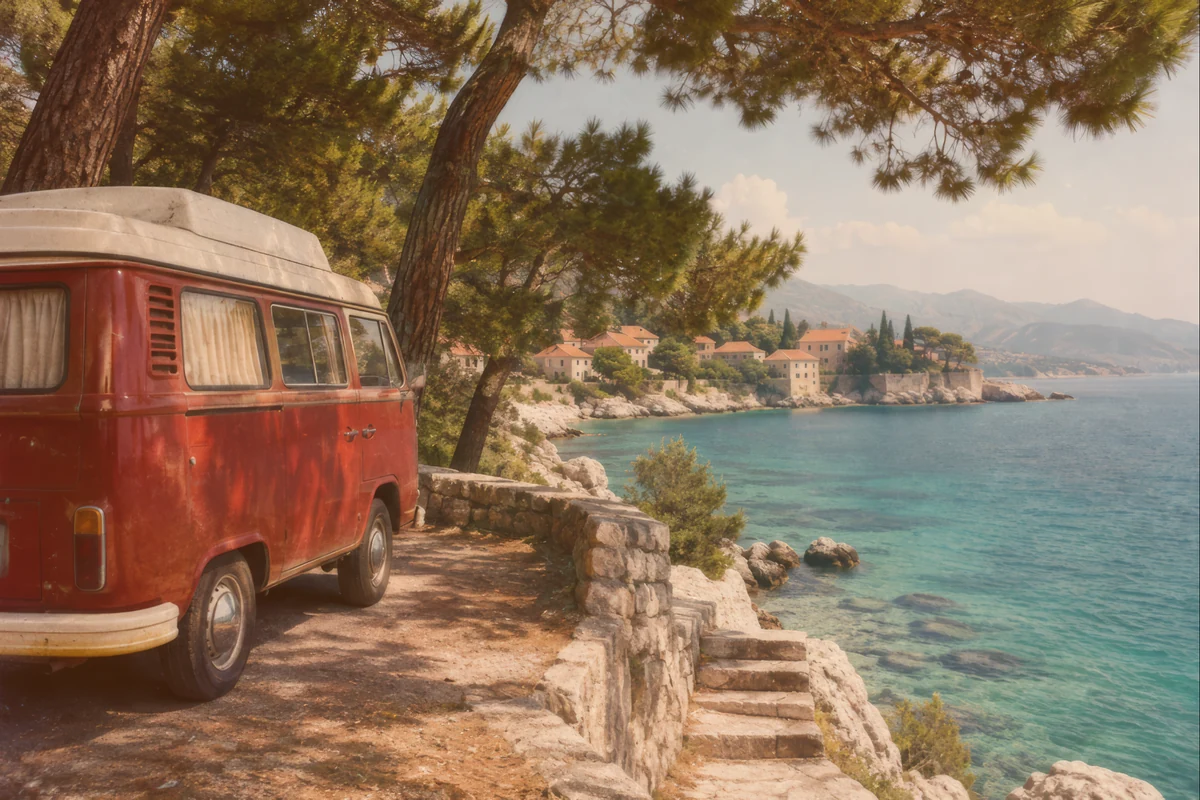
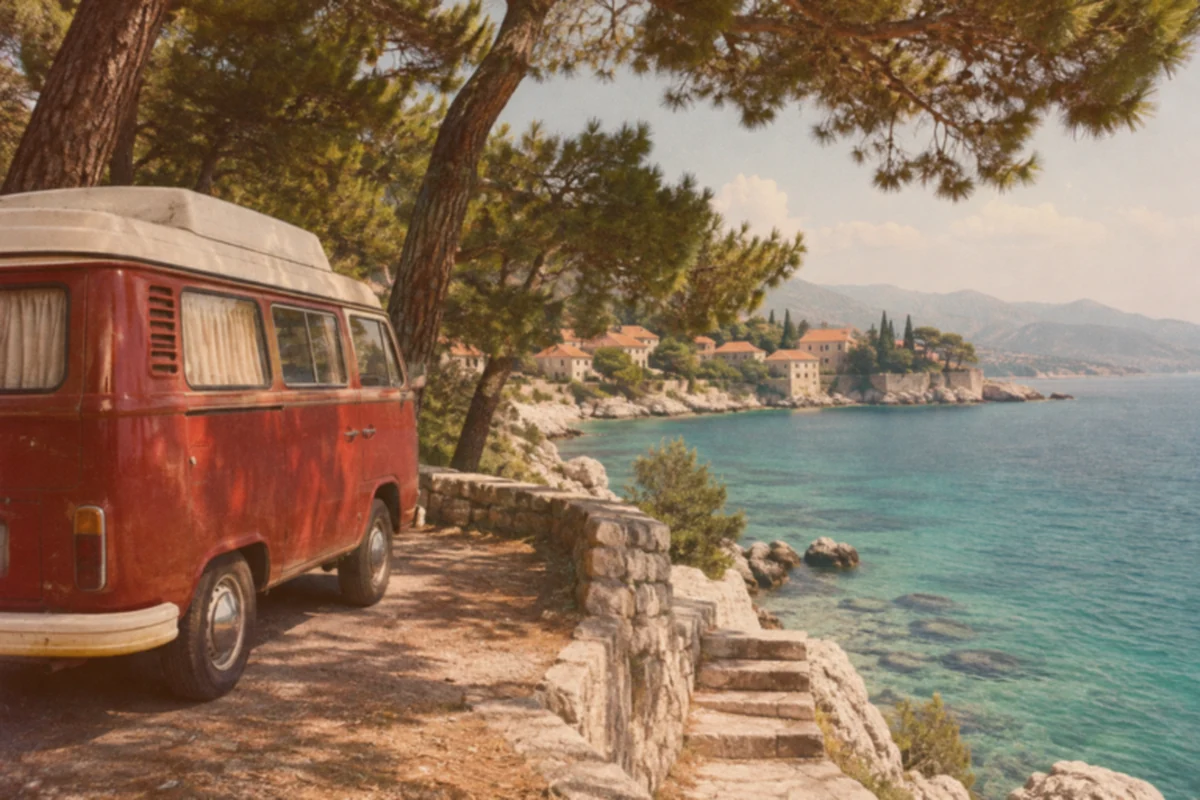
Old Photo Restoration for scanned photos
Give older travel snapshots and scanned prints a more readable finish. Old Photo Restoration helps improve soft edges and distracting grain, making familiar places easier to enjoy. A clean scan gives enhancement more detail to work with, from seaside stonework to the texture of a favorite coat.
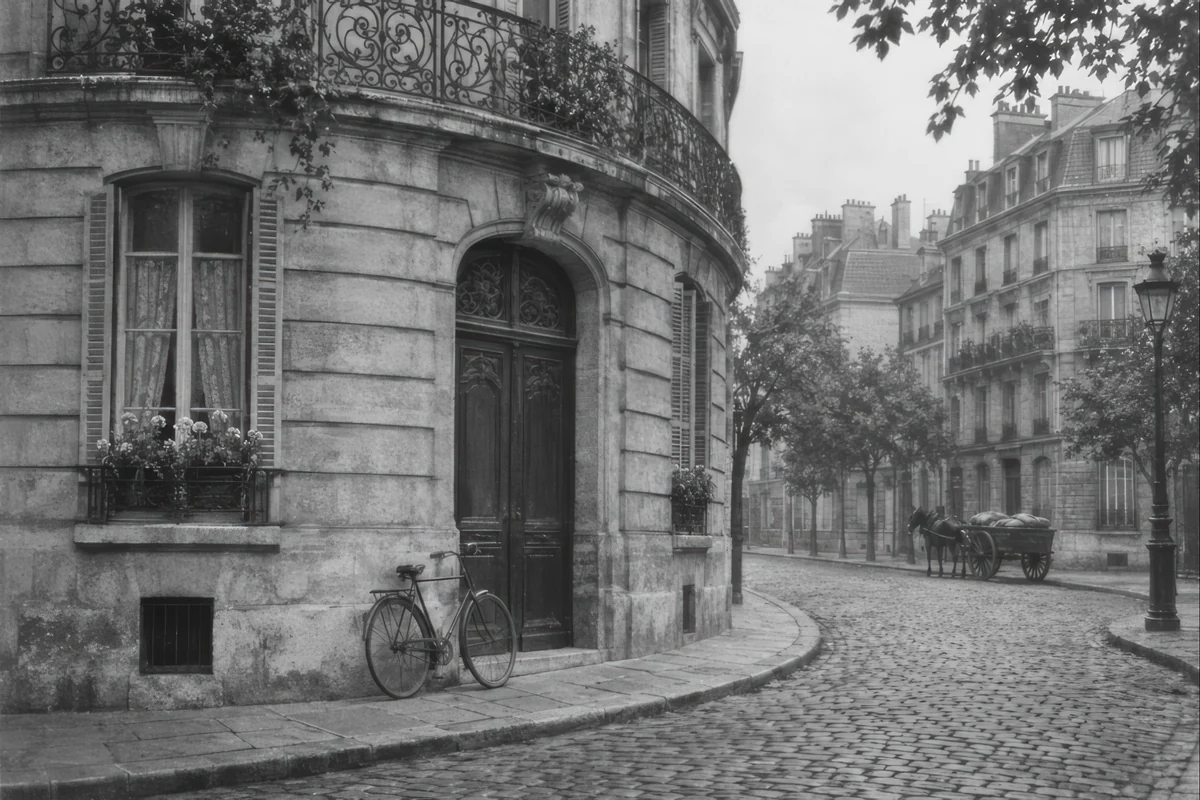
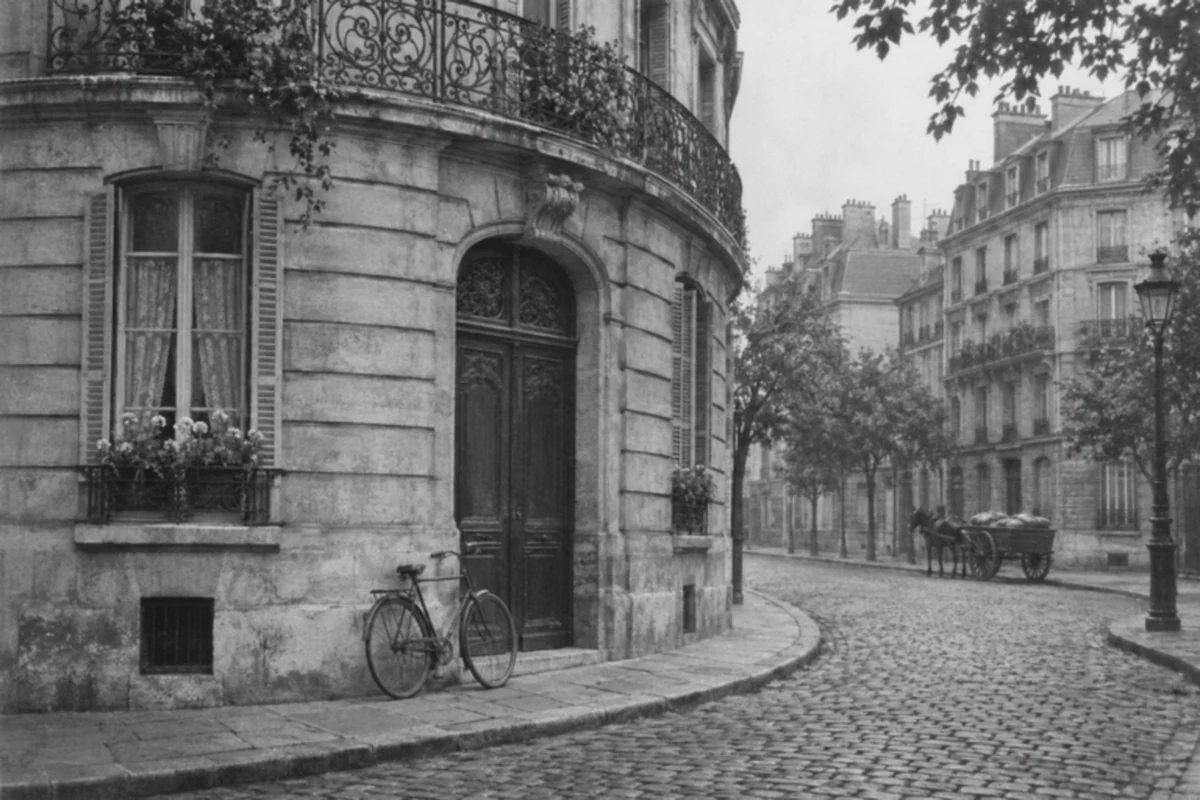
Preserve black-and-white style with Old Photo Restoration
Enjoy a clearer version while keeping the photograph's original palette and full composition. Old Photo Restoration works with monochrome, sepia, and vintage color images. Review architectural lines, fabric, and tonal detail while preserving the visual character that makes an old picture feel familiar.
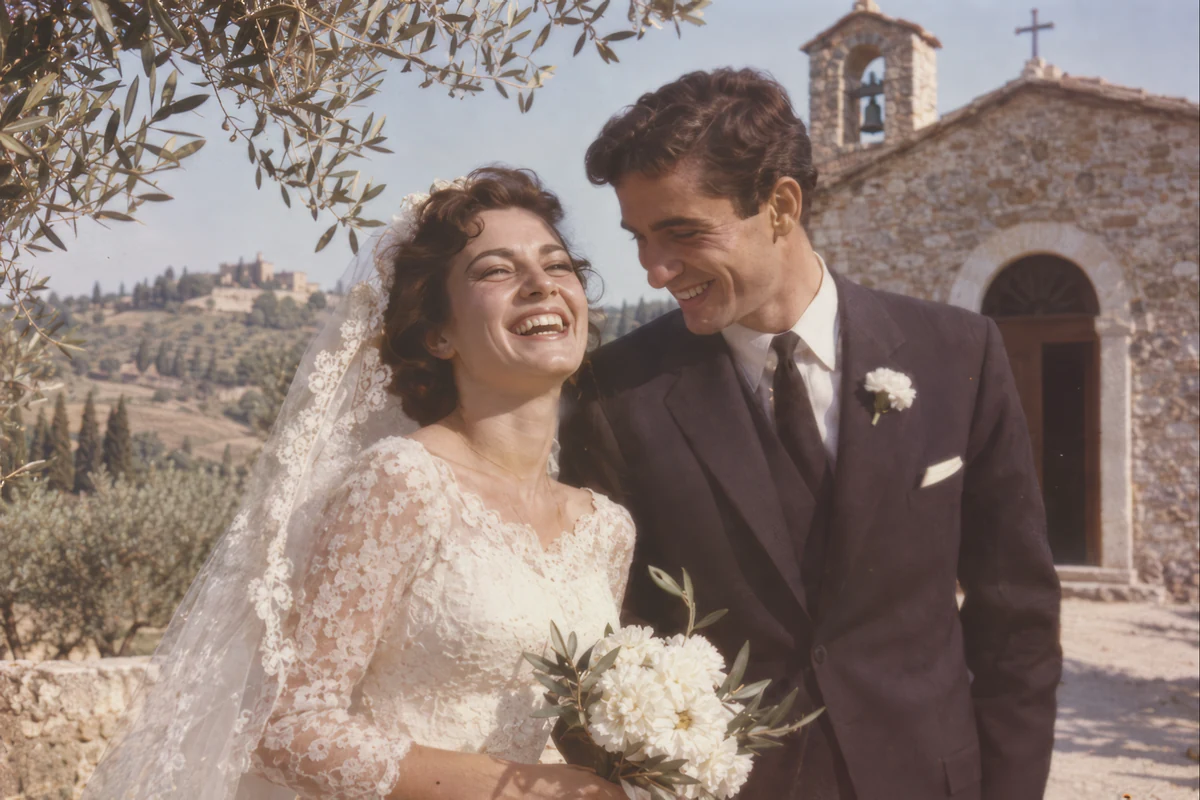
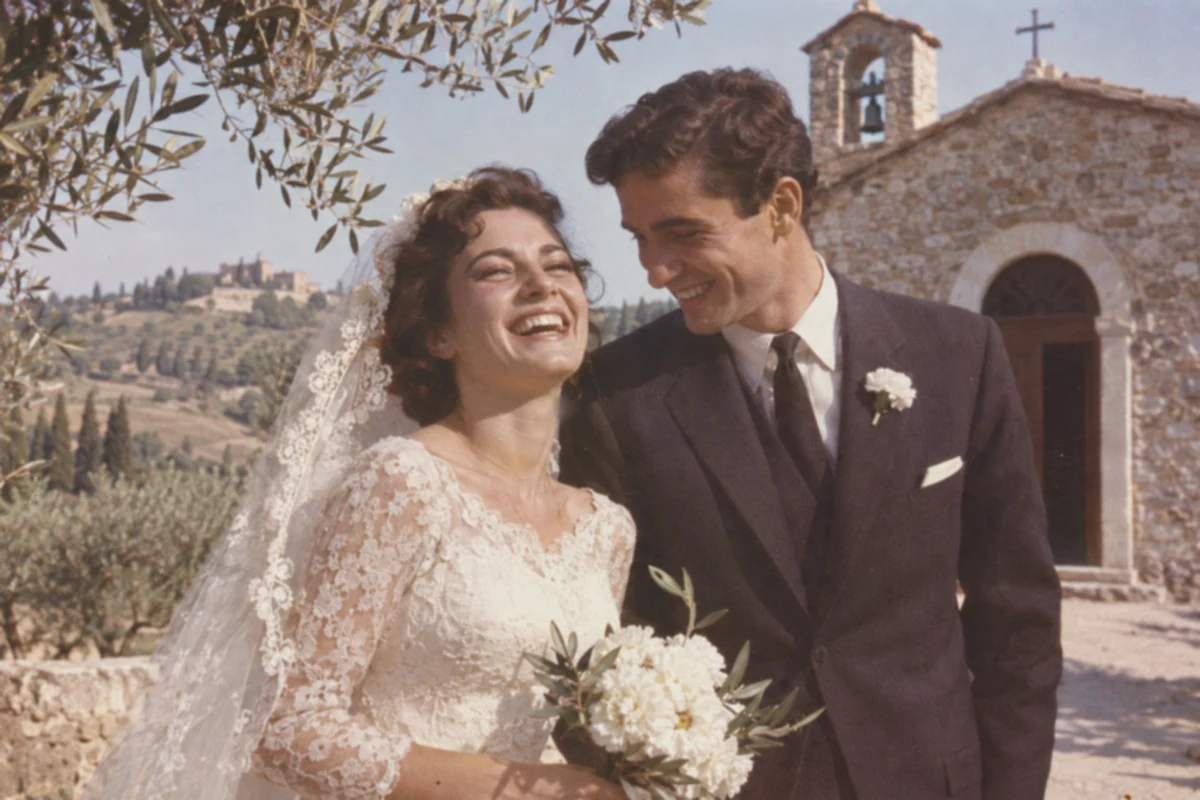
Old Photo Restoration for sharing and reprints
Create a larger copy for a photo book, shared screen, or carefully sized reprint. Old Photo Restoration offers 1K, 2K, and 4K cloud output where supported. Check the estimated dimensions, then inspect fine details at full size before sending the image to print.
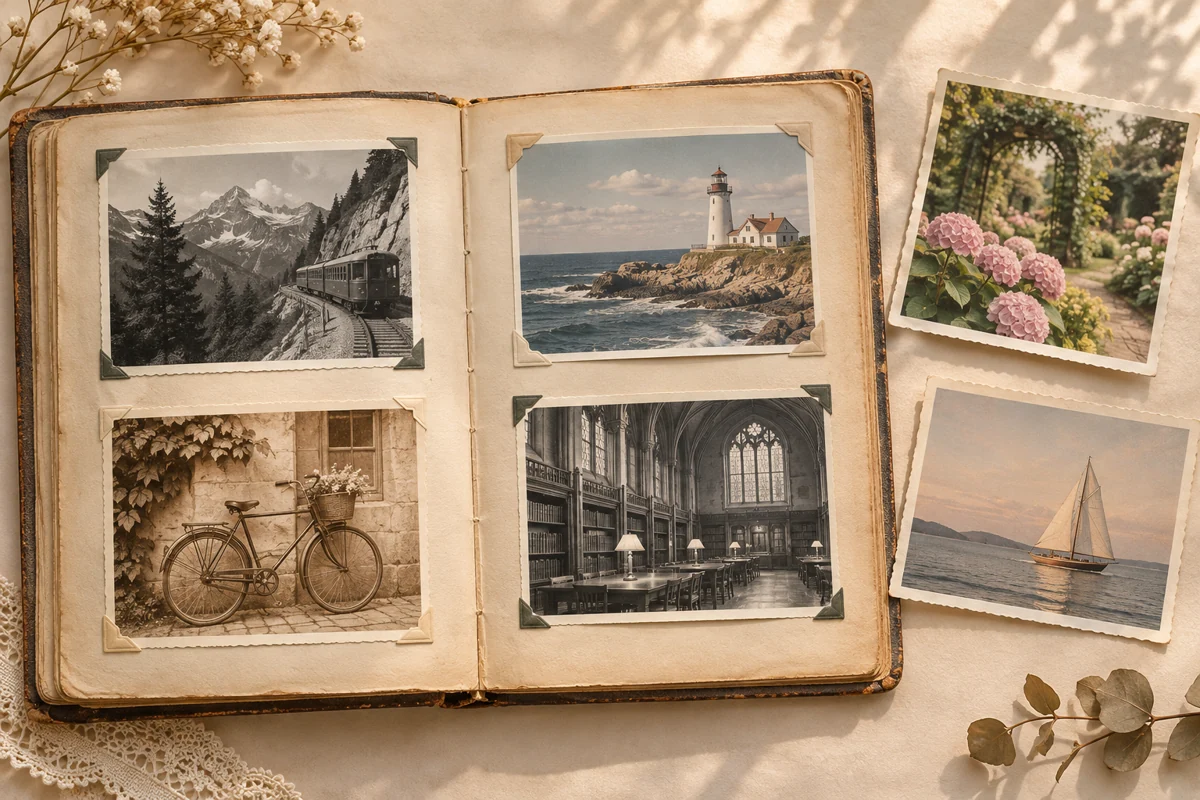
Work through a family album in one session
Add up to 20 photos to Old Photo Restoration, choose a shared enhancement level, and follow each result in one workspace. Move between individual previews as the collection finishes. Download a favorite or collect completed images in a ZIP, ready to organize into a digital album.
How to use Old Photo Restoration
- 1
Add an old photograph
Upload a JPG, PNG, or WebP scan to Old Photo Restoration, or explore the sample.
- 2
Choose your finish
Start with Free HD or choose a cloud enhancement level and supported output size.
- 3
Compare and save
Slide across the original and result, check important details, and download your enhanced copy.
Old Photo Restoration for everyday family projects
Family archives
Prepare clearer digital copies to keep beside the original scans.
Celebration albums
Refresh old wedding and birthday pictures for a photo book.
Sharing across generations
Send favorite childhood moments and travel memories to your family.
Thoughtful reprints
Prepare a suitable image size for a frame or anniversary gift.
Why choose our Old Photo Restoration?
Start in your browser
Open Old Photo Restoration in your browser to upload, compare, and download. Free HD is available before signing in.
See the cost first
Cloud enhancement displays the required account credits alongside your selected level and size.
Keep the original in view
Review the transformation against your source and choose the result that feels right.
Your Old Photo Restoration questions
Is Old Photo Restoration free to try?
Old Photo Restoration includes Free HD, which works locally without sign-in or credits. Standard, High Fidelity, and Strong Restore use cloud processing with account credits. The tool shows the total before you start.
Can Old Photo Restoration repair scratches, tears, or missing areas?
The current workflow focuses on clarity, texture, and detail enhancement. Deep scratches, tears, and missing areas may remain. Extensive physical damage can require specialist retouching, and reconstructed details should always be checked against the original.
Will Old Photo Restoration change faces or add color?
High Fidelity prioritizes the original appearance. Strong Restore may change faces or other details, so compare carefully. Old Photo Restoration keeps the original palette, including black-and-white photographs, and does not offer automatic colorization.
Which formats and sizes does Old Photo Restoration support?
Use JPG/JPEG, PNG, or WebP files up to 12 MB each, with up to 20 images per batch. For paper prints, upload a straight, evenly lit scan with minimal glare.
Can Old Photo Restoration enlarge photographs for printing?
Supported cloud modes offer 1K, 2K, and 4K outputs according to the source size and aspect ratio. Suitable print dimensions depend on output pixels and viewing distance. Inspect faces and fine details before ordering a reprint.
Are my old photographs uploaded for processing?
Free HD processes locally on your device. Paid enhancement uploads images for cloud processing. Keep your original scans and download the finished copies you want to preserve.
Bring a favorite photograph back into focus
Start Old Photo Restoration with one memory, compare the result, and build a clearer family collection.
Restore my photo