LogoUnblur Image
  • Pricing

Unblur Blurry Face in Photo for Clearer Portraits

Sharpen soft selfies and favorite portraits. Try Unblur Blurry Face in Photo free and bring more definition to the faces you love.

Output mode
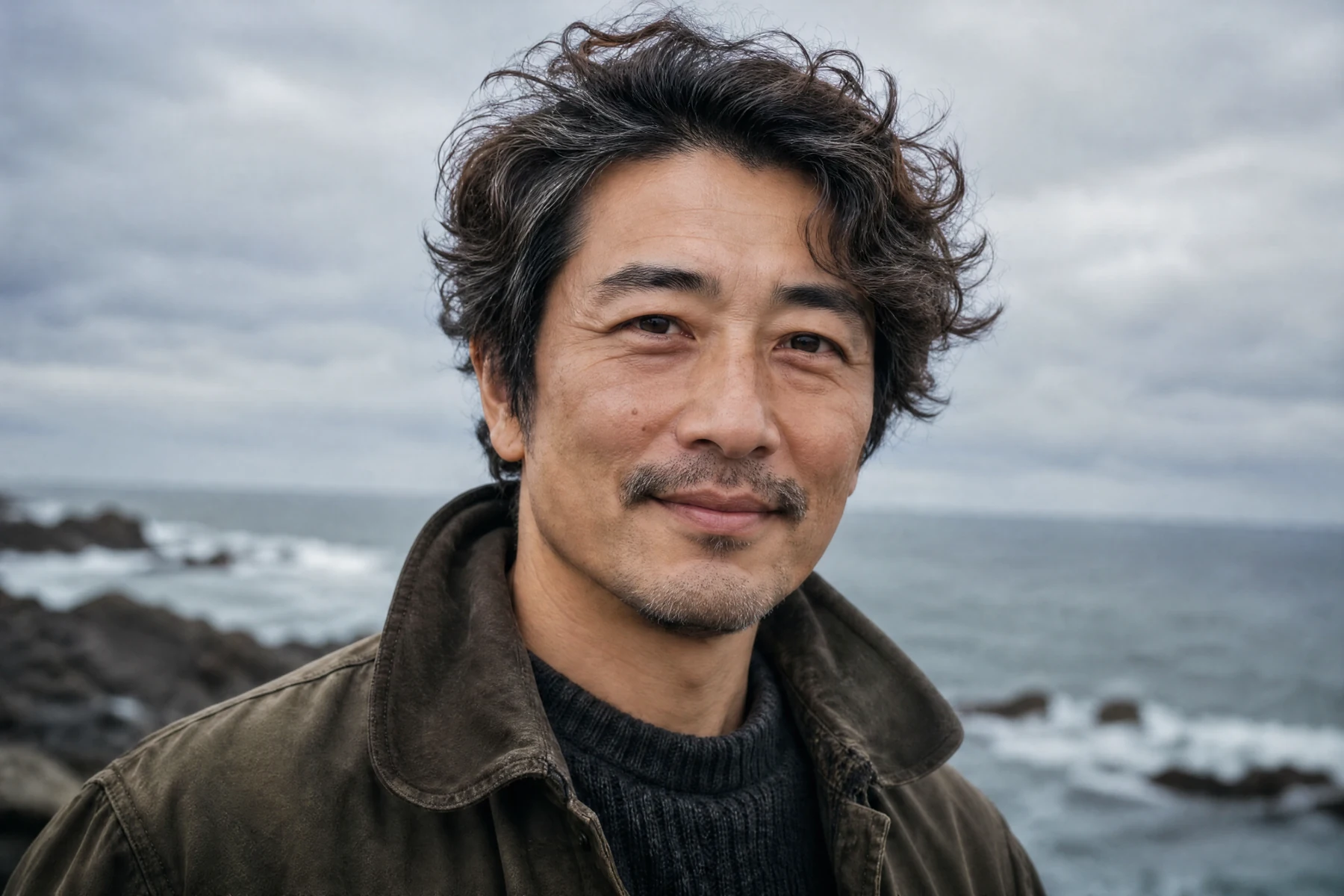
A middle-aged man with windblown hair photographed by the coast
Original
OriginalStrong Restore · 4K

Unblur Blurry Face in Photo, Keep the Moments You Love

Keep the expression and sharpen the details. Unblur Blurry Face in Photo brings portrait enhancement into one simple browser workspace.

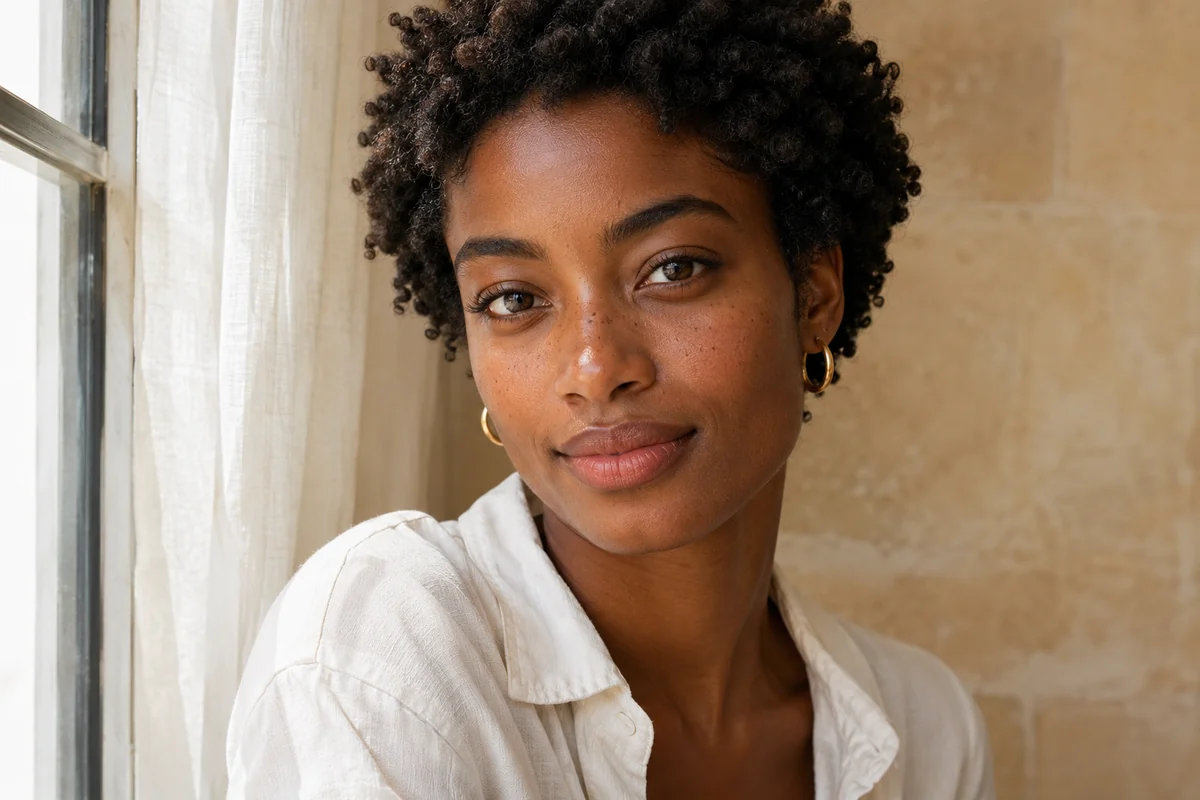
Natural-light close-up portrait of a woman with short coily hair

Bring Eyes and Hair into Clearer View

Give eyes, brows, and hair the definition that makes a portrait stand out. Use Unblur Blurry Face in Photo to sharpen a soft selfie, refresh a close-up, or bring a familiar smile into clearer view. AI handles the detailed work, with a simple workflow for a polished portrait.

Silver-haired architect seated in a softly lit contemporary studio

Choose High Fidelity for Facial Detail

Bring out natural-looking facial detail with High Fidelity. Its built-in face enhancement is designed around the original look of your portrait. In Unblur Blurry Face in Photo, choose this paid mode for a detailed treatment of eyes, hair, and skin texture that keeps your favorite photograph at the center.

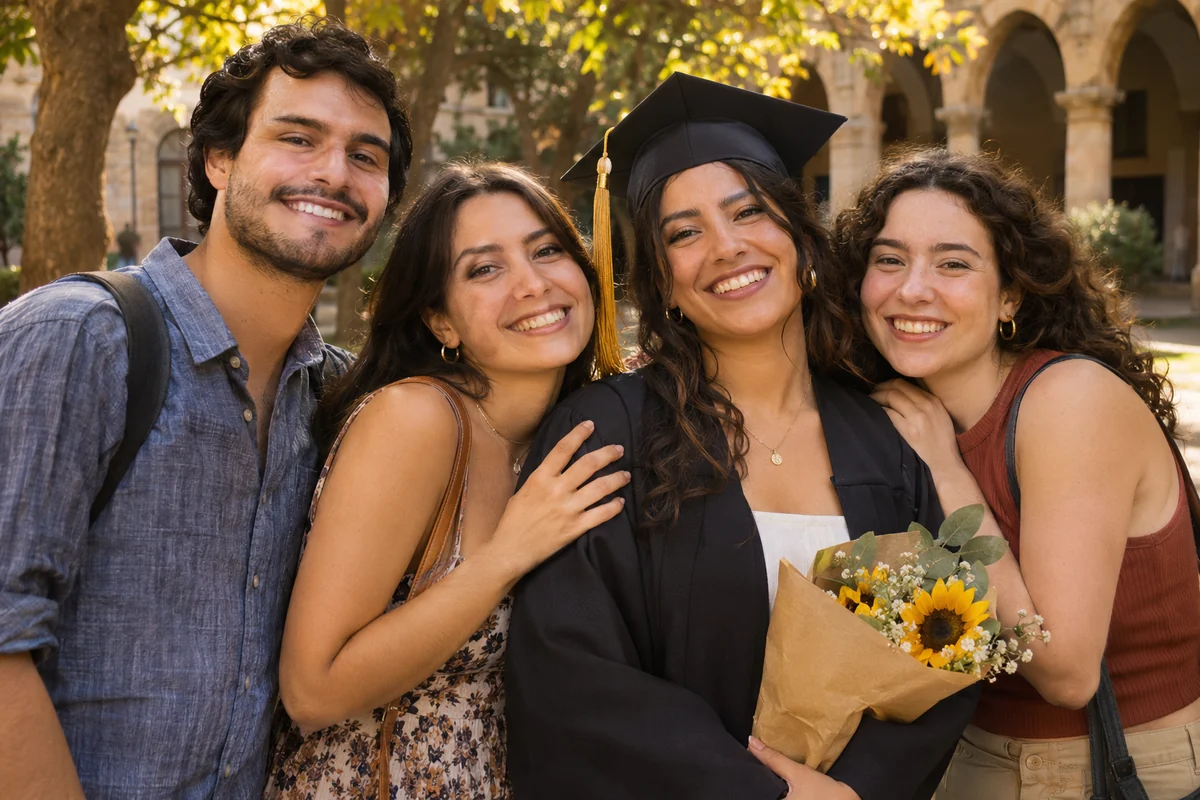
Four friends celebrating a graduation in a golden university courtyard

Give Group Photos Another Chance

Make a graduation, birthday, or reunion picture easier to enjoy. Try Unblur Blurry Face in Photo to improve soft faces and give a shared memory a clearer finish. Enhance the full photograph, then download a version for your family group chat, event album, or personal photo wall.

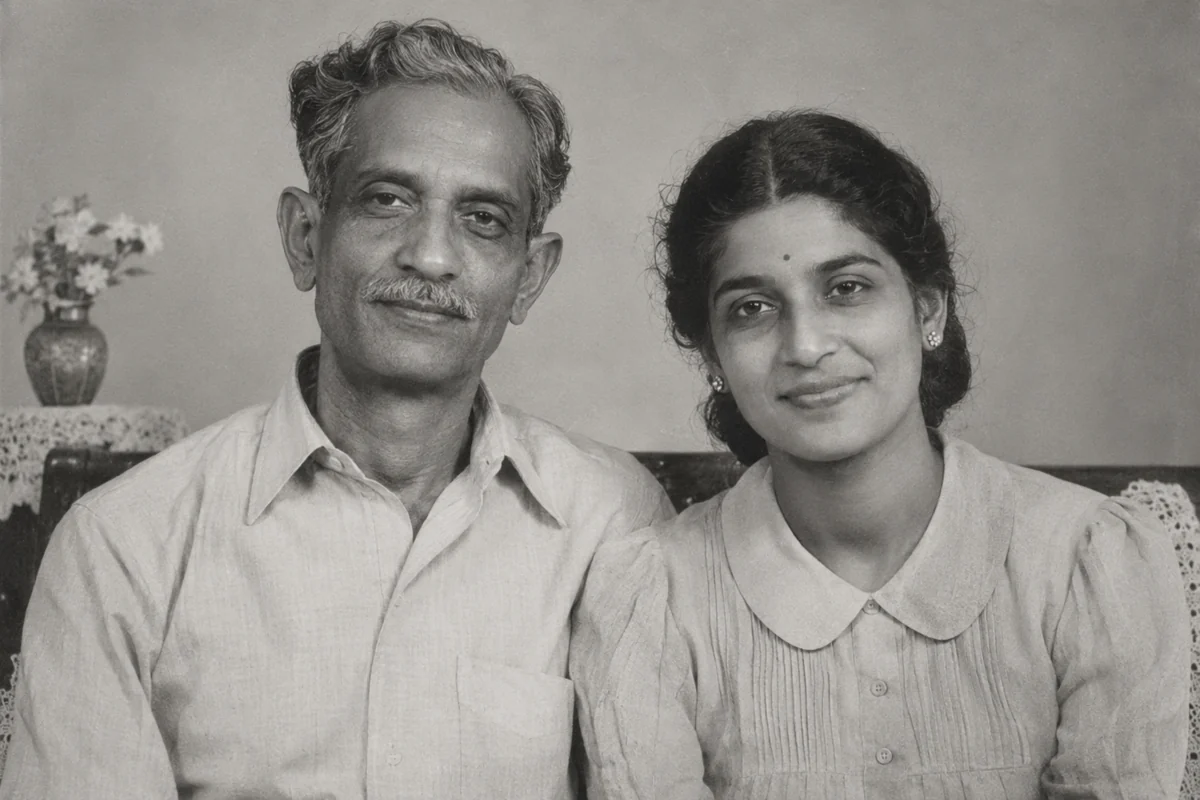
Black-and-white archival-style family portrait of a father and daughter

Revisit Old and Compressed Portraits

Reconnect with the faces in a scanned family print or older digital photograph. Unblur Blurry Face in Photo improves soft facial details and definition lost through compression. Bring a treasured portrait back into your collection with a cleaner appearance that fits today’s screens, digital keepsakes, and family albums.

Ceramic artist wearing a linen apron in a warm pottery studio

Prepare a Portrait for a Larger View

Give a favorite portrait more room in an avatar, portfolio, or album. Unblur Blurry Face in Photo offers 2× enlargement on supported devices after sign-in and paid cloud resolution options. Create a larger version for your project and download it from the same workspace.

How to Use Unblur Blurry Face in Photo

  1. 1

    Choose Your Photo

    Upload a JPG, PNG, or WebP to Unblur Blurry Face in Photo, or try the sample.

  2. 2

    Select an Enhancement

    Start free or select a cloud enhancement. Choose an available output size, then let AI sharpen the portrait.

  3. 3

    Compare and Download

    Move the slider to see the improvement in eyes, hair, and facial details. Download your finished photo.

Unblur Blurry Face in Photo for Everyday Portraits

Refresh a Profile Photo

Put a clearer face on your profile or portfolio.

Keep Family Memories

Use Unblur Blurry Face in Photo for family albums and keepsakes.

Share an Event Picture

Give a favorite graduation or birthday shot a clearer finish.

Why Try Unblur Blurry Face in Photo?

A Free Starting Point

Unblur Blurry Face in Photo lets you start free without an account using Unblur only.

More Ways to Enhance

Unblur Blurry Face in Photo brings free enhancement, High Fidelity, and Strong Restore into one workspace.

Easy to See the Improvement

Move the original-and-result slider, see the finer details, and download a clean image with no added watermark.

Unblur Blurry Face in Photo FAQ

Is Unblur Blurry Face in Photo free?

Yes. Free Unblur only needs no account or credits. Optional 2× enlargement requires sign-in and a supported device, with no credit charge. Cloud modes use credits. Unblur Blurry Face in Photo displays the cost before processing.

Which enhancement should I choose for portraits?

Start free for everyday softness. High Fidelity includes face enhancement focused on the original look. Strong Restore provides more substantial reconstruction. Unblur Blurry Face in Photo gives you these choices in one workspace.

Can Unblur Blurry Face in Photo improve severe blur?

Strong Restore can rebuild more detail in a soft portrait. Results depend on the source. AI may reconstruct facial features when information is missing, especially in tiny or heavily blurred faces. High Fidelity offers a more restrained approach.

Does Unblur Blurry Face in Photo work on group shots?

Yes. Unblur Blurry Face in Photo enhances the full photograph, with no manual face selection needed. Larger, visible faces generally provide more detail for enhancement than distant or partly hidden faces.

Which files can I upload and download?

Unblur Blurry Face in Photo accepts JPG, PNG, and WebP up to 12 MB each, with 20 images per batch. Free results download as PNG. Cloud formats depend on the service. Save individual images or completed results as a ZIP.

Can I use Unblur Blurry Face in Photo on my phone or iPhone?

Yes. Open Unblur Blurry Face in Photo in a supported browser. iPhone and iPad offer free Unblur only. Other supported devices offer free 2× enlargement after sign-in. Processing speed and available dimensions depend on your device and image.

How are my photos processed?

Free enhancement runs locally in your browser. Paid cloud modes upload the selected photo to the image service. Unblur Blurry Face in Photo keeps both options in one workflow for enhancement and downloading.

Can I enhance an old portrait without a watermark?

Yes. Use Unblur Blurry Face in Photo on scanned or older portraits and download a clean result with no added watermark. Higher-quality scans provide more facial detail. Color and black-and-white portraits are both supported.

Try Unblur Blurry Face in Photo on Your Favorite Portrait

Give your favorite faces a clearer finish with Unblur Blurry Face in Photo. Start free and download your portrait.

Choose a Photo

Explore Related Photo Tools

AI Image Upscaler

Make a small image larger with supported enlargement options.

Unblur Image Bulk

Work through several photos and download completed results together.

Old Photo Restoration

Explore enhancement choices for scanned family photographs.

LogoUnblur Image

Enhance blurry images online for free

Tools
  • AI Image Upscaler
  • Product Photo Enhancer
  • Unblur Image Bulk
  • Unblur Blurry Face in Photo
  • Unblur Text
  • Low Light Photo Enhancer
  • Old Photo Restoration
  • Image Upscaler for Printing
  • Pixelated Image Fixer
  • Compressed Image Repair
  • AI Image Denoiser
Resources
  • Changelog
Company
  • About
  • Contact
Legal
  • Acceptable Use Policy
  • Cookie Policy
  • Privacy Policy
  • Terms of Service
© 2026 Unblur Image. All Rights Reserved.