LogoUnblur Image
  • Pricing

Unblur Text in Images for Clearer, Easier Reading

Unblur Text in screenshots, scanned pages, and everyday photos. Enhance visible letter detail, then compare the result with your original.

Output mode
Unblurred
Original
OriginalStandardExample

Unblur Text where the details matter

Use Unblur Text to bring words in your pictures into clearer view, from a shared slide to a photographed page. Start with visible letter shapes.

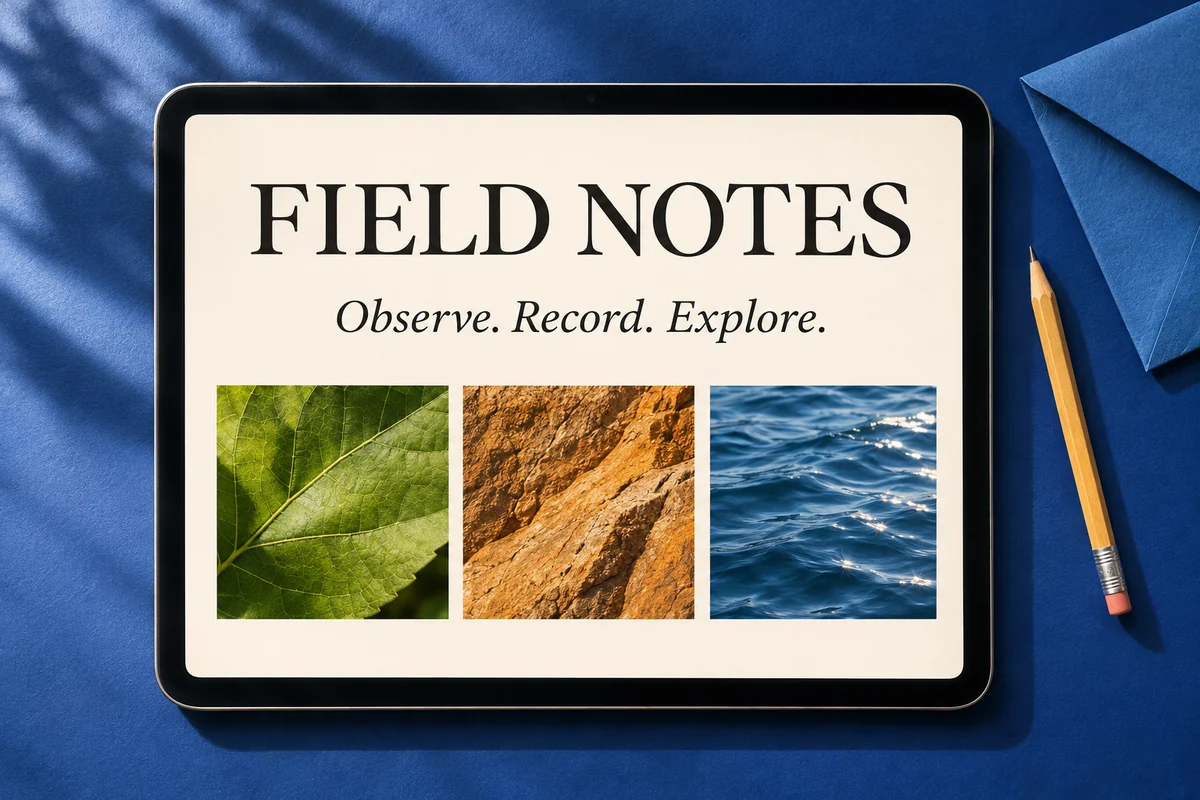
A tablet showing a crisp Field Notes presentation on a cobalt blue desk

Unblur Text in shared screenshots

Unblur Text in presentation slides, saved graphics, and shared screenshots with softened edges. Improve the appearance of visible lettering so you can inspect a heading, revisit a diagram, or prepare a clearer image for your notes. The original remains available for comparison.

Try your image
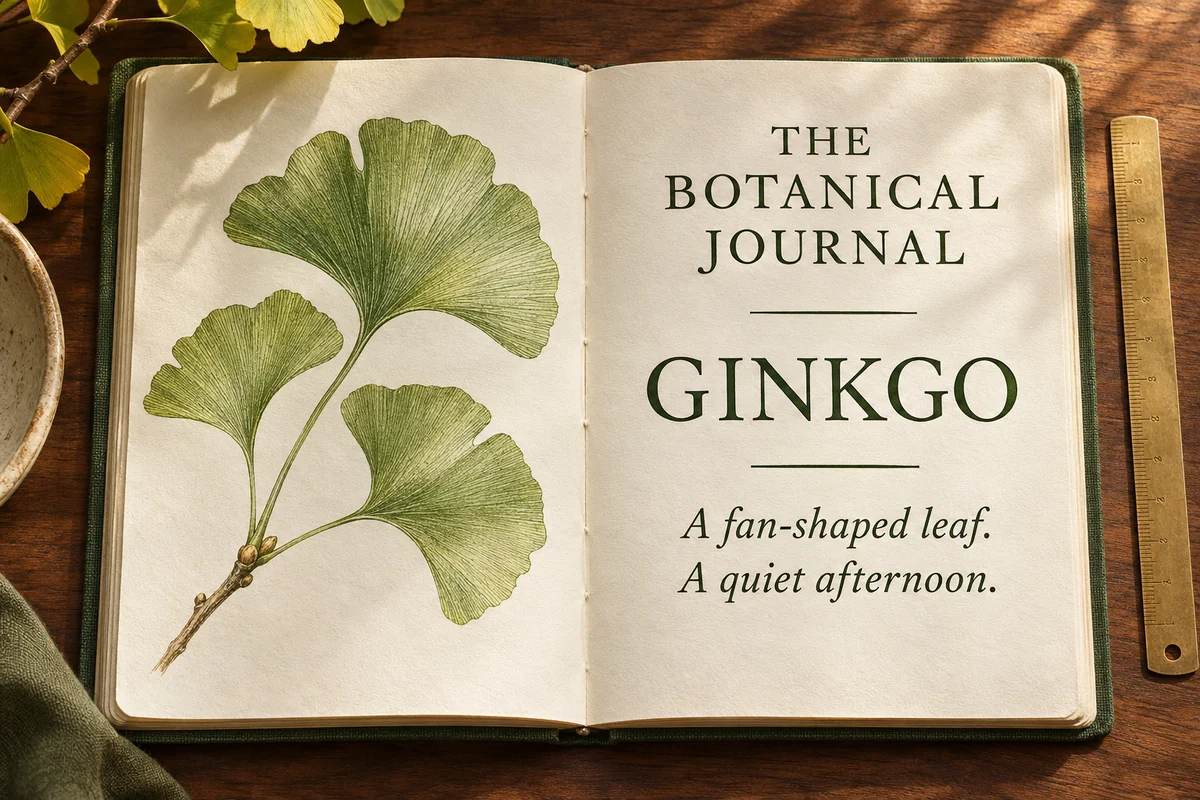
An open botanical journal with a ginkgo illustration and printed text on ivory paper

Unblur Text on photographed pages

Bring printed letters on book pages and scanned notes into better focus. Use Unblur Text to improve lightly blurred text while keeping the page together as an image. Choose a conservative enhancement level and check unfamiliar words against the original before relying on them.

Try your image
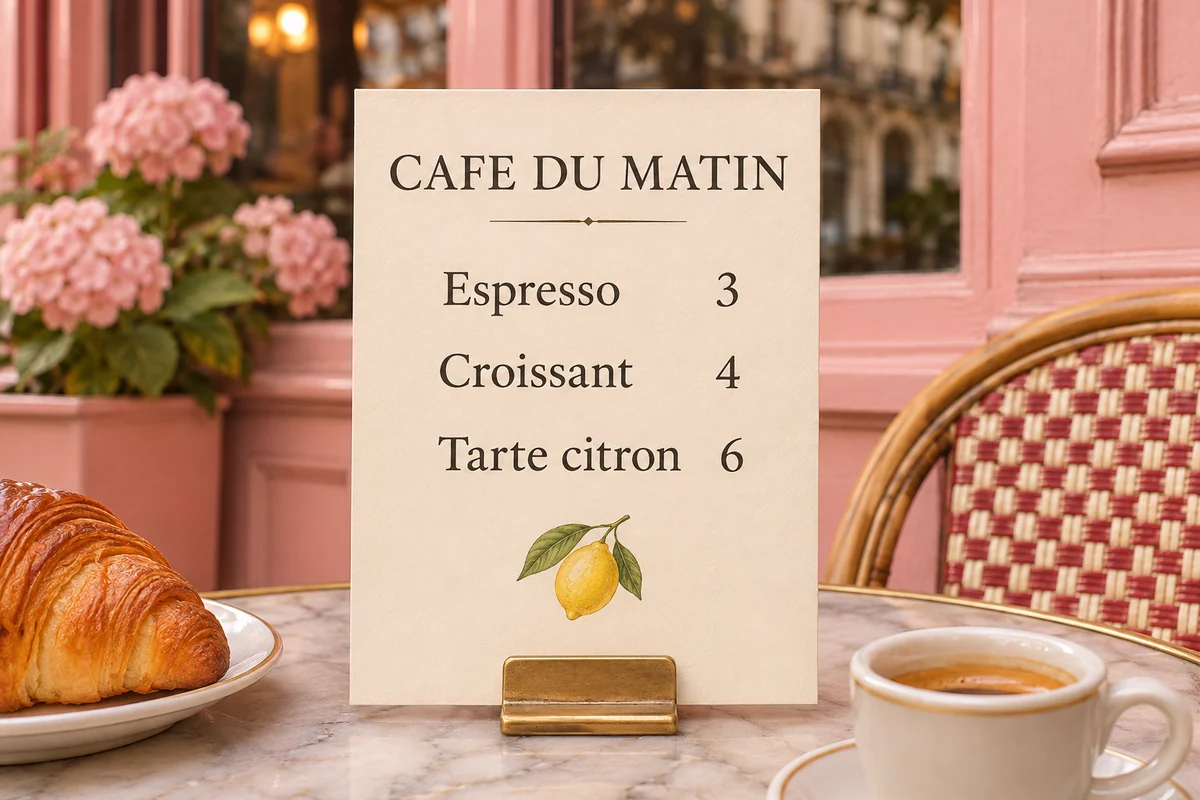
A cream cafe menu with espresso and pastry prices beside a pink Parisian facade

Unblur Text on menus and signs

A useful photo can have soft lettering even when the scene looks good. Unblur Text helps improve visible detail on menus, shop signs, and travel snapshots, giving you a clearer version to inspect, save, or share after a busy day exploring.

Try your image
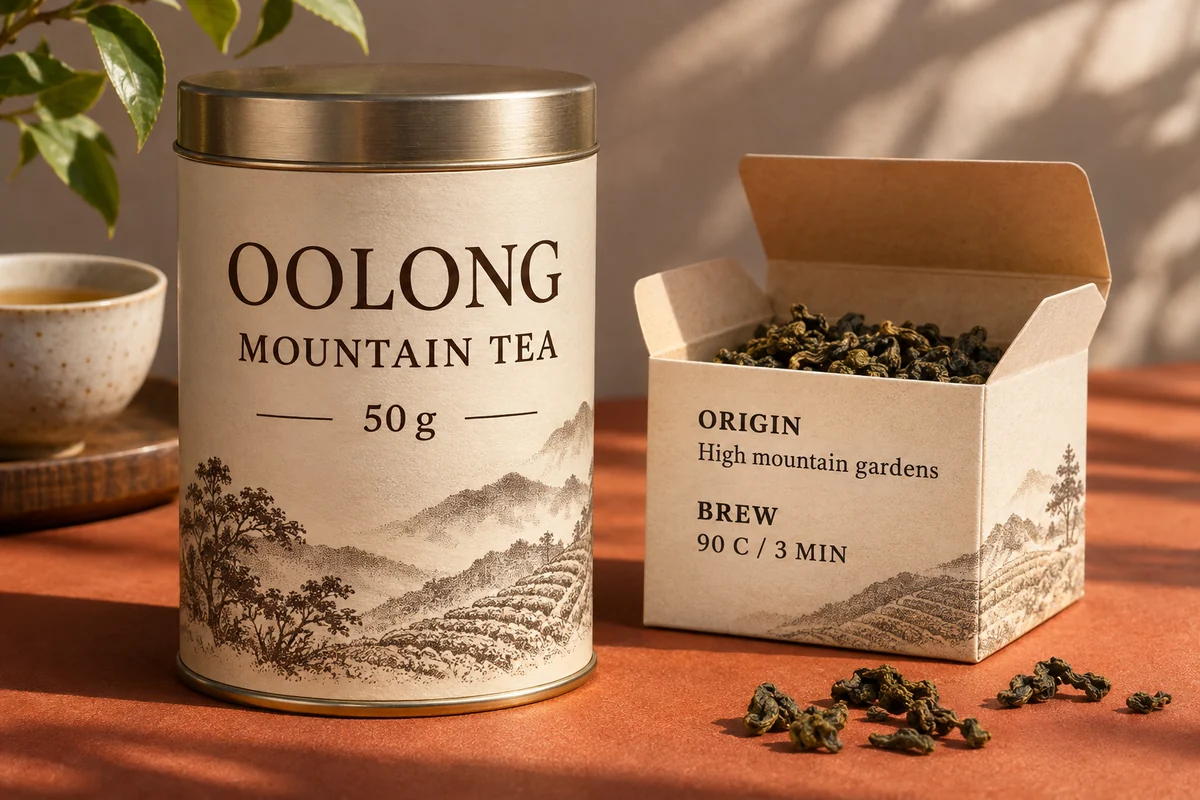
An oolong tea tin and paper box with detailed origin and brewing labels

Enlarge small lettering with Unblur Text

Combine text enhancement with a larger image when labels or captions feel too small on screen. High Fidelity offers 1K, 2K, and 4K output choices, subject to the original dimensions. Unblur Text gives you more room to inspect existing lettering, captions, and labels.

Try your image
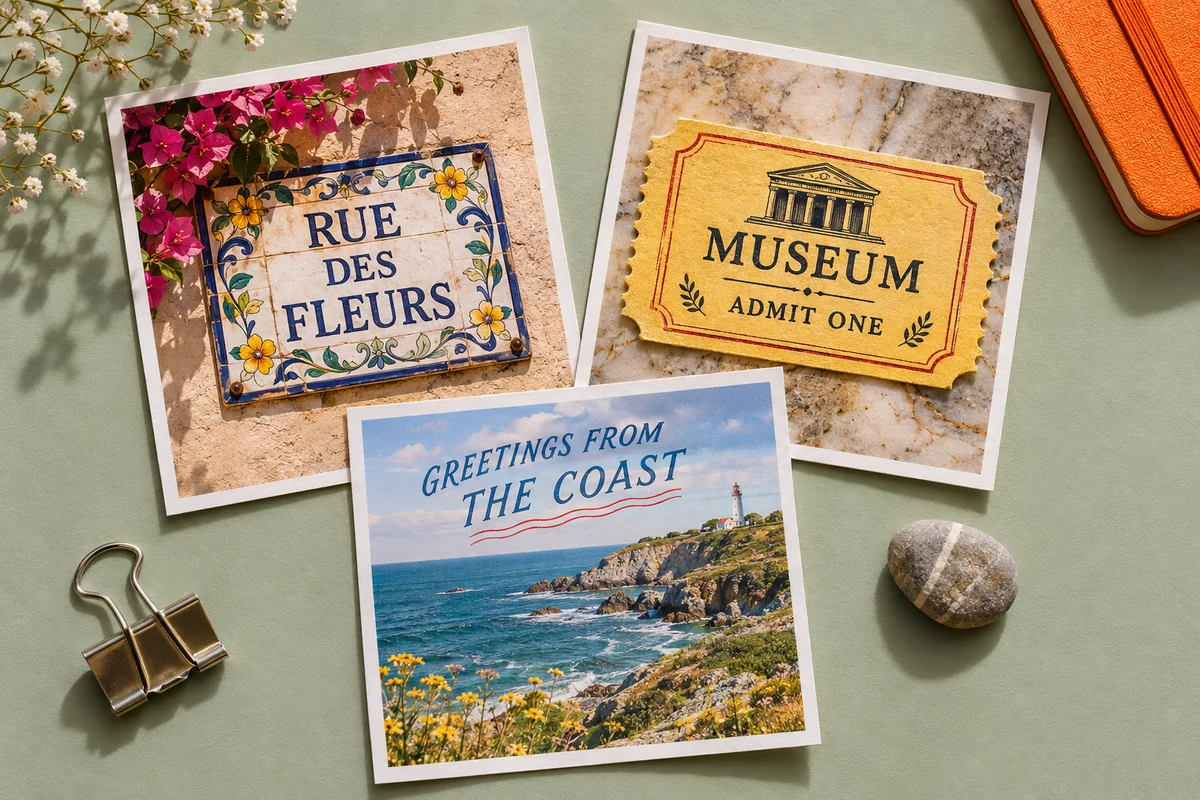
Separate prints of a street sign, museum ticket, and coastal postcard on a sage desk

Work through a whole set of text photos

Add up to 20 images and apply one set of enhancement settings. Unblur Text keeps individual previews together, so you can check each page, ticket, or reference photo before downloading finished results in a ZIP. Spend less time repeating the same upload and download steps.

Try your image

How to Unblur Text in an image

  1. 1

    Upload your image

    Add your clearest original JPG, PNG, or WebP to Unblur Text, or try the sample.

  2. 2

    Choose an enhancement level

    Start with Free HD or choose High Fidelity for conservative cloud enhancement. Review the displayed credit cost.

  3. 3

    Compare and download

    Slide between original and enhanced views. Check the lettering, then download your result.

Unblur Text for study, work, and travel

Study references

Revisit a photographed page or a slide saved after class.

Work notes

Prepare clearer screenshots for a project folder or presentation.

Travel memories

Take another look at a menu, museum ticket, or street sign.

Product research

Inspect photographed packaging and labels while comparing your options.

Why choose our Unblur Text tool?

Compare with the original

Use Unblur Text to inspect both versions in one workspace before keeping an enhanced image.

See the cost first

Free HD and clearly displayed cloud credit costs help you choose how to process.

Keep a collection together

Process a batch, check individual results, and download completed images together.

Unblur Text questions, answered

Which blurry images can Unblur Text improve?

Unblur Text works best when recognizable letter shapes remain, such as lightly blurred screenshots or softly focused printed pages. Results depend on the source resolution, blur, compression, and how much detail the image still contains.

Can Unblur Text recover hidden or completely unreadable words?

Covered, erased, heavily pixelated, or missing characters cannot be reliably recovered. Try the clearest original you have. If letters remain uncertain after enhancement, obtain a better image or consult the source document.

Is every letter accurate after I Unblur Text?

Accuracy varies. AI enhancement can alter character shapes, especially with tiny or heavily blurred text. Check names, dates, prices, and numbers against the original. High Fidelity is the conservative cloud option for text photos.

Can Unblur Text extract words I can copy?

Unblur Text produces an enhanced image. To copy words or create an editable document, use a separate OCR tool. Always verify its transcription against a reliable source, particularly when the starting image is unclear.

Is Unblur Text free, and is an account required?

Free HD processes at the original size in your browser without sign-in or credits. Free 2× requires sign-in. Cloud enhancement uses account credits, with the total shown before processing. Review results before spending more credits.

Which files and output sizes does Unblur Text support?

Upload JPG/JPEG, PNG, or WebP images up to 12 MB each, with up to 20 images per batch. Free HD downloads PNG. Cloud modes offer supported 1K, 2K, and 4K choices and image downloads.

What happens to my image during processing?

Free HD runs locally in your browser. Paid enhancement uploads your image for cloud processing. Choose the mode appropriate for your material, then compare and download the result from the same workspace.

Unblur Text and take a closer look

Try Unblur Text with your clearest original. Compare the lettering and save the version that is easier to inspect.

Upload an image

More ways to improve your images

Unblur Image

Improve clarity across your whole photo.

AI Image Denoiser

Reduce distracting photo grain and noise.

Image Upscaler for Printing

Prepare a larger image for your layout.

LogoUnblur Image

Enhance blurry images online for free

Tools
  • AI Image Upscaler
  • Product Photo Enhancer
  • Unblur Image Bulk
  • Unblur Blurry Face in Photo
  • Unblur Text
  • Low Light Photo Enhancer
  • Old Photo Restoration
  • Image Upscaler for Printing
  • Pixelated Image Fixer
  • Compressed Image Repair
  • AI Image Denoiser
Resources
  • Changelog
Company
  • About
  • Contact
Legal
  • Acceptable Use Policy
  • Cookie Policy
  • Privacy Policy
  • Terms of Service
© 2026 Unblur Image. All Rights Reserved.